ARCLINE
Minimal
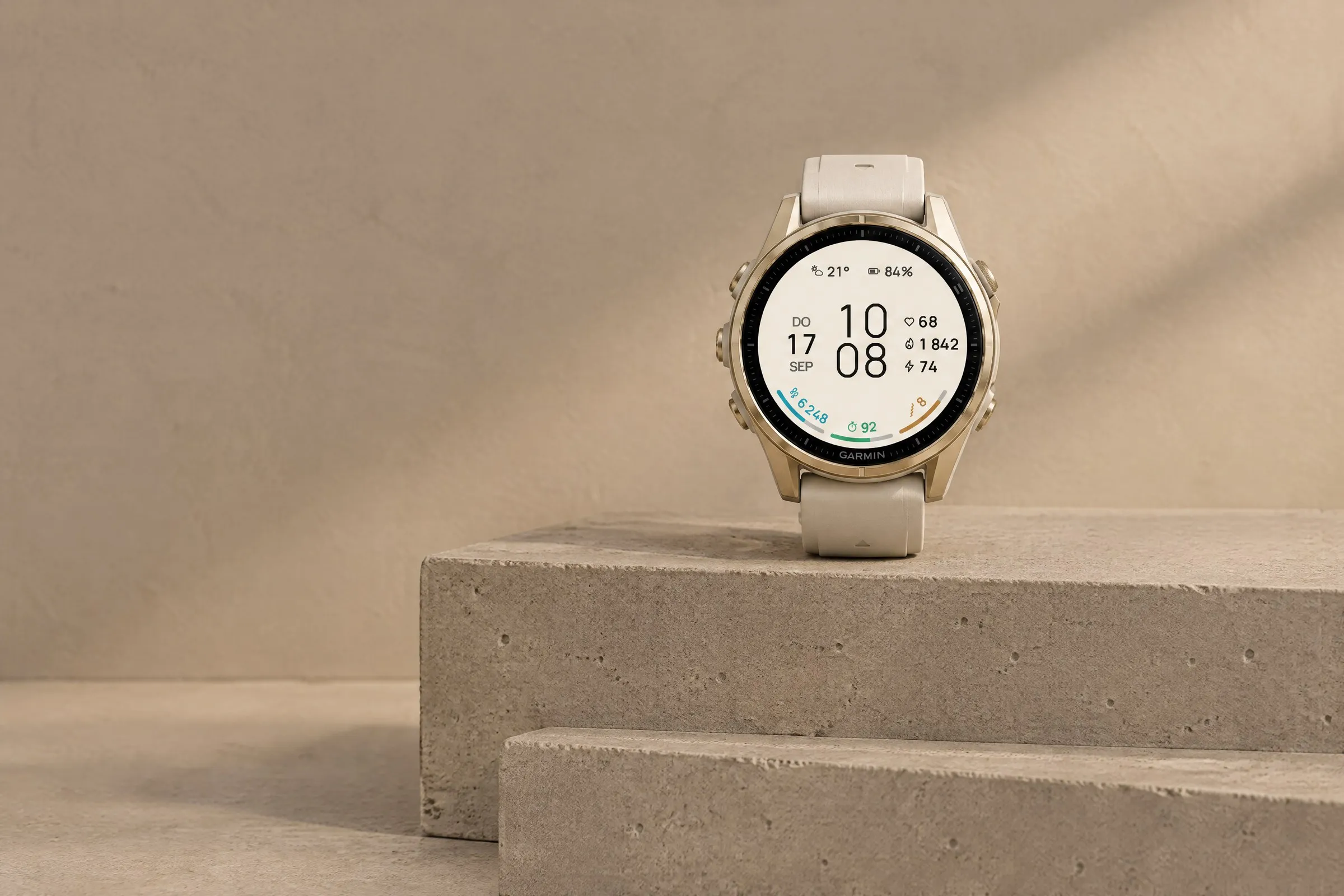
Large digital time with three colorful goal arcs for steps, intensity minutes and Body Battery. Light or dark.
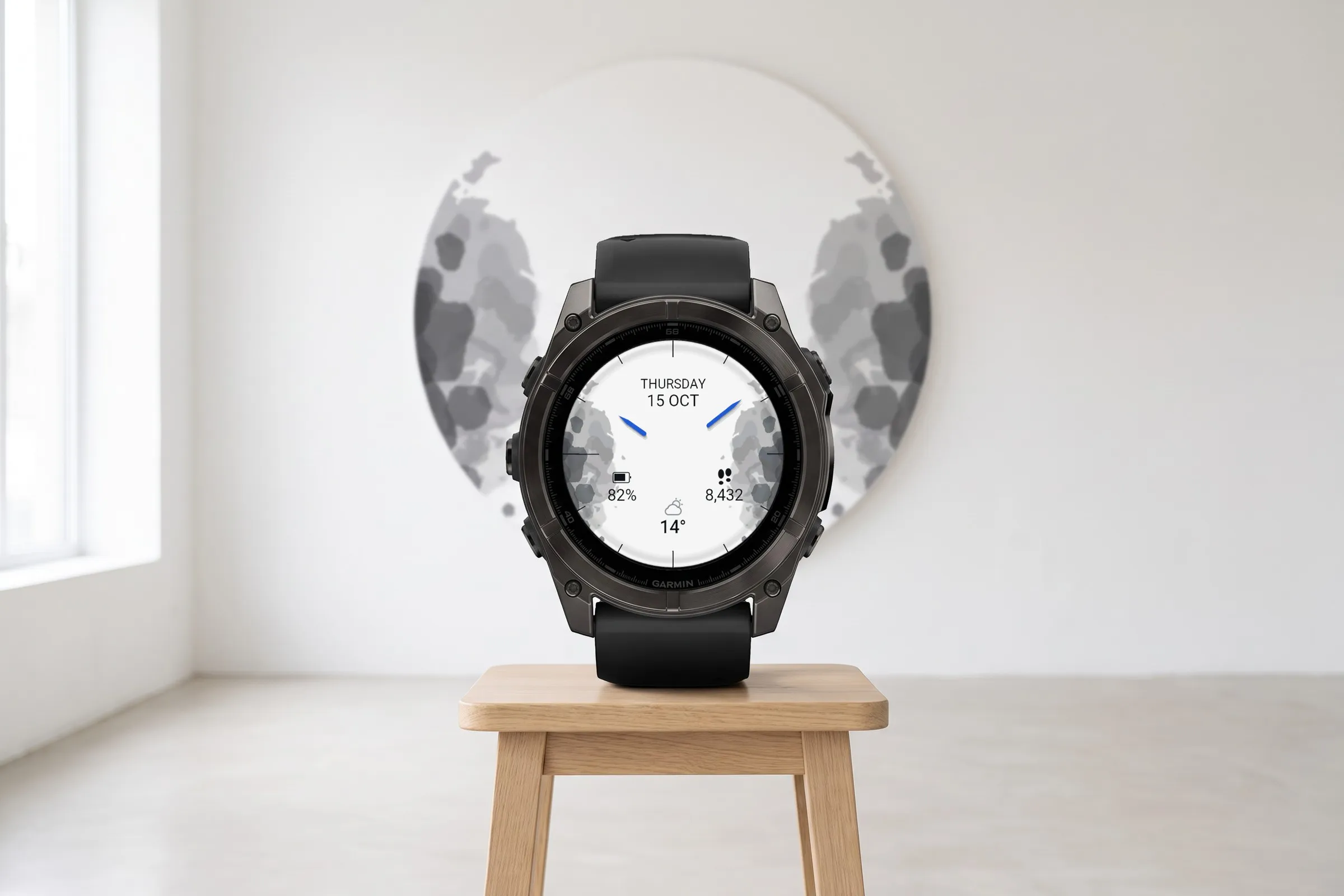
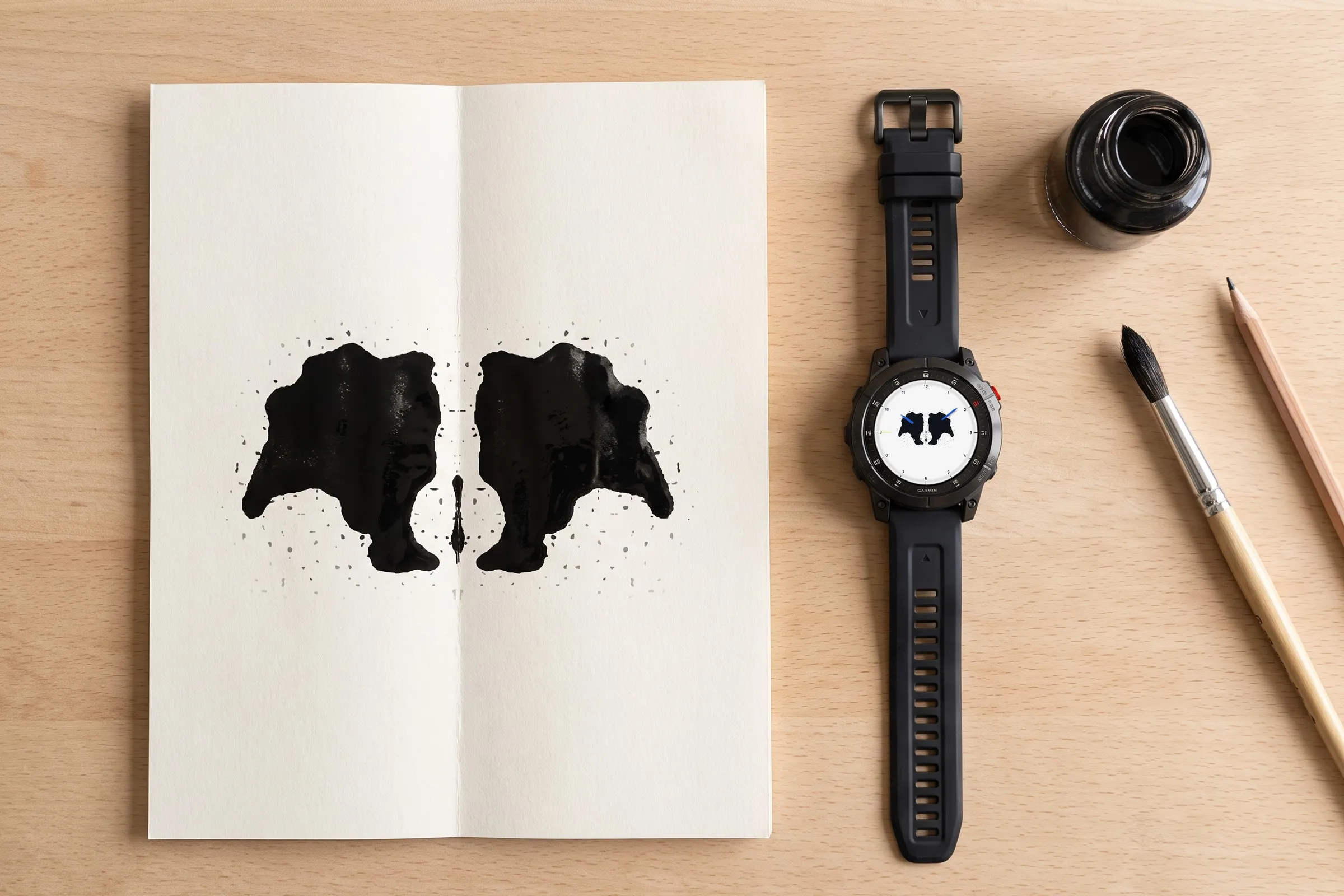
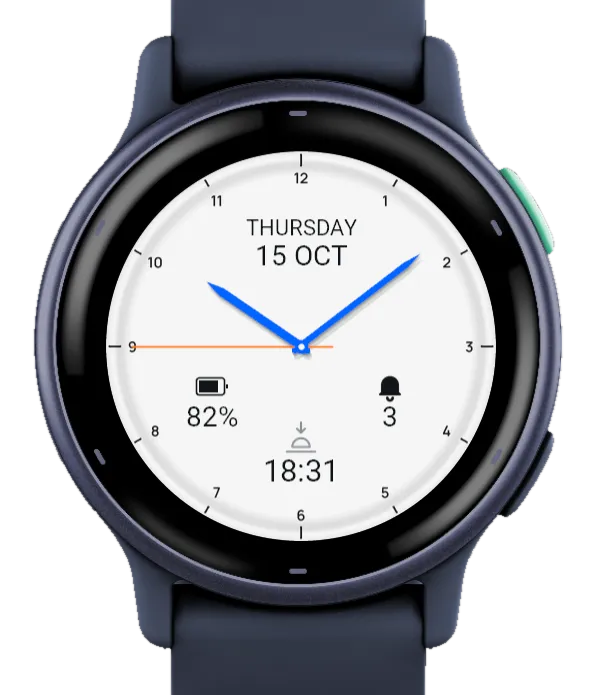
Ulm is an analog Garmin watch face with symmetrical ink blots on a light dial, inspired by the Rorschach test. The ink sits along the edge, as a wide band across the dial or as a single blot in the center. The weekday and date sit at the top, with three fields for values such as battery, steps or weather.
 AI-generated
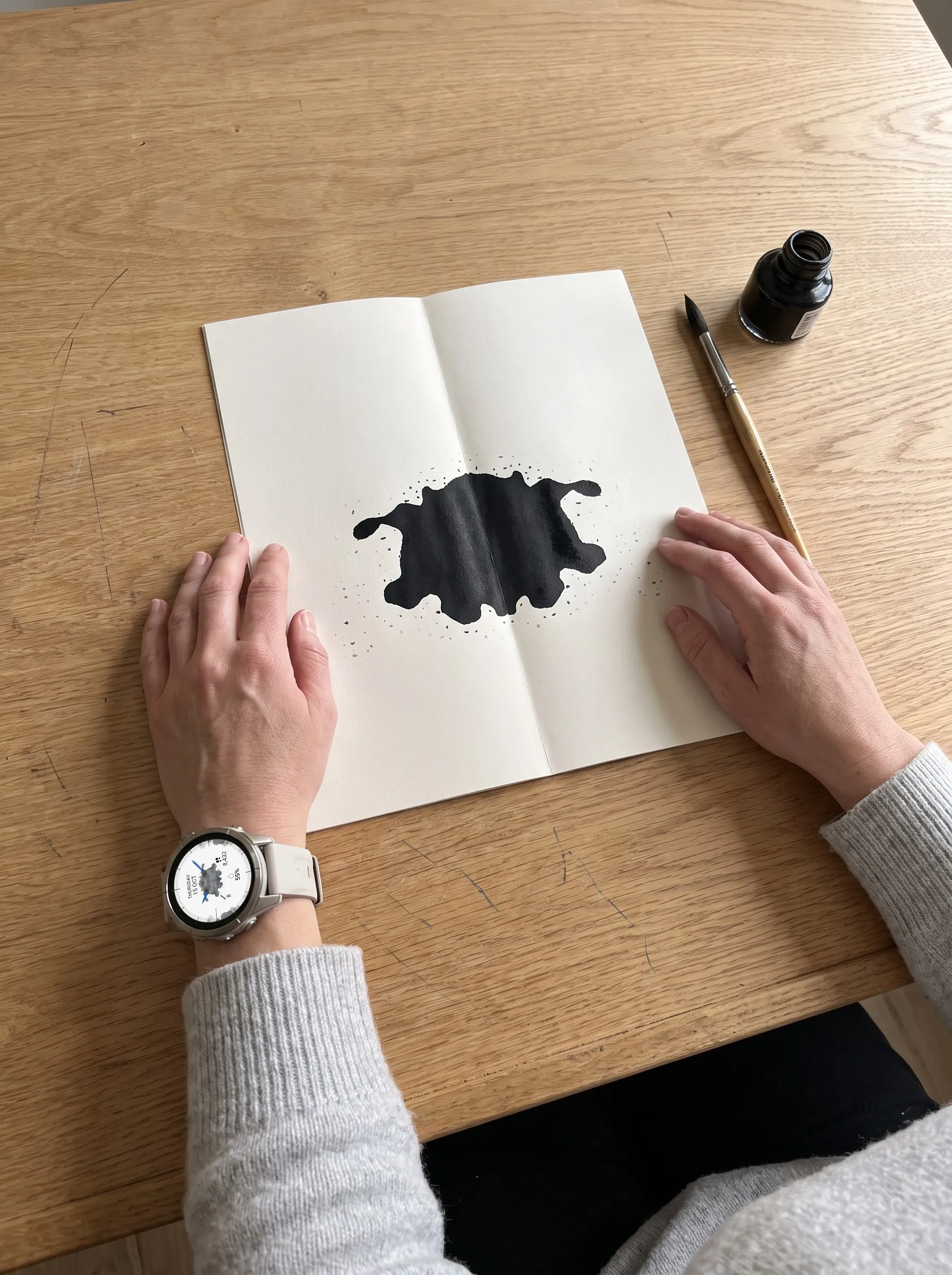
Ulm is named after the Ulm School of Design (Hochschule für Gestaltung Ulm), which ran from 1953 to 1968. The dial is almost white, with fine ticks or numerals marking the hours. On top sits an ink blot, mirrored left and right like the cards of the Rorschach test, where everyone sees something different in the same shapes.
Pro gives you 30 blots of three kinds: blots along the edge, a wide band across the dial, or a single blot in the center with splashes toward the edge. Free includes one of each kind: blots 1, 12 and 23. In Pro you color the ink in one of 13 colors, in greyscale or solid, or switch the pattern off.
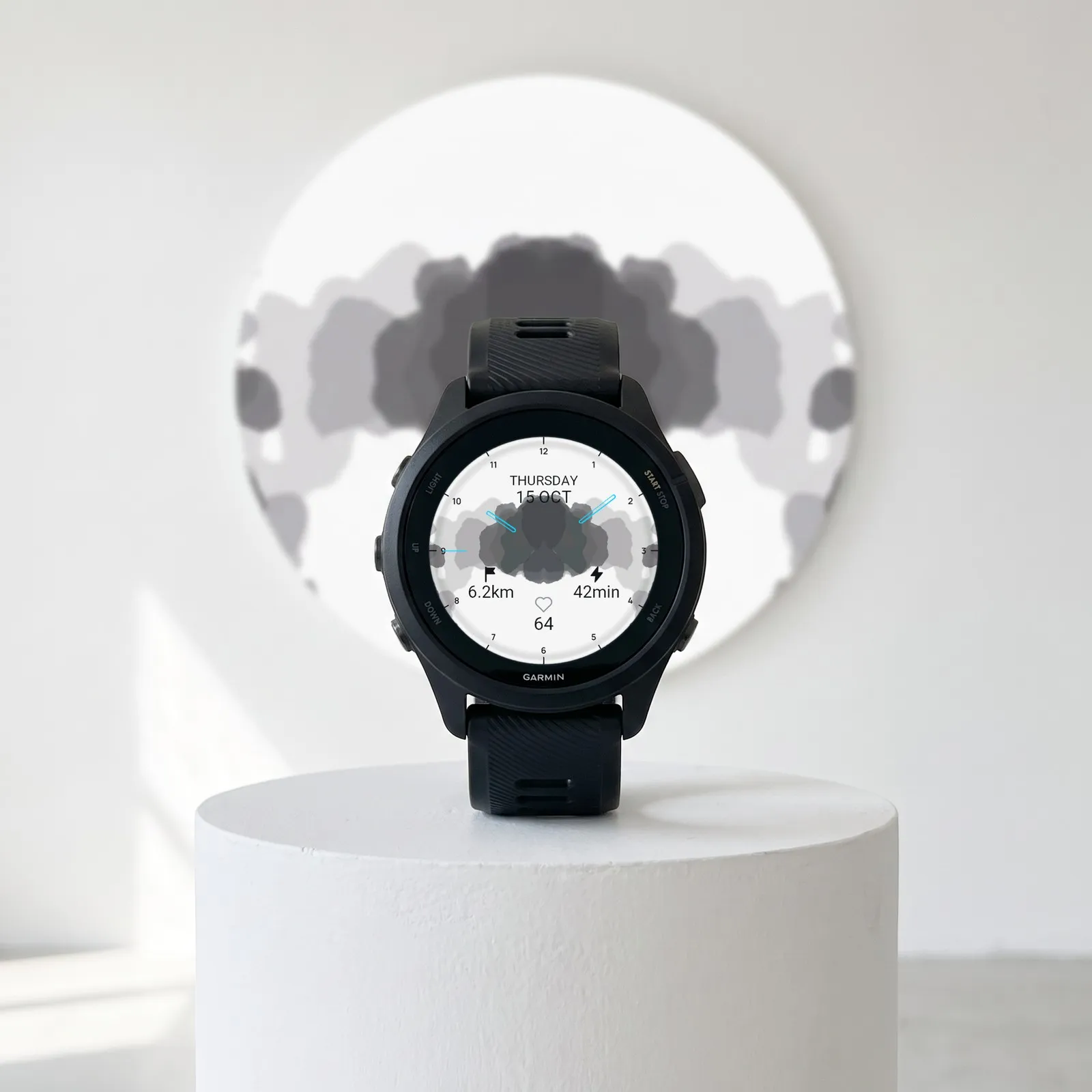
What you see on the display and what each element shows.
 AI-generated
Date
The weekday with the day and month below, in your watch language. You can hide it in Pro.
Hands
In Pro: lance or hollow, outer fragment or full length, in one of 13 colors. Shown: hollow cyan hands.
Left and right fields
In Pro, pick one of 27 values for each or leave it empty. Shown: distance and active minutes.
Hour marks
Fine ticks, grey numerals or black numerals. Shown: black numerals.
Blot
One of 30 blots, in greyscale or solid. Shown: blot 16 as a grey band.
Bottom field
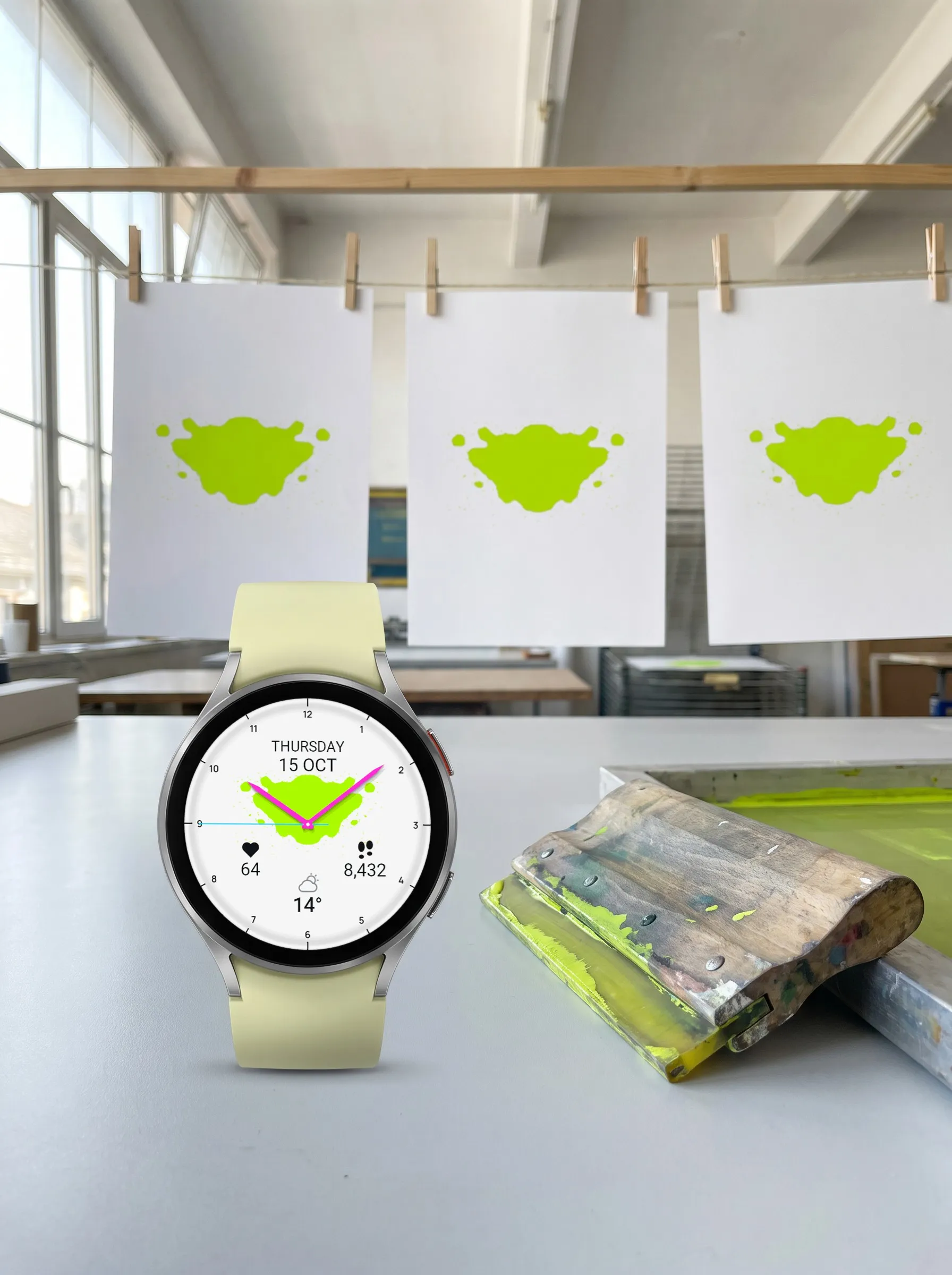
Also one of 27 values in Pro. Free shows the weather, the photo shows heart rate.
In Pro you set three fields: left, right and bottom. Each offers the same 27 values. You can use a value twice or leave a field empty with “None”. “Next sun event” shows the next sunrise or sunset. Which values appear depends on your watch. Free always shows battery on the left, steps on the right and the weather at the bottom.
The 30 blots come in three kinds. Free includes one of each, Pro all 30. The images show the three Free blots with the default settings.
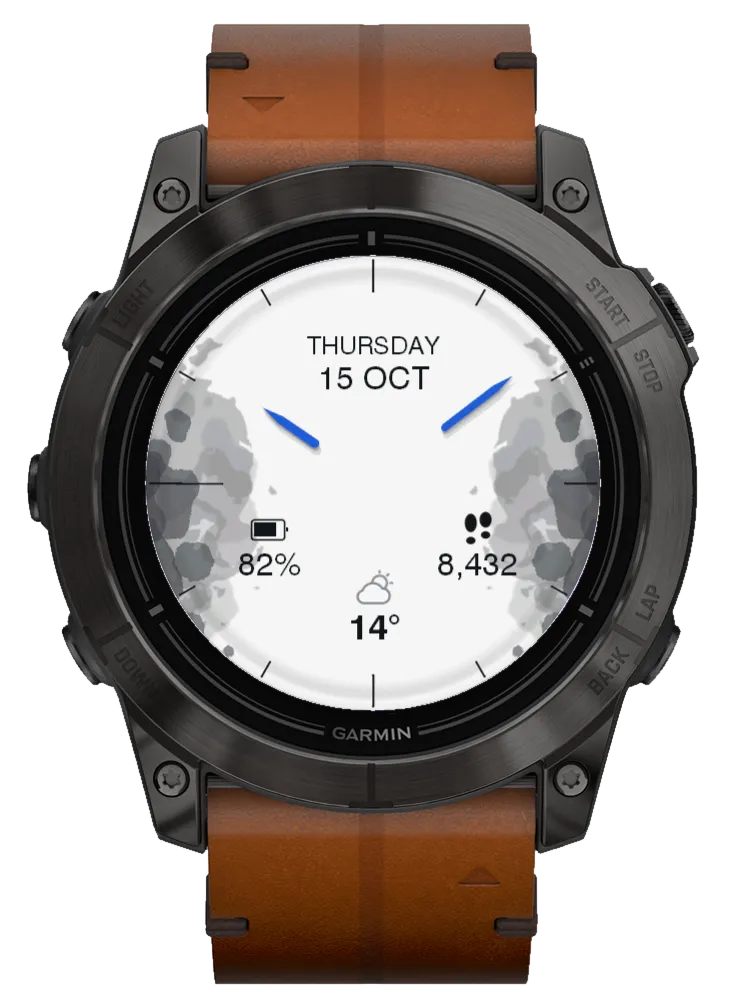
Blot 1: along the edge
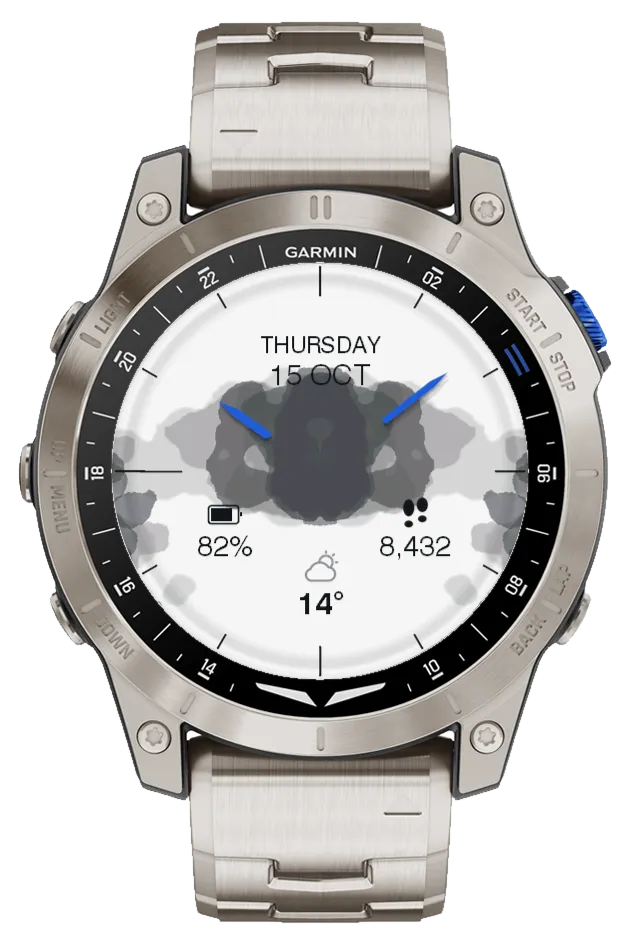
Blot 12: wide band
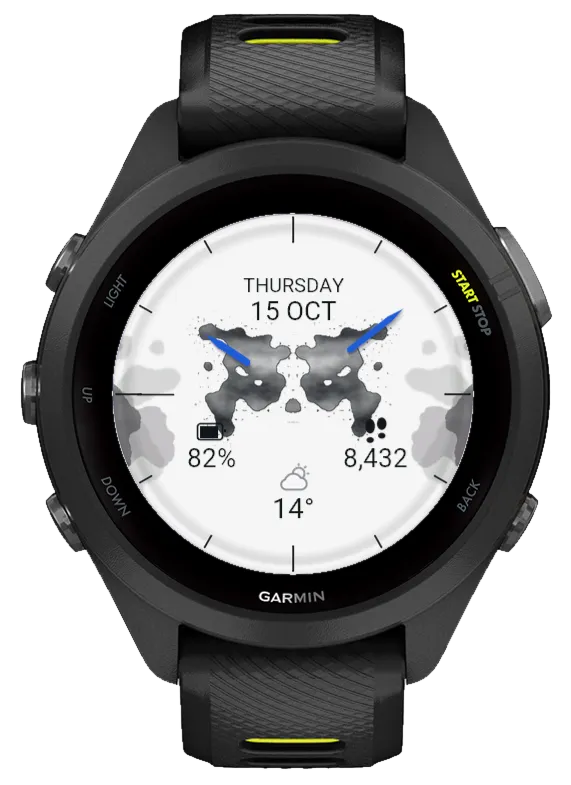
Blot 23: center blot
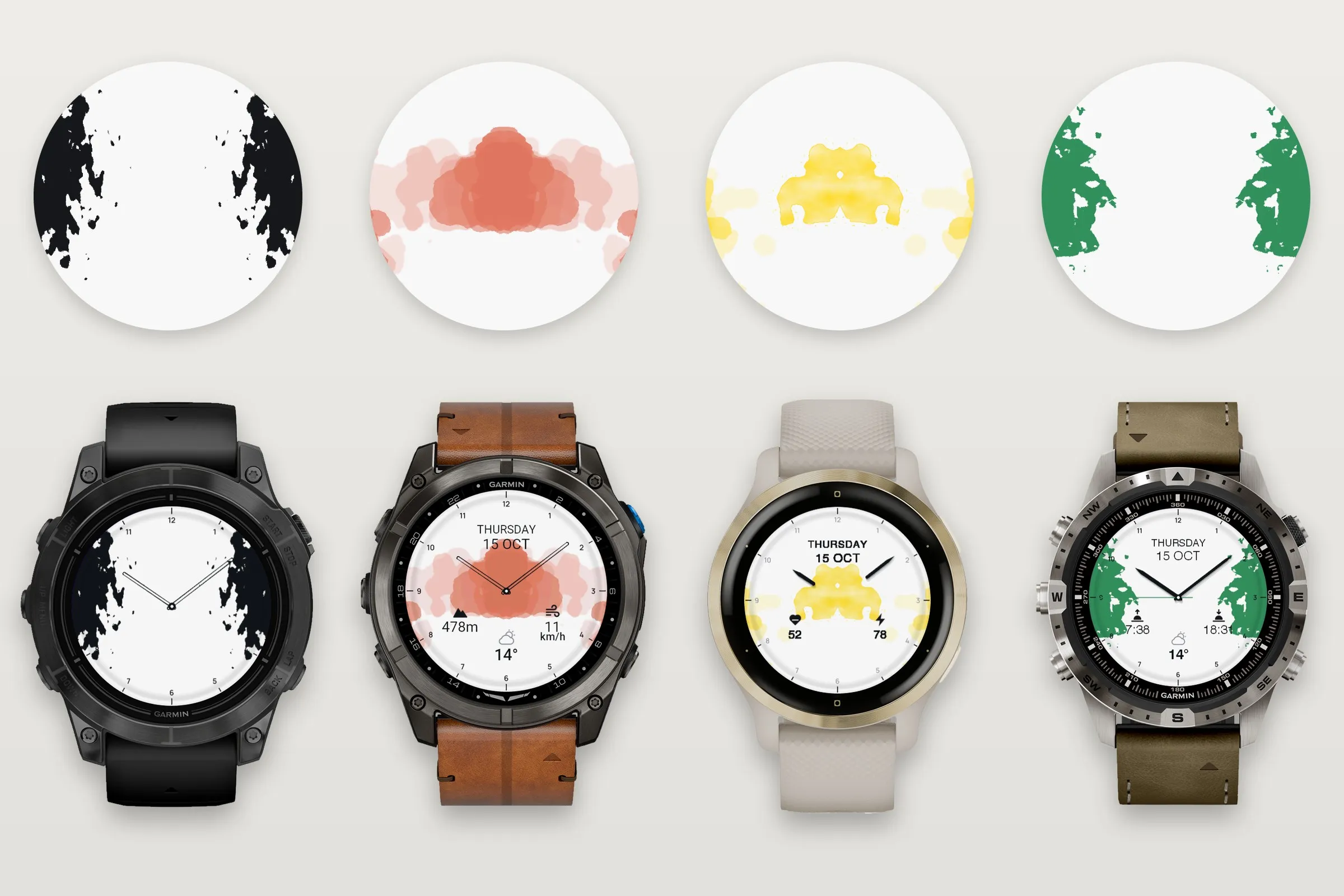
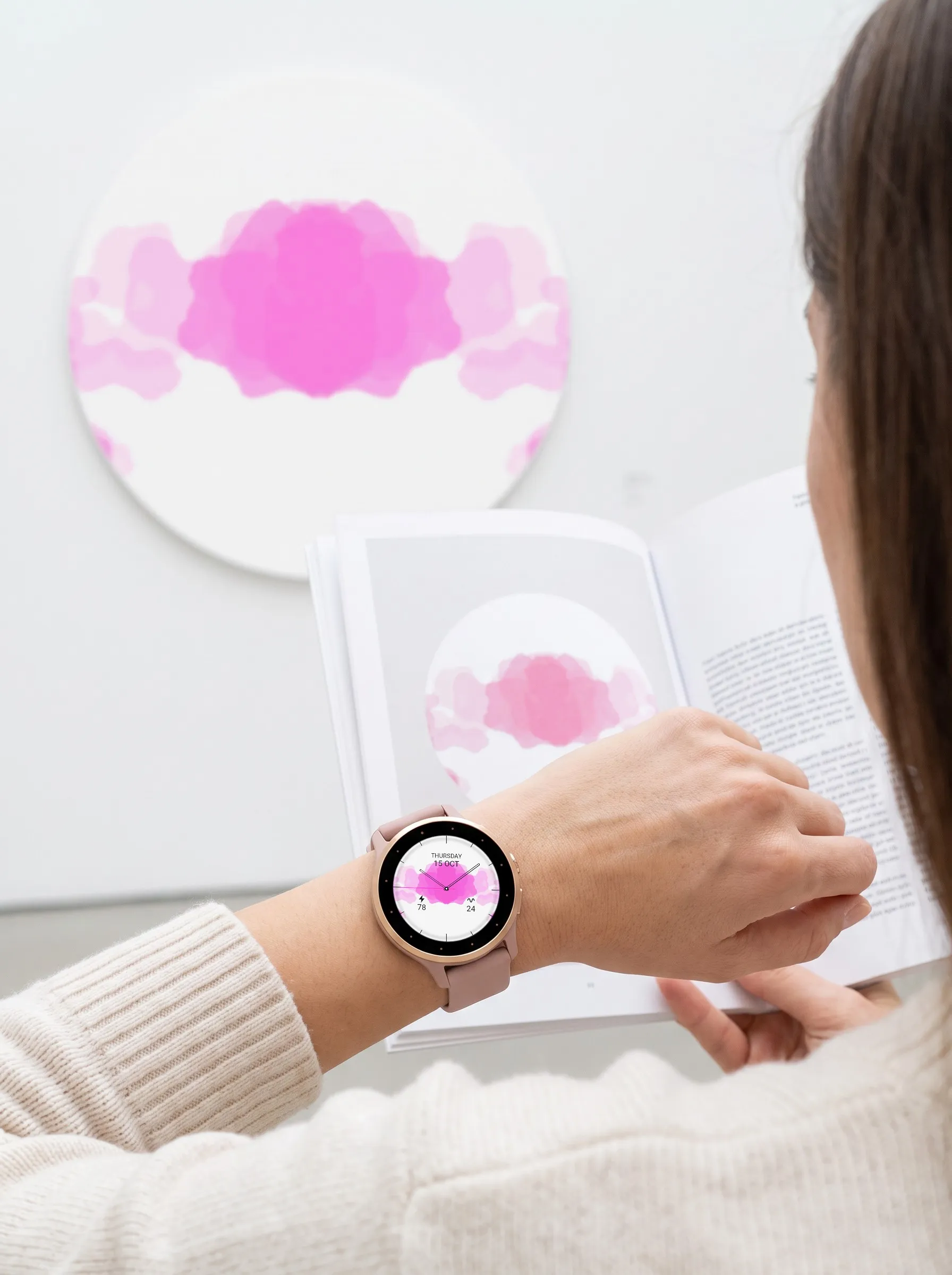
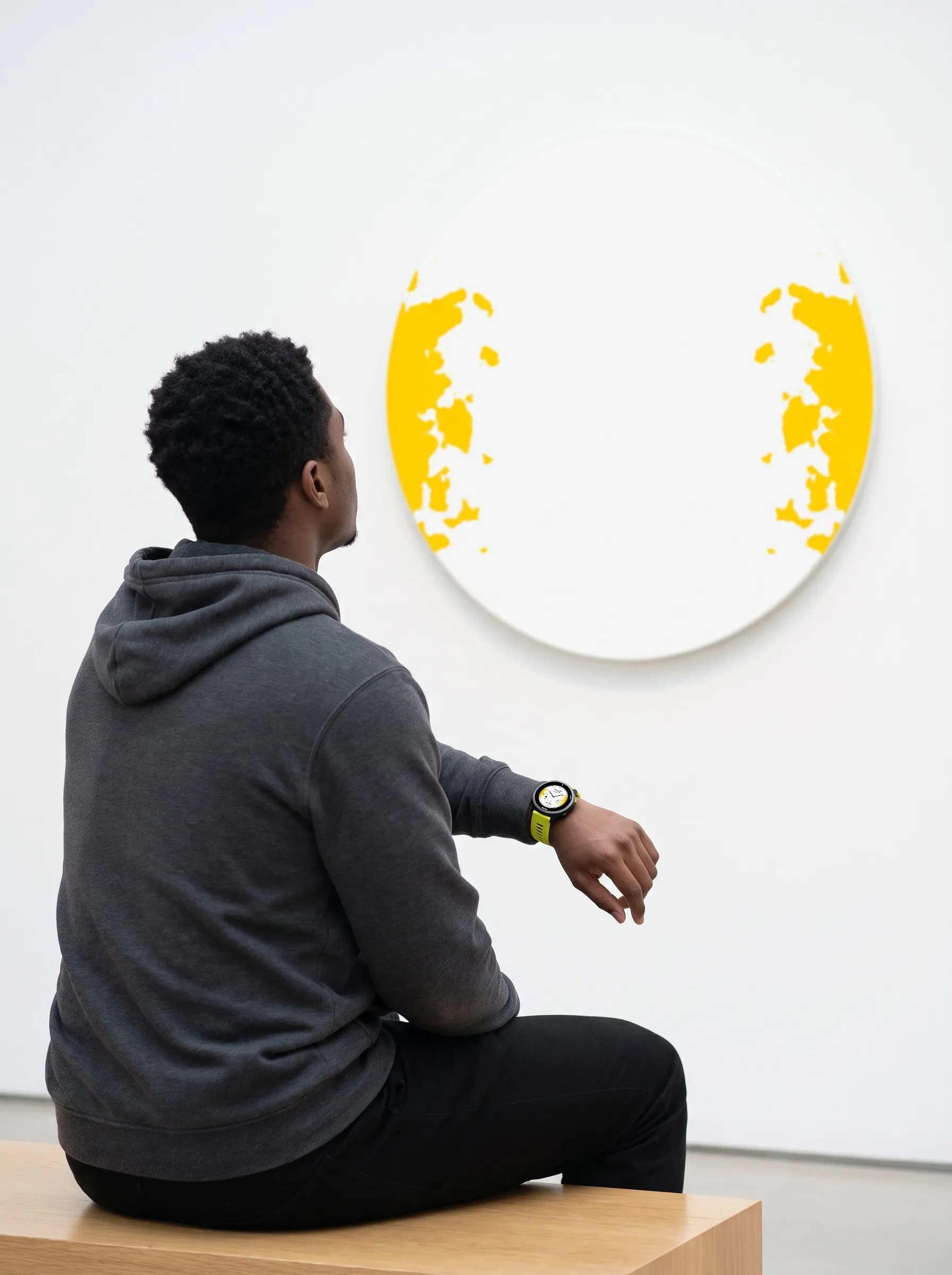
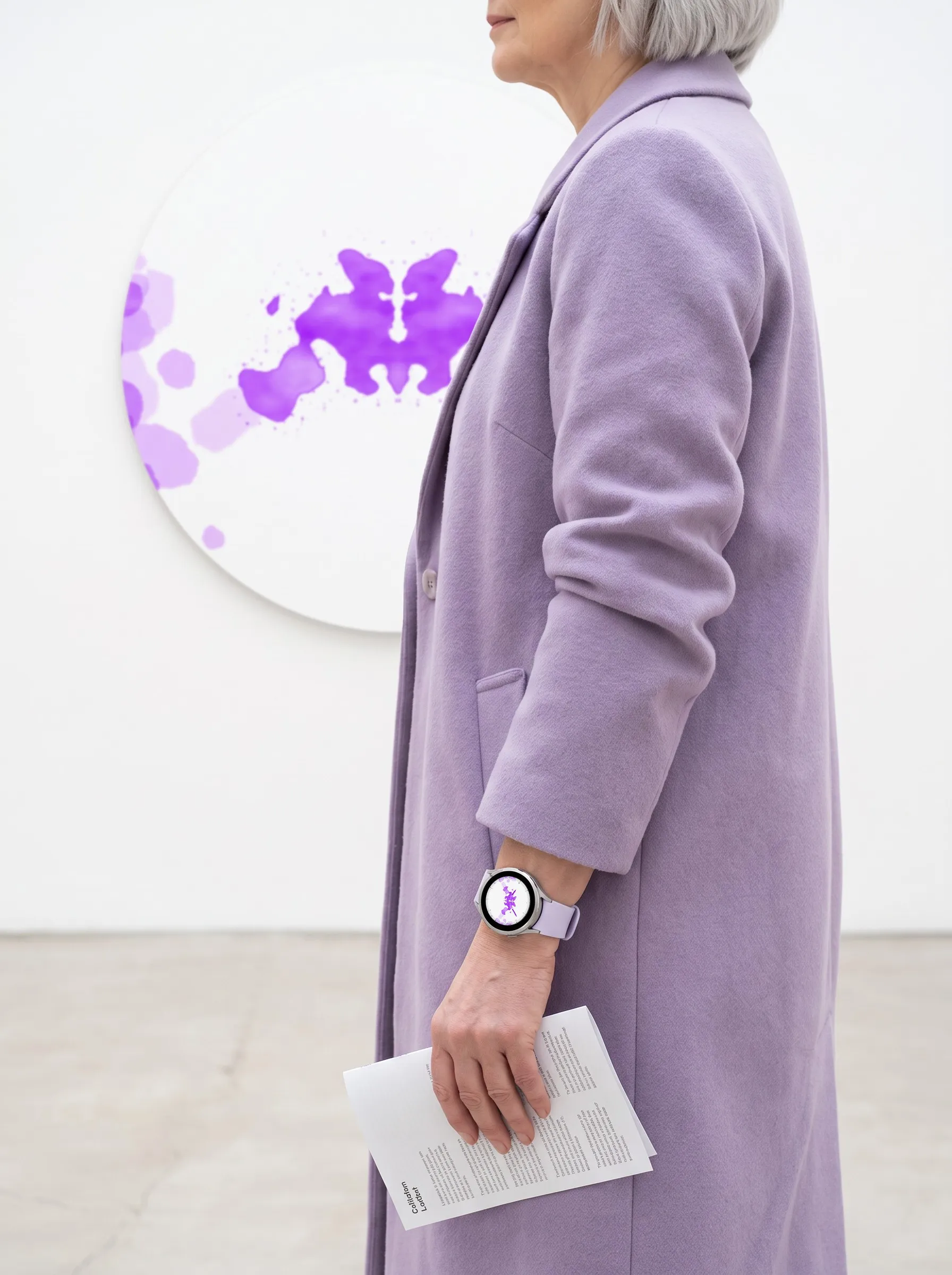
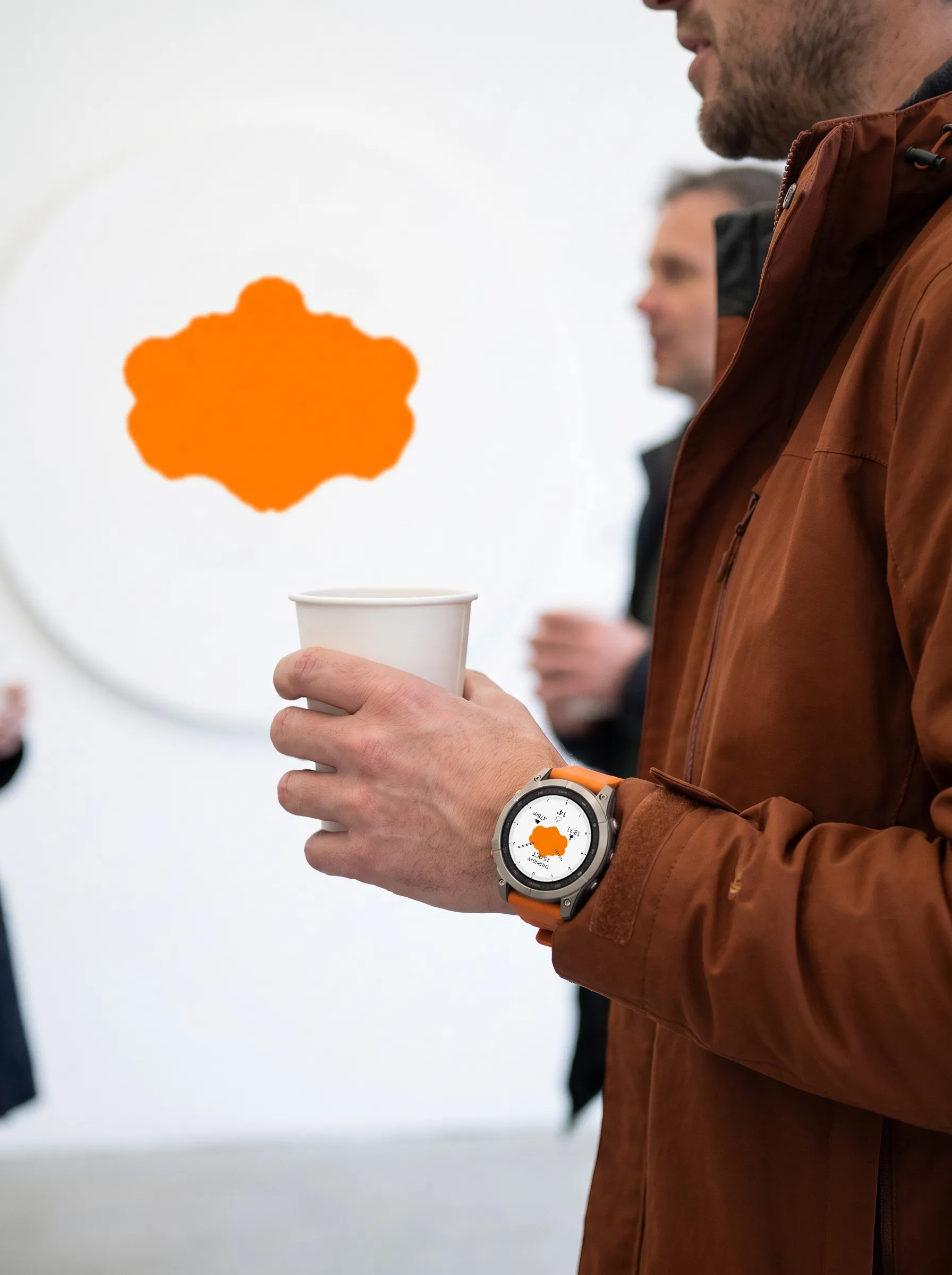
Pro colors the ink in one of 13 colors: soft shading in Greyscale, one strong color in Solid. The hands and the seconds hand each get their own color from the same list. Free keeps the default look with grey ink, blue hands and a black seconds hand. The photo shows an epix Pro, D2 Mach 2 Pro, Venu 2S and MARQ with four setups, five more on other Garmin watches below.
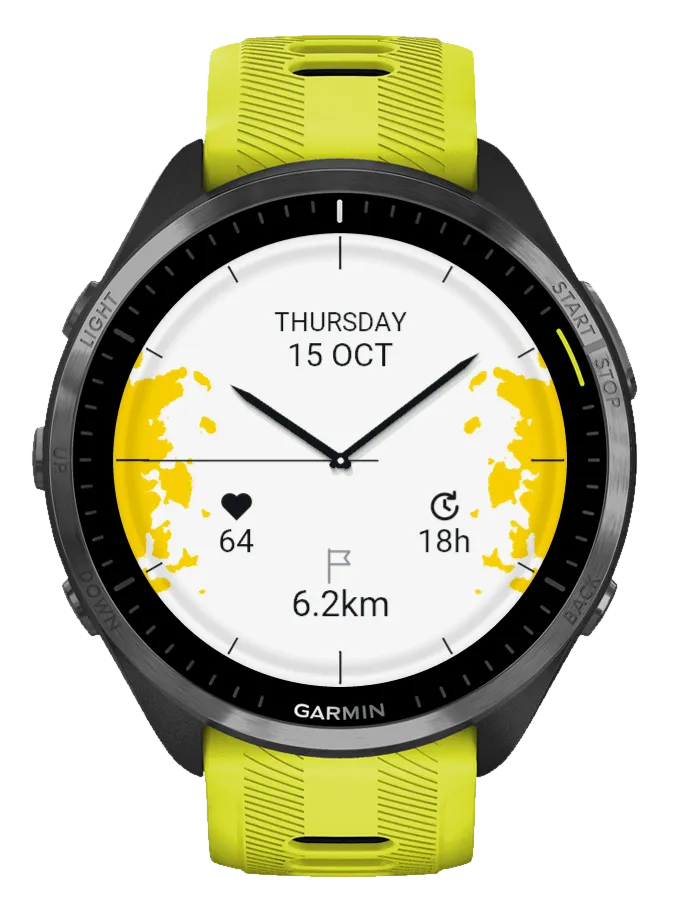
Yellow, solid
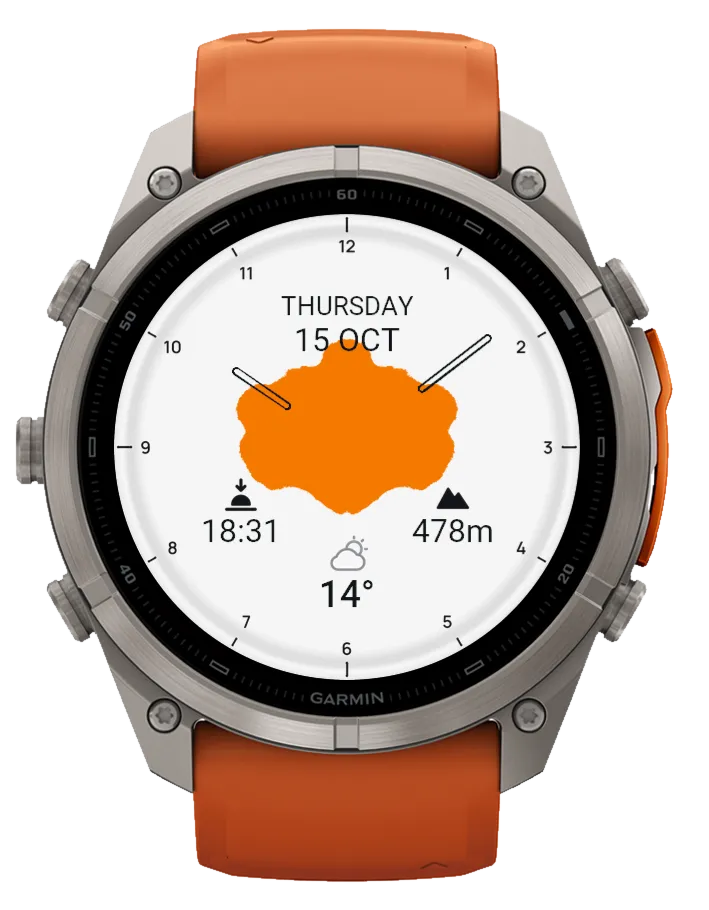
Orange, solid, hollow hands
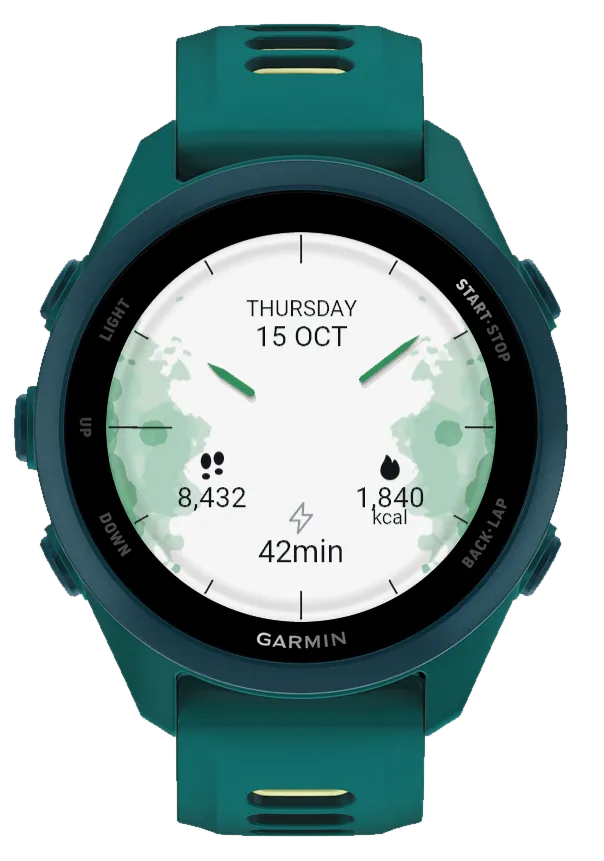
Green, greyscale
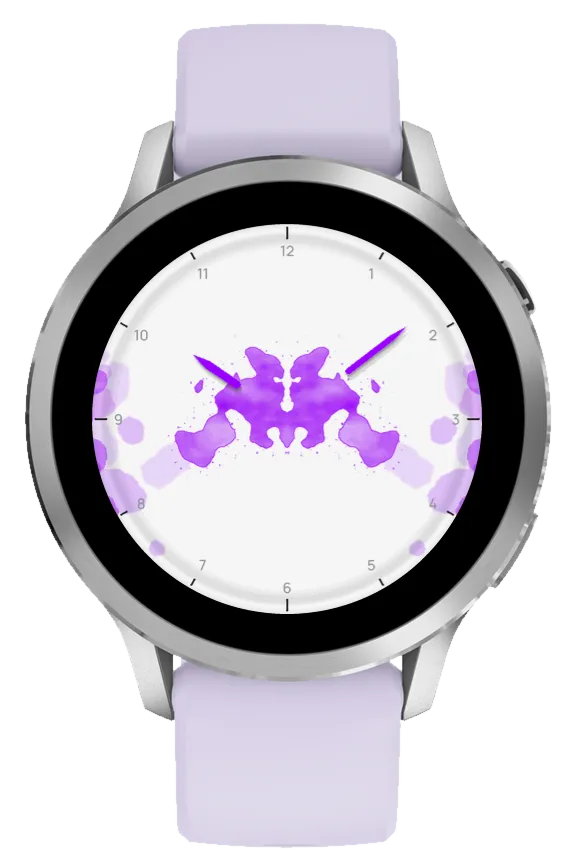
Violet, no date or fields
No pattern
 AI-generated
 AI-generated
 AI-generated
 AI-generated
 AI-generated
 AI-generated
These photos show Ulm on six Garmin watches: Venu 3S, Venu 4, fēnix 9, Forerunner 965, fēnix 9 Pro and a second Venu 4, each with a different blot and color.
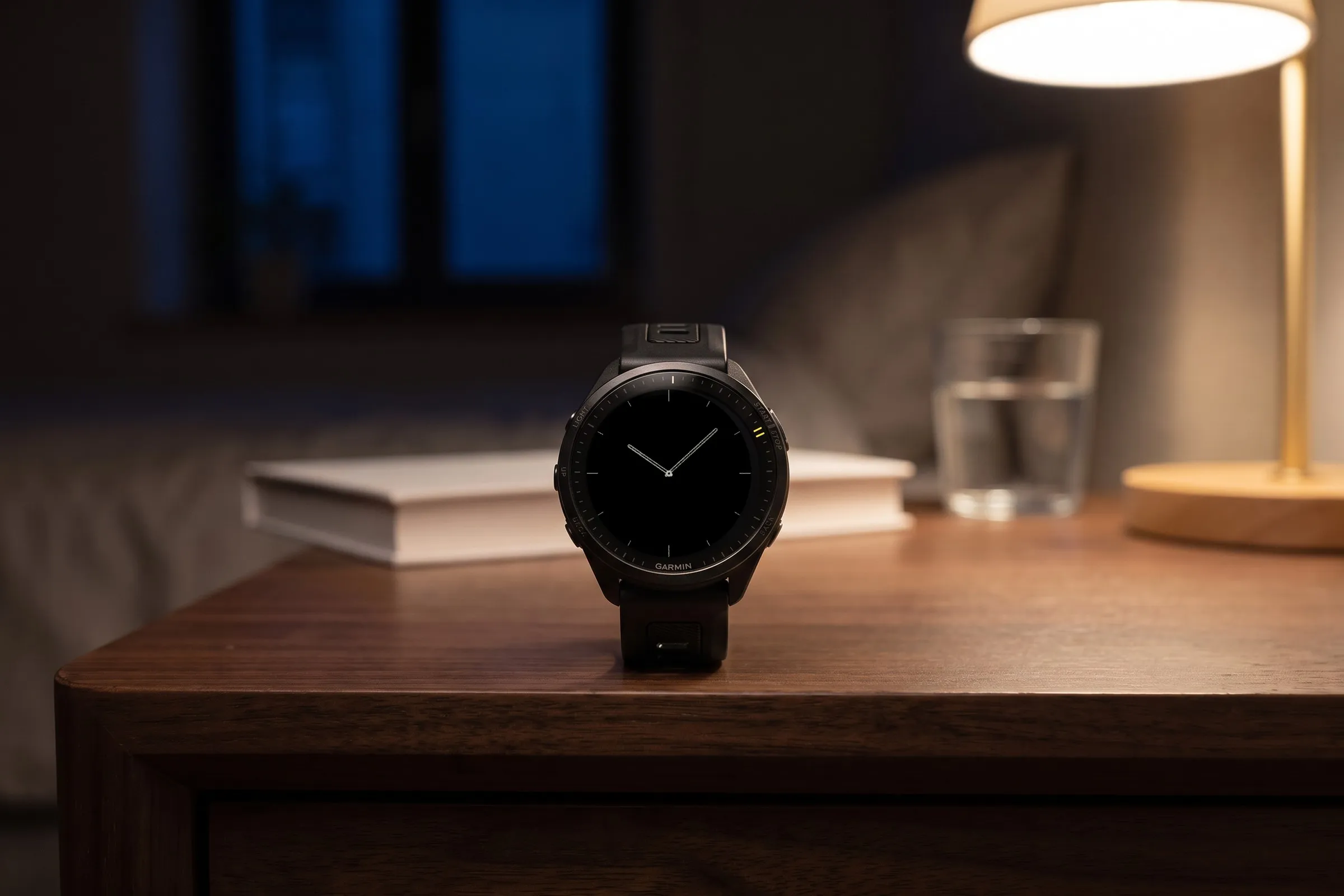
Always-on shows only the hour ticks and the hour and minute hands in grey, in your chosen shape and length. The ink, date, fields and seconds hand are hidden, so only a small part of the display lights up.
 AI-generated
On the watch face, hold the middle left button (UP/MENU), choose “Watch Face” and then “Customize”. Every change shows up instantly in the preview. On Venu, vívoactive and other two-button watches, hold the lower right button instead.
Pattern
Set up the ink. The watch face updates as you scroll.
Blot
One of 30 blots. In Free you choose blot 1, 12 or 23.
Show patternPro
Turns the ink off for a plain light dial with ticks or numerals.
Pattern tonePro
Greyscale with soft shading or Solid in one strong color.
Pattern colourPro
One of 13 colors for the ink.
HandsPro
Shape, length and color of the hands.
Hand shapePro
Lance, pointed and filled, or Hollow, outline only.
Hand lengthPro
Fragment shows only the outer part, Full reaches the center.
Hand colourPro
One of 13 colors for the hour and minute hands.
SecondsPro
Shows or hides the seconds hand, with its own color under “Seconds colour”.
DialPro
Hour marks and date.
Hour marksPro
Ticks, grey numerals or black numerals.
DatePro
Shows or hides the weekday and date at the top.
FieldsPro
Set the left, right and bottom field to one of 27 values or hide it with “None”.
Save
Applies your changes, “Discard” keeps everything as it was.
| Feature | FreeNo time limit | Pro$2.49 one-time |
|---|---|---|
| Design | ||
| Blots | 3 | 30 |
| Turn the pattern off | Not included | Included |
| Choose hand shape and length | Not included | Included |
| Hour marks as ticks or numerals | Ticks | Included |
| Hide the date | Not included | Included |
| Reduced always-on view | Included | Included |
| Colors | ||
| Ink color | Grey | 13 |
| Greyscale or solid tone | Greyscale | Included |
| Hand and seconds colors | Blue, black | 13 each |
| Hide the seconds hand | Not included | Included |
| Data | ||
| Customizable fields | Not included | All 3 |
| Values to choose per field | Not included | 27 |
| Hide fields | Not included | Included |
| Settings | ||
| Settings on the watch with live preview | Included | Included |
| Menu in six languages | Included | Included |
The watch face runs on these Garmin watches:
Open the Connect IQ Store app on your phone. If you don’t have it yet, get it free from the App Store or Google Play and sign in with your Garmin account.
Tap the search bar at the very top and type Ulm. Open “Analog Inkblot - Ulm Free” (free) or “Analog Inkblot - Ulm Pro” ($2.49 one-time).
Free: tap the big blue “Install” button. Pro: buy it first and pay with your Garmin account, then tap “Install”. Your watch gets the watch face the next time it syncs with Garmin Connect.
On your Garmin watch, hold the middle left button (UP/MENU) while the watch face is showing. Select “Watch Face”. Scroll to Ulm: with the left up and down buttons or by swiping the screen. Confirm with the top right button (START) or a tap. On Venu, vívoactive and other two-button watches, hold the lower right button, select “Watch Face”, swipe to Ulm and tap it.
Ulm runs on more than 50 Garmin watches (39 device profiles) with a round AMOLED or MicroLED display, from these series: fēnix, epix, Forerunner, Venu, vívoactive, quatix, tactix, D2, MARQ (Gen 2), Descent and Approach. You will find every model under “Does it fit your Garmin?” above, with a filter by series. On the D2 Air X10 only the Free version is available in the store. Instinct 3 AMOLED, Forerunner 70 and 165, Descent G2, Approach S50 and vívoactive 5 cannot show the soft grey shading of the ink and are not supported, nor are watches with a MIP display.
Ulm Free costs nothing and has no time limit. It shows the default look: grey ink, blue lance hands, a black seconds hand, hour ticks, the date and battery, steps and weather in the three fields. You choose the blot: 1, 12 or 23. Pro is a separate watch face for a one-time $2.49 with all 30 blots, greyscale or solid ink in 13 colors, hand shape, length and colors, numerals instead of ticks and three fields with 27 values each.
Open the Connect IQ Store app on your phone, tap the search bar at the very top and type Ulm. Open “Analog Inkblot - Ulm Free” and tap “Install”; for “Analog Inkblot - Ulm Pro” you buy first, then install. After your watch syncs with Garmin Connect, hold the middle left button (UP/MENU), select “Watch Face” and pick Ulm. The detailed steps are further up this page.
Yes. On the watch face, hold the middle left button (UP/MENU), select “Watch Face” and then “Customize”. In Free you pick the blot there, in Pro every setting.
Ulm borrows the form: symmetrical ink blots in which everyone sees something different. Each blot is mirrored left and right. The watch face contains no test and no interpretation.
No. “Analog Inkblot - Ulm Pro” is a one-time purchase of $2.49 and installs as a separate watch face. Buying it does not change an existing Free installation.
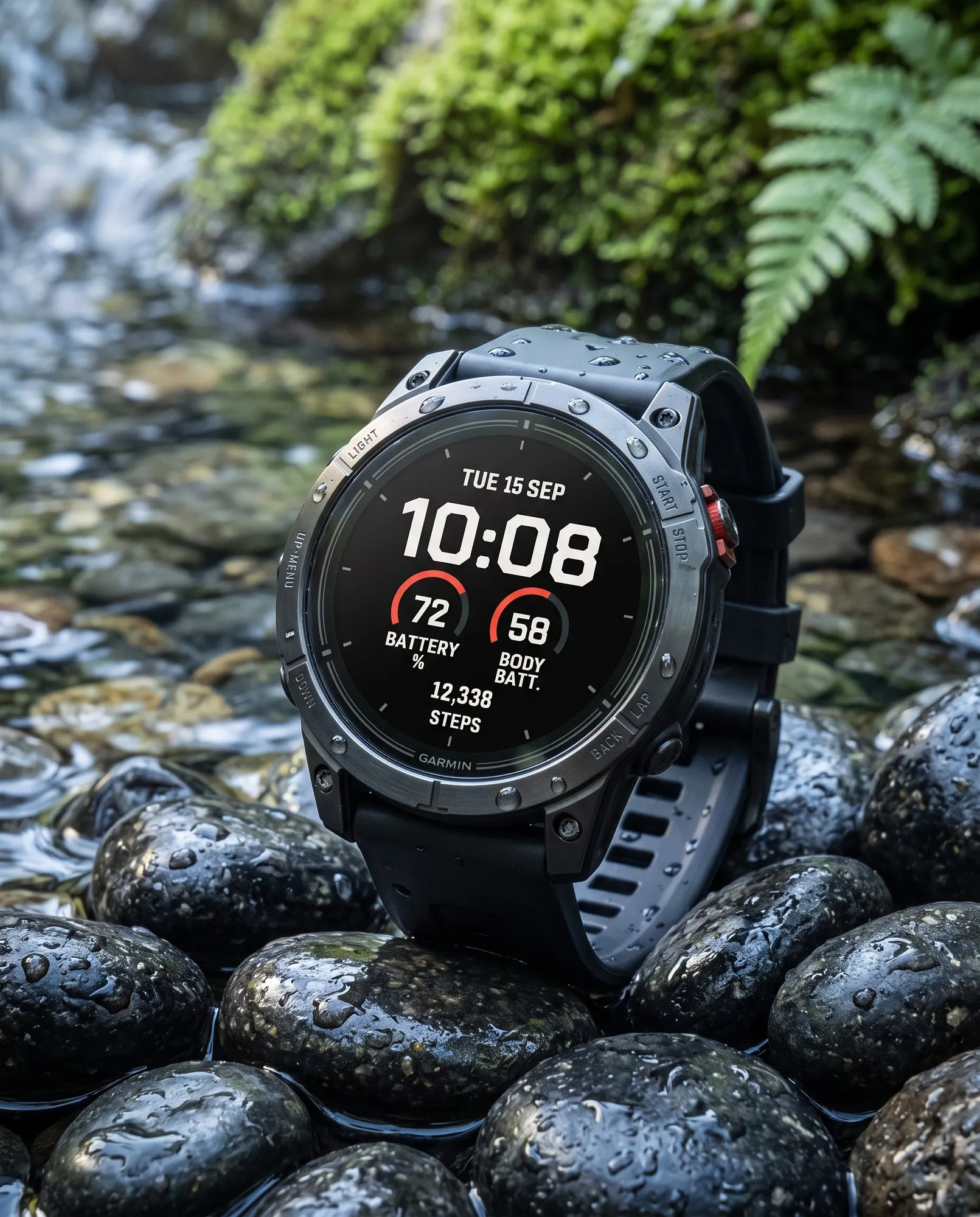
Minimal
Large digital time with three colorful goal arcs for steps, intensity minutes and Body Battery. Light or dark.
Big Digital
Big, high-contrast time in the center, a gauge on each side and your step count below.
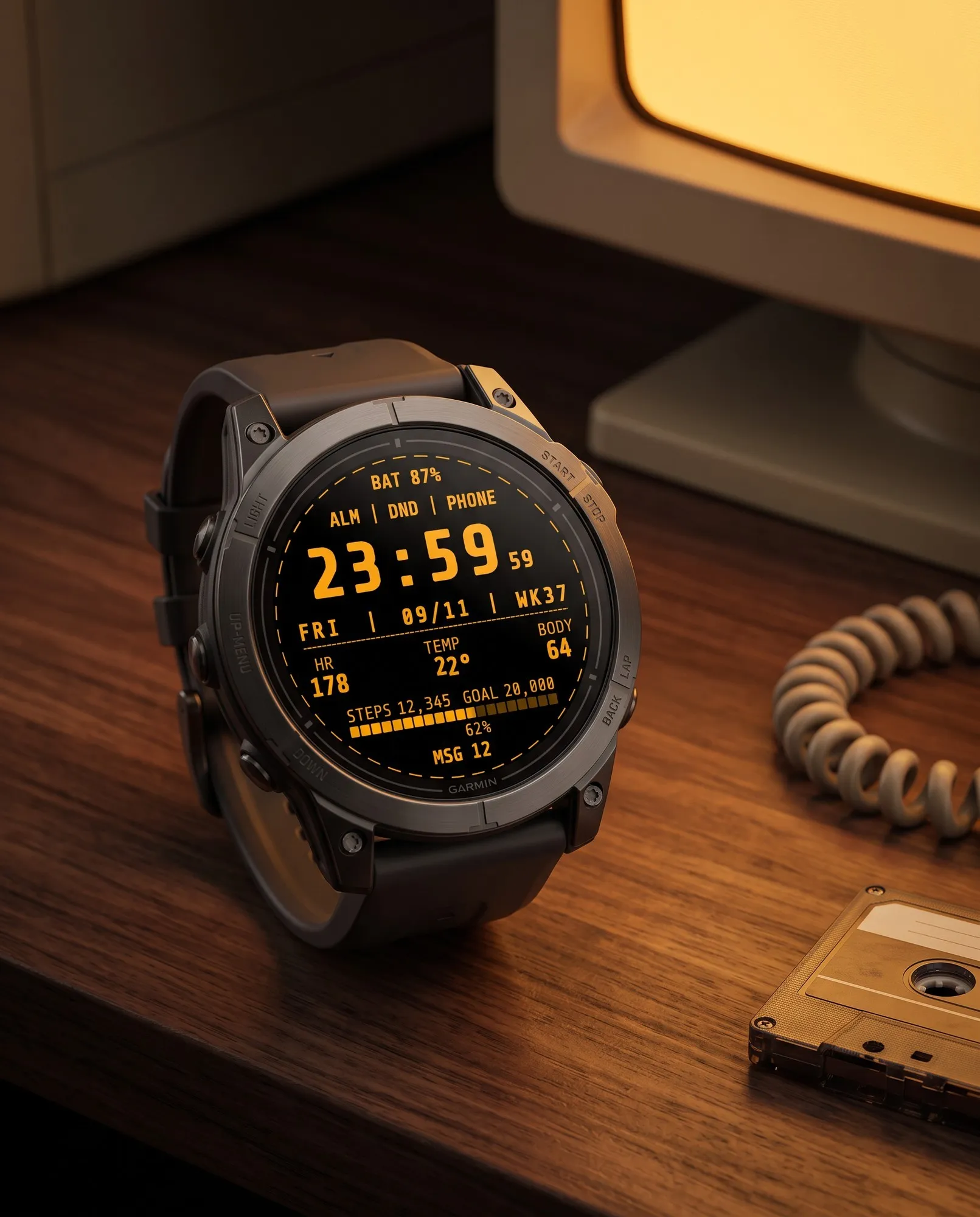
Retro Digital
Styled like a computer terminal: bold monospace digits and seconds that blink like a cursor.
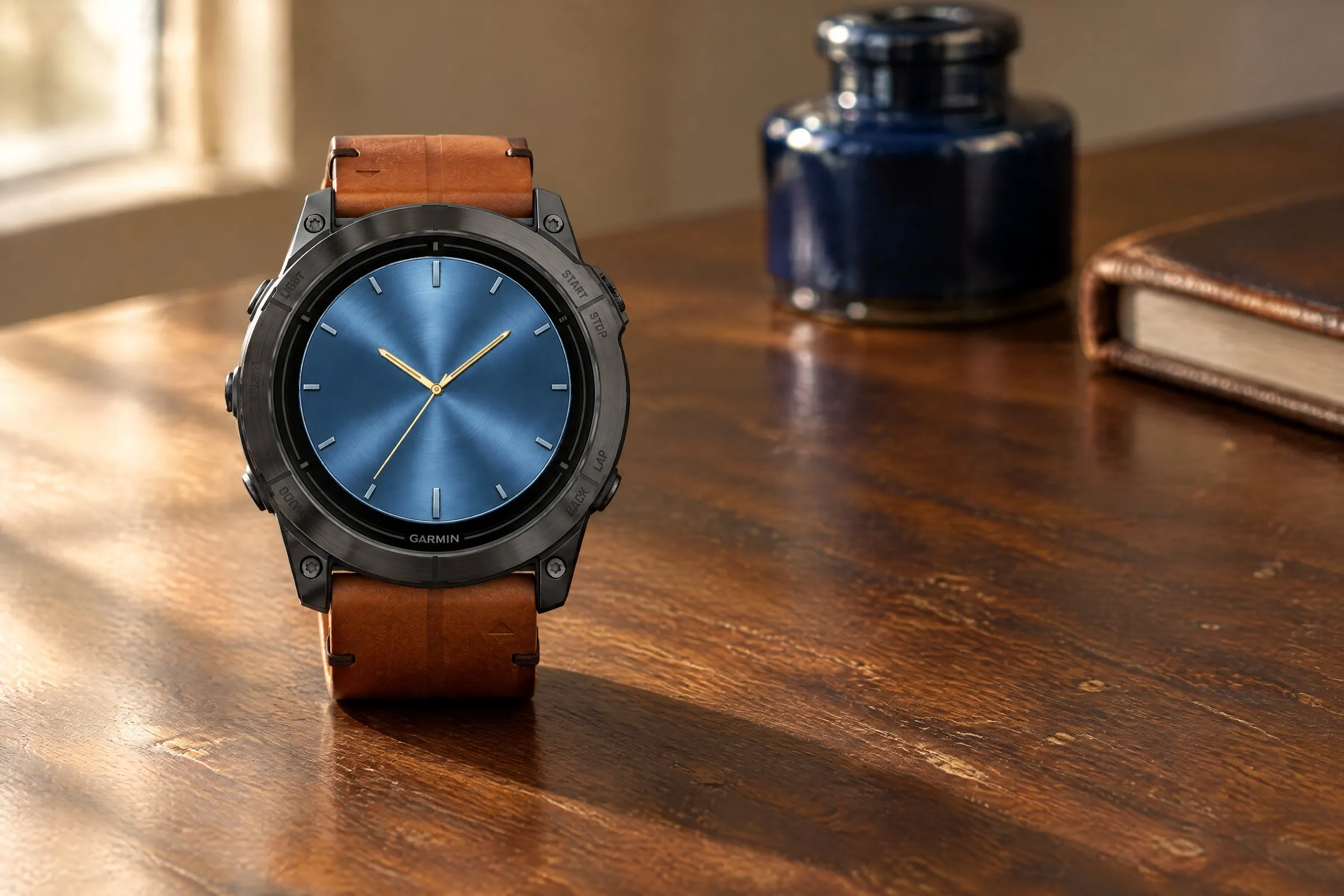
Analog
Brushed-metal finish in five colors, bold hands and two small subdials.
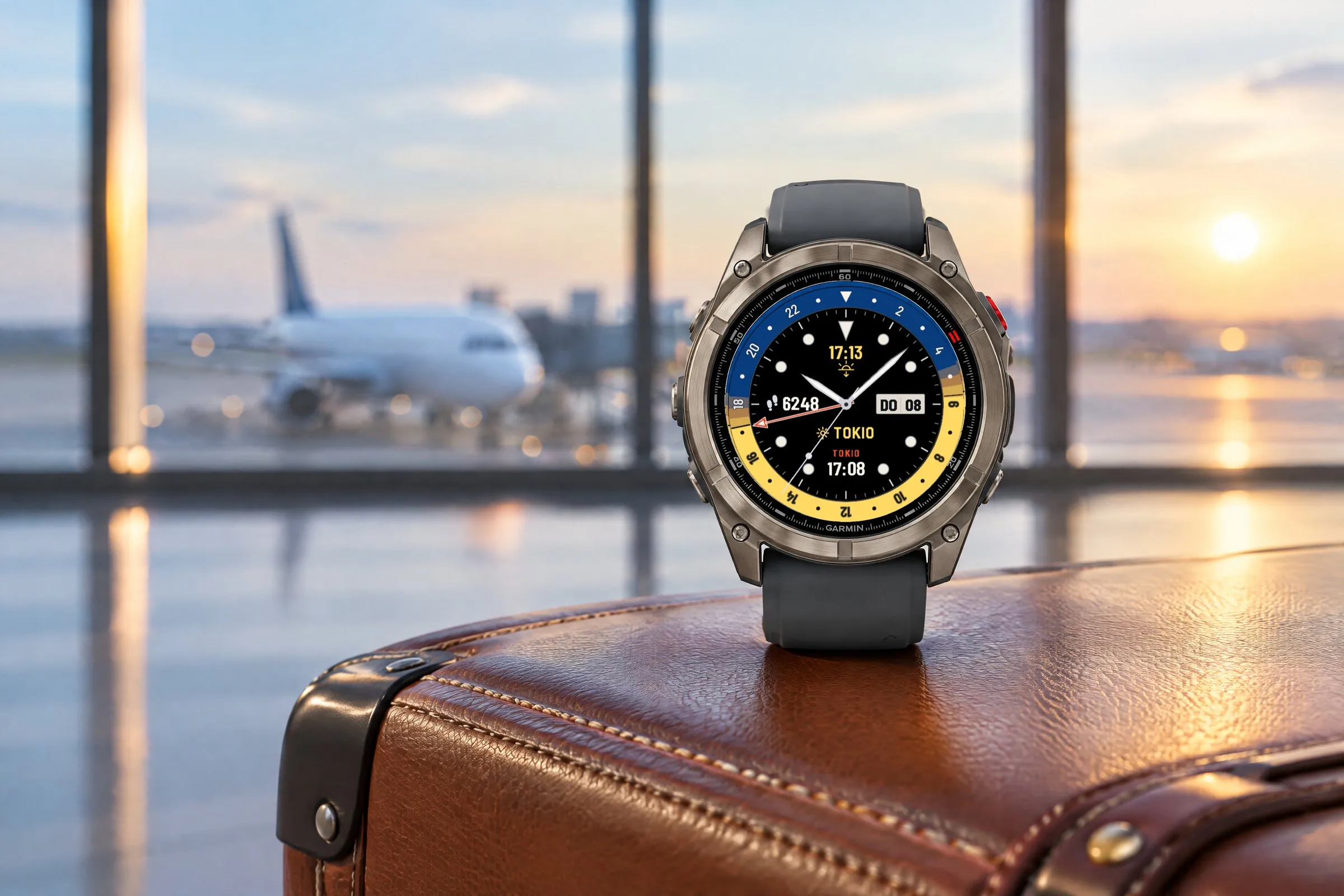
GMT Analog
Two time zones at a glance: a GMT hand on a 24-hour scale, the second time with its place name and a daylight ring for day and night.