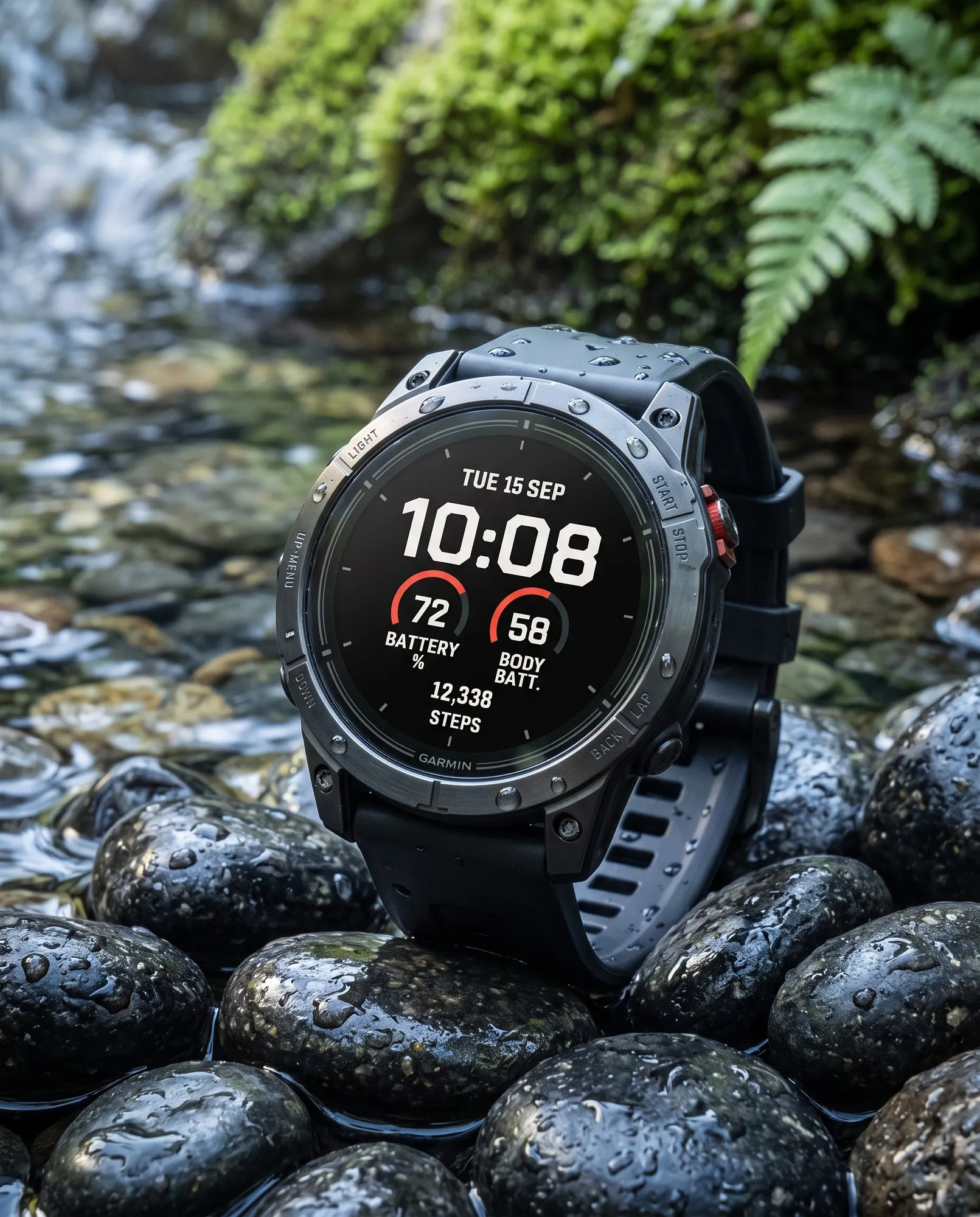
Fieldline
Big Digital
Big, high-contrast time in the center, a gauge on each side and your step count below.
A large, clear time display and three colored goal arcs for steps, intensity minutes and Body Battery. Light or dark, for fēnix, Forerunner, Venu, vívoactive and many more Garmin watches.
 AI-generated
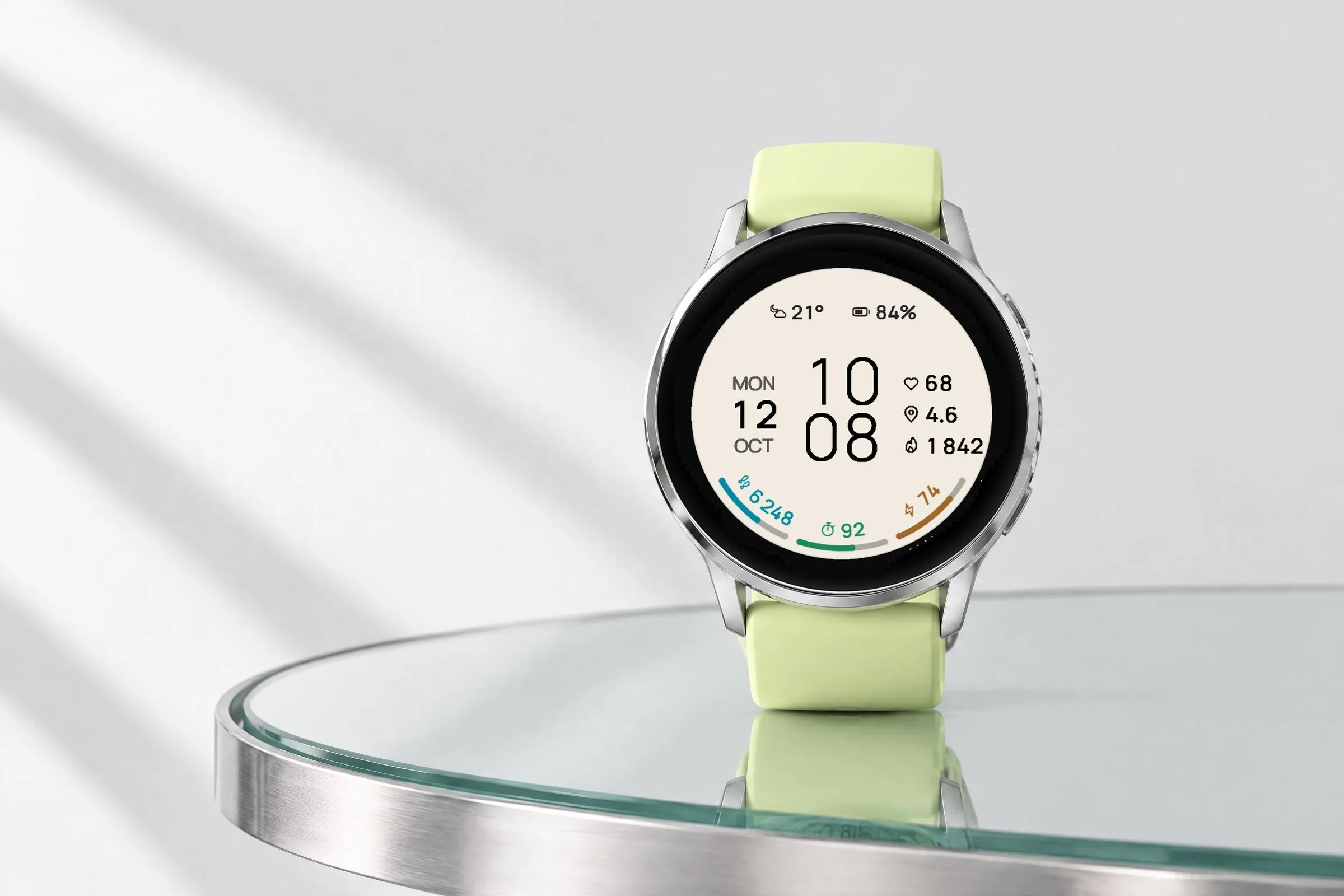
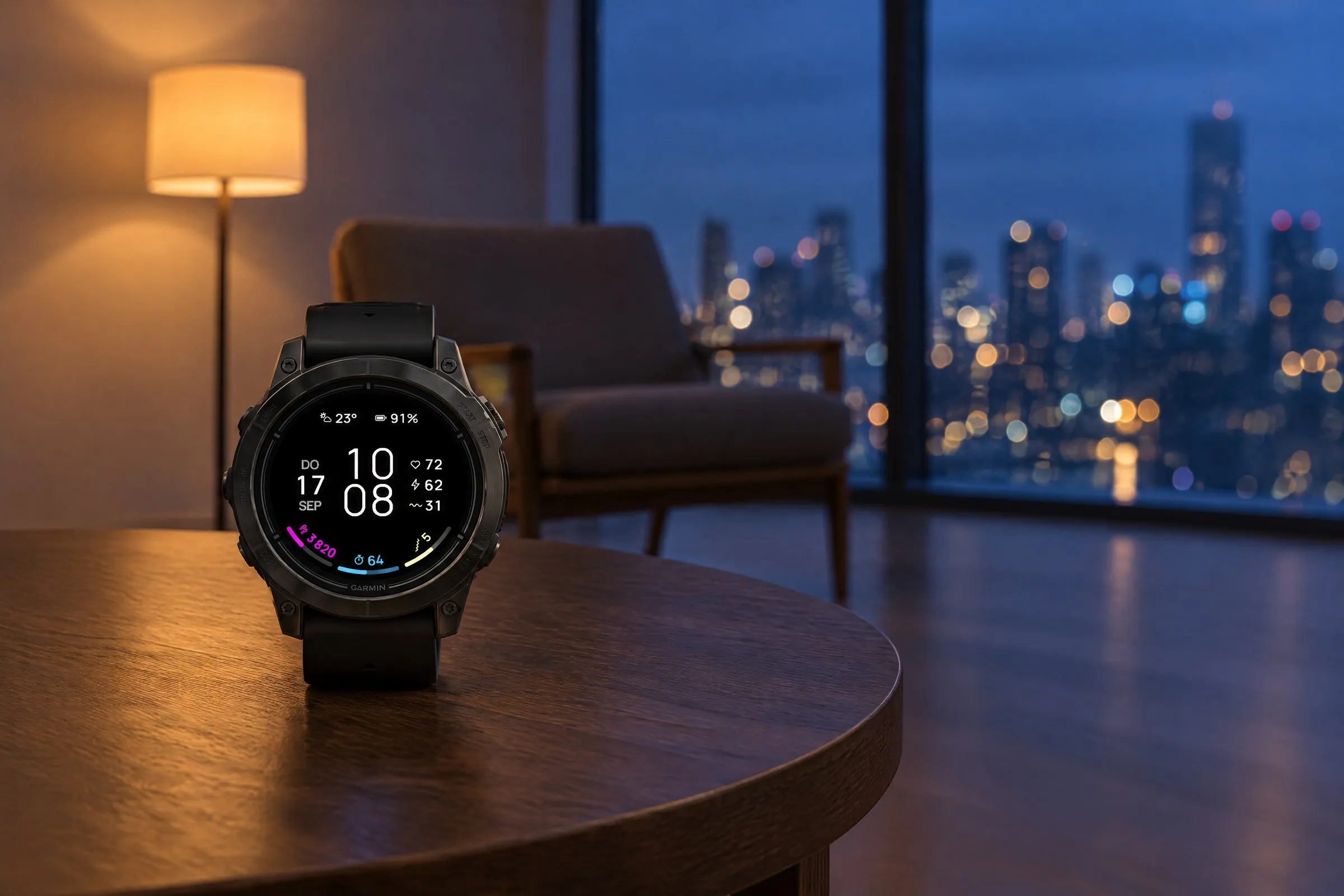
ARCLINE is a minimalist Garmin watch face for people who like their watch tidy. Instead of crowding the screen with fields, icons and colors, it shows only what you need during the day: a large, clear time, three slim arcs for steps, intensity minutes and Body Battery, plus a few values like weather, battery and heart rate. Not a cockpit, just a display you read at a glance.
The design follows minimalism: plenty of open space, a fine, clear typeface, muted colors and no effects. Every element has its fixed place and nothing competes for attention.
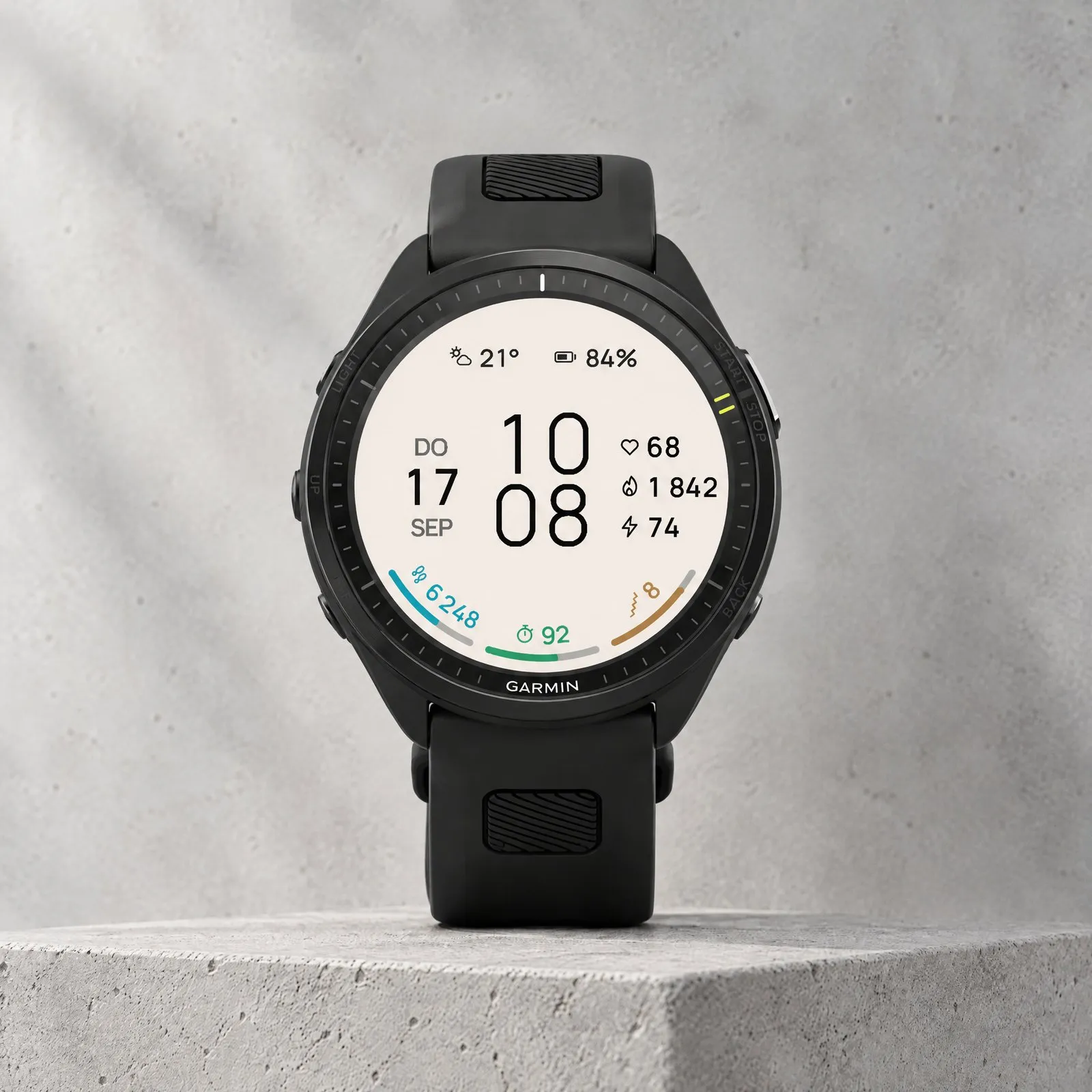
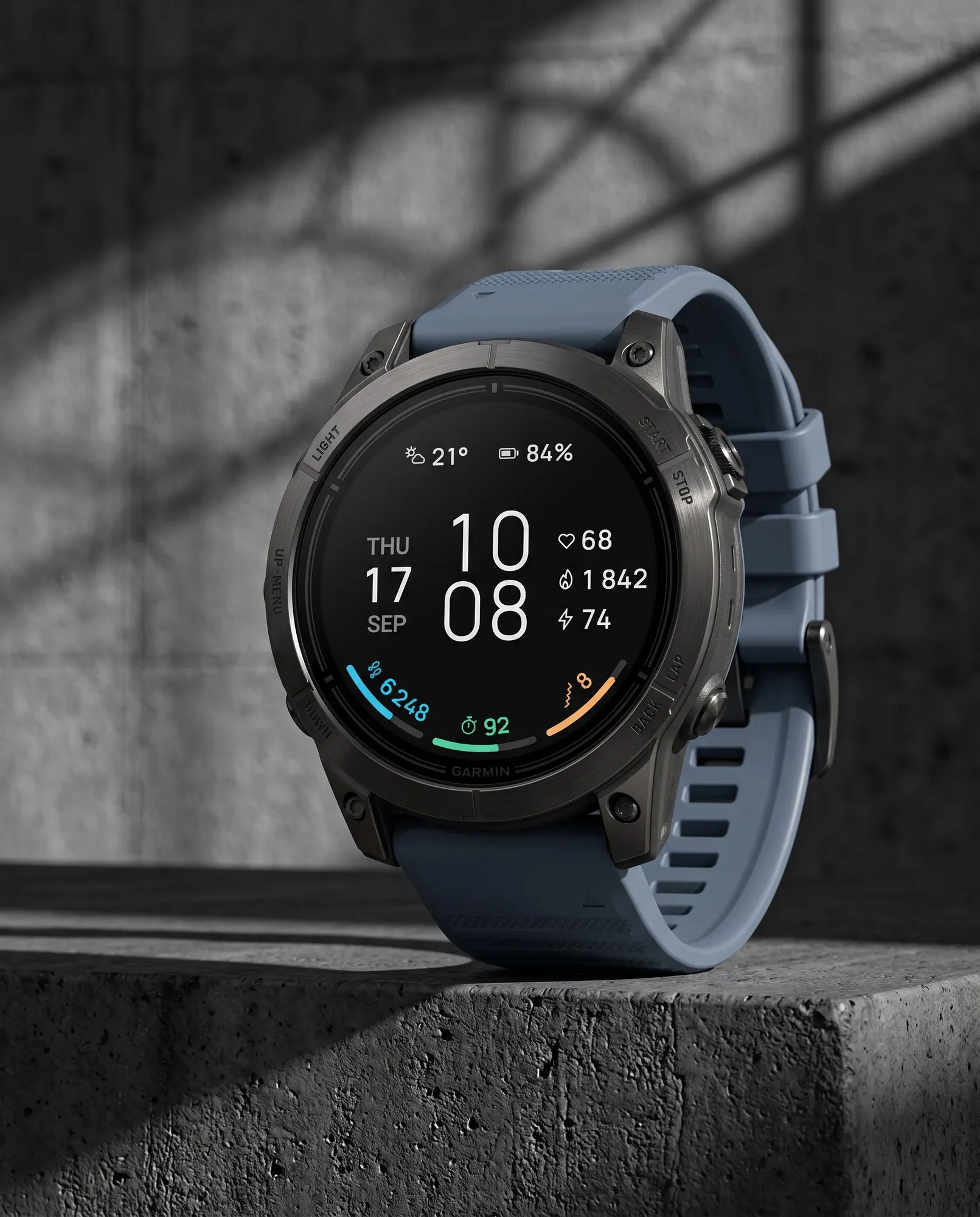
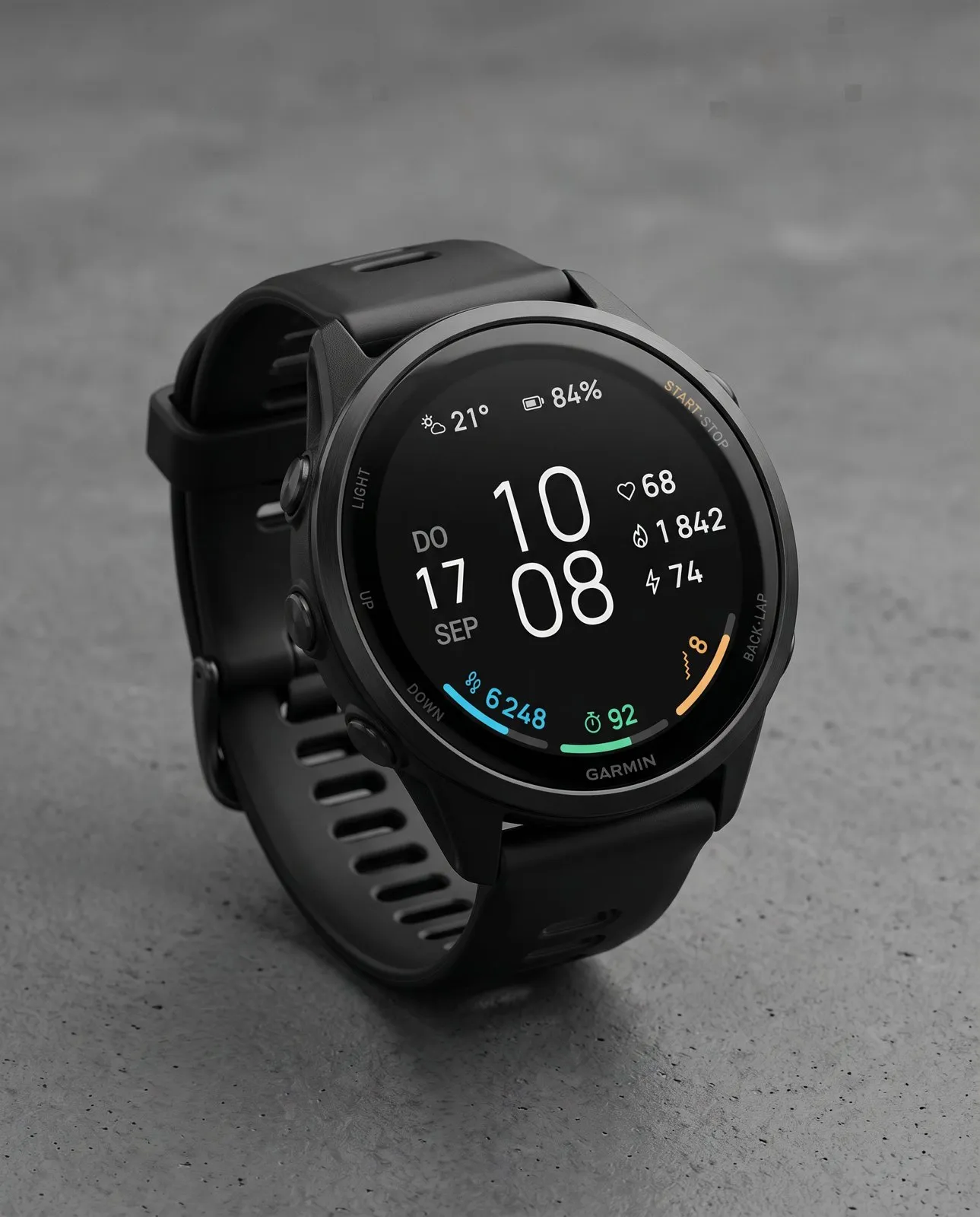
What you see on the display and what each element shows.
 AI-generated
Status line
Two fields along the top edge, here weather and battery. Customizable in Pro.
Date
Weekday, day and month to the left of the time, always in the same place.
Goal arcs
Up to three arcs, here steps, intensity minutes and floors. Each one fills toward your goal.
Time
Hours stacked over minutes in a light typeface.
Three values
Three lines on the right, here heart rate, calories and Body Battery. All customizable in Pro, the bottom one in Free.
Arc value
Each arc shows its current value as a number, here 8 floors.
You decide what goes into eight fields: two in the status line at the top, three lines on the right and up to three goal arcs at the bottom. Only the date is fixed. In Pro, you can also choose whether one, two or three arcs sit at the bottom. The top and right fields share the same list of values. The arcs only take values that fill toward a goal: steps and floors against your daily goal, intensity minutes against your weekly goal, plus Body Battery, stress, Pulse Ox and battery on their 0 to 100 scale. Heart rate and calories have no goal, so they can only go at the top or on the right. If your watch doesn’t measure something, the menu doesn’t offer it. In Free you choose the bottom line on the right and the right arc. In Pro you choose all eight fields.
In Pro you decide how many goal arcs sit at the bottom. One arc keeps the display especially clean, three keep all your goals in view.
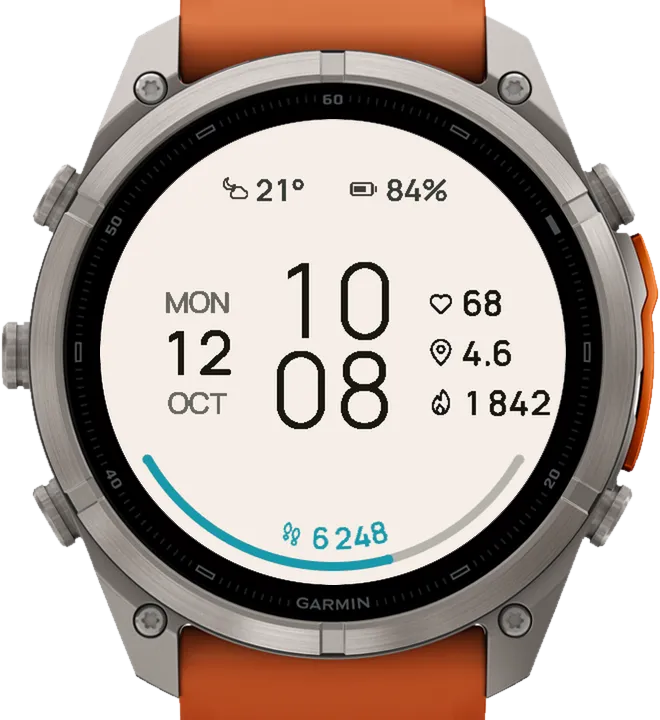
One arc: steps
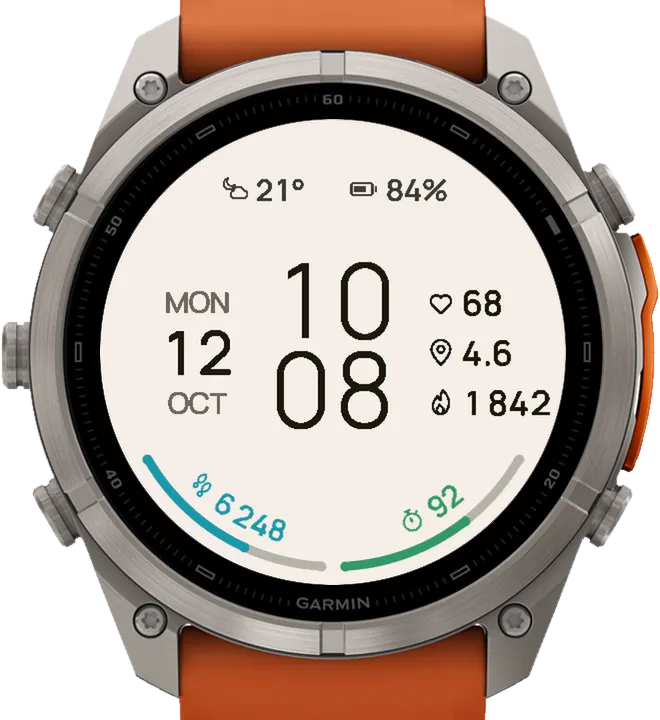
Two arcs: steps, intensity minutes
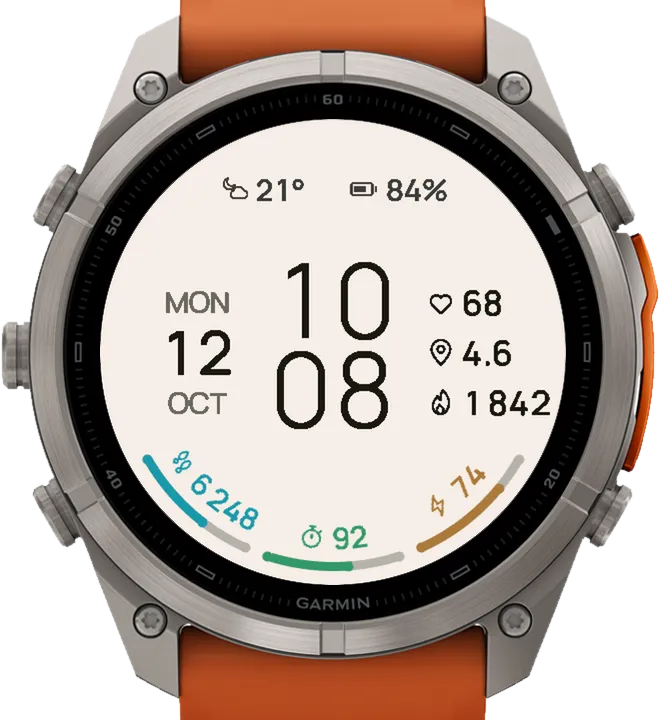
Three arcs: steps, intensity minutes, Body Battery
 AI-generated
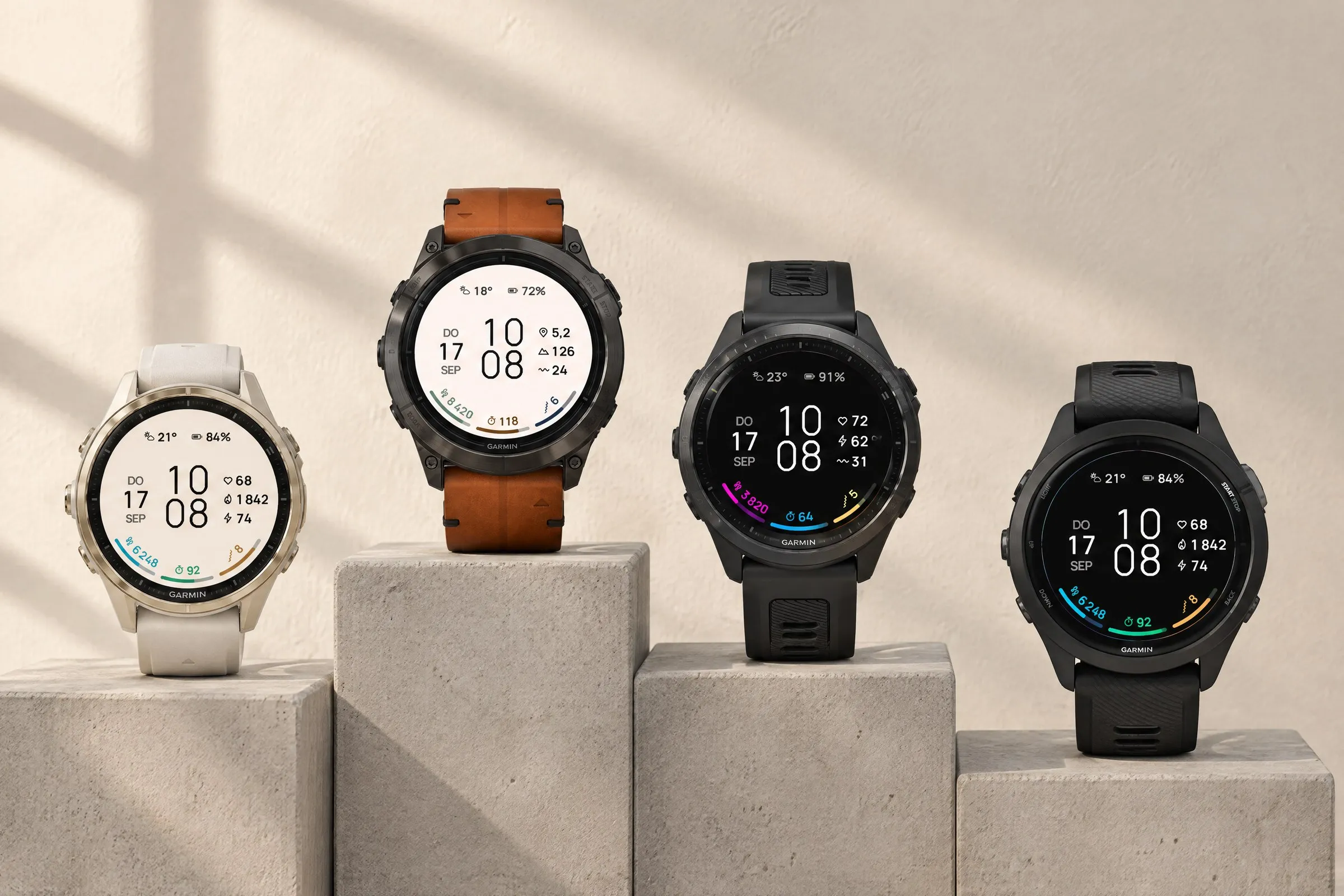
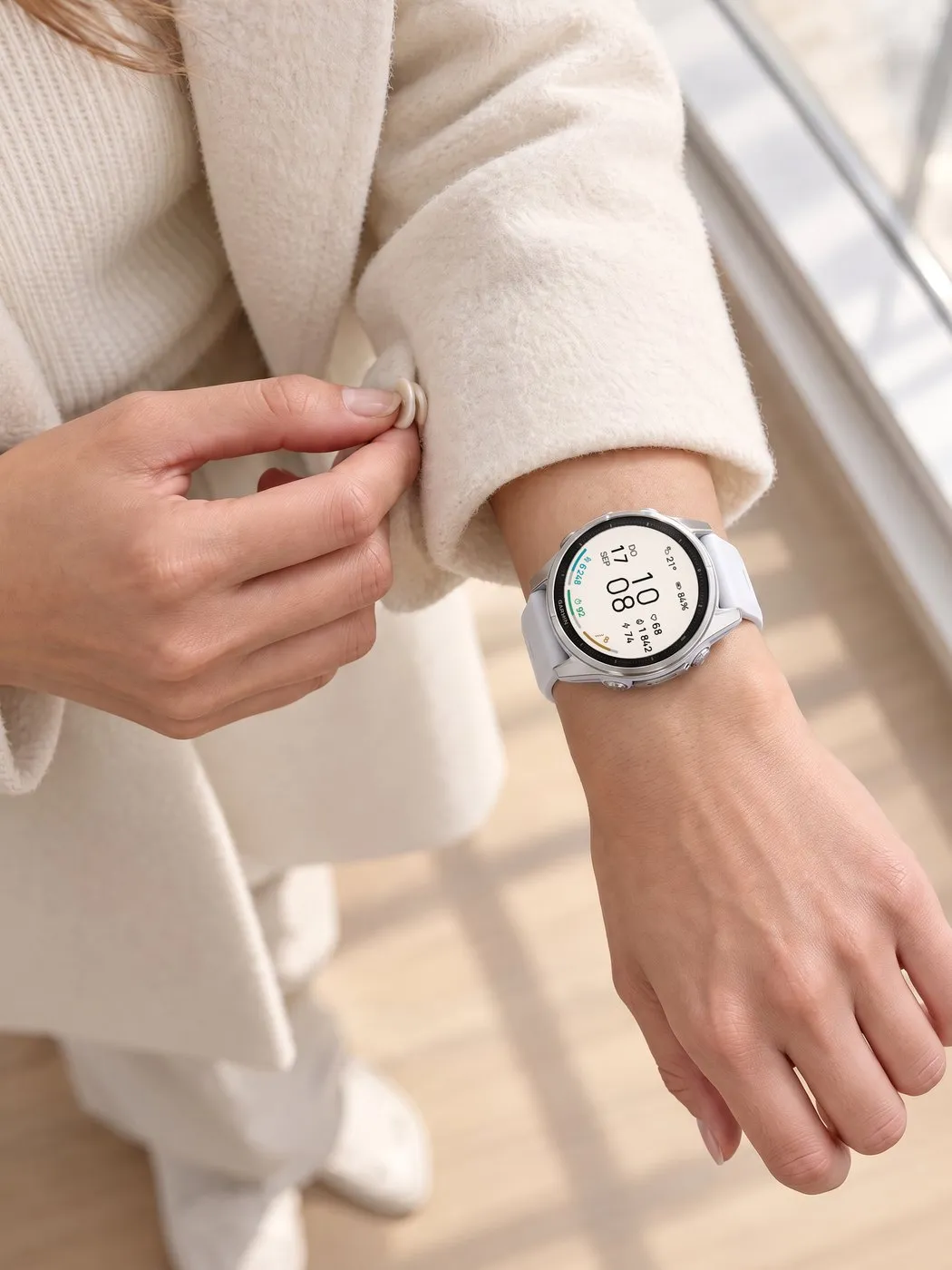
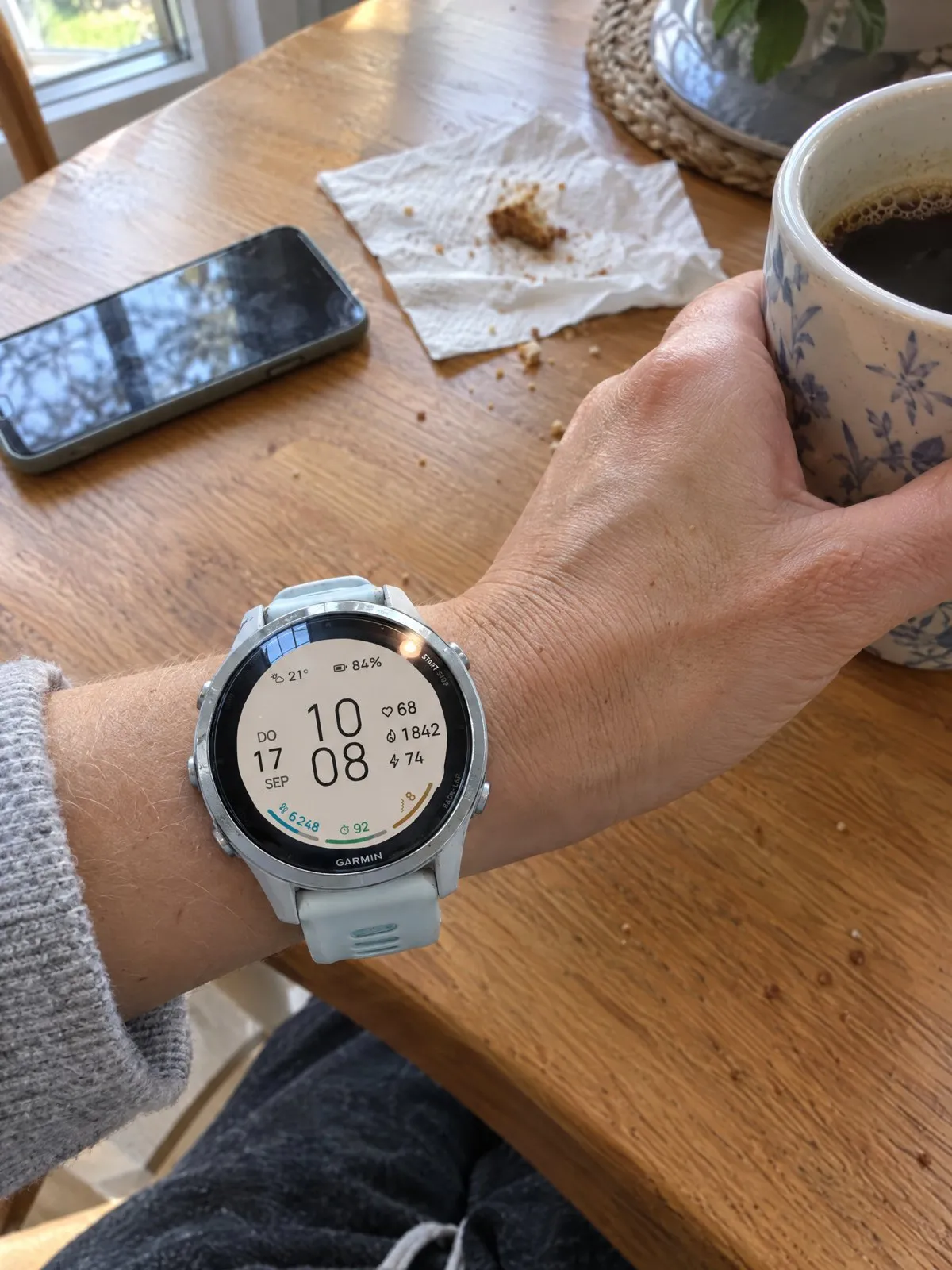
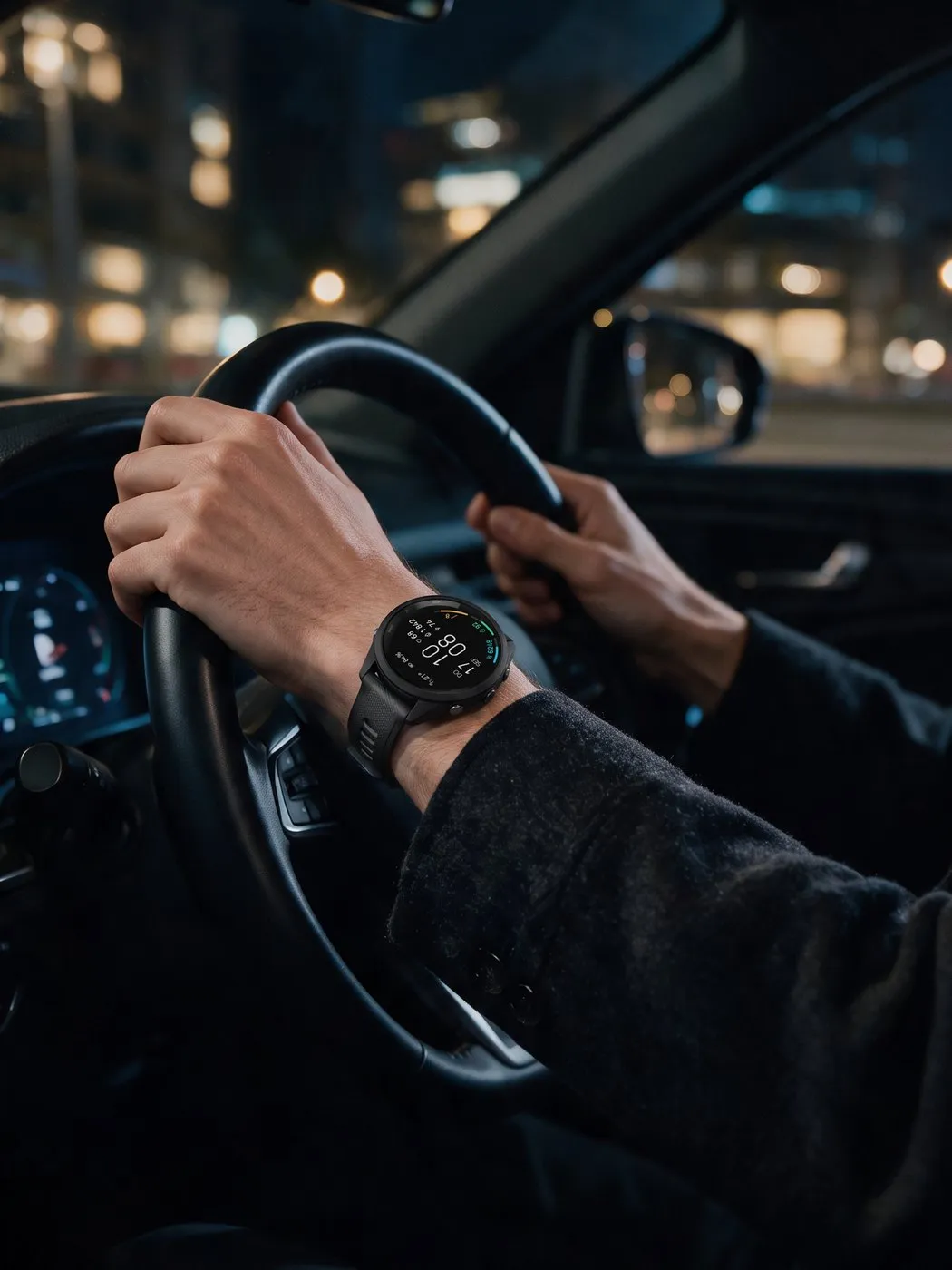
Free comes in light and dark. With Pro, you can pick from 32 ready-made color combinations or build your own: pair a background and arc colors from different presets, then set the text and each arc individually from 38 colors. Every change shows up right away as a preview on the watch. Pictured: four looks on fēnix 8, epix Pro, Forerunner 970 and Forerunner 265.
 AI-generated
 AI-generated
 AI-generated
 AI-generated
 AI-generated
 AI-generated
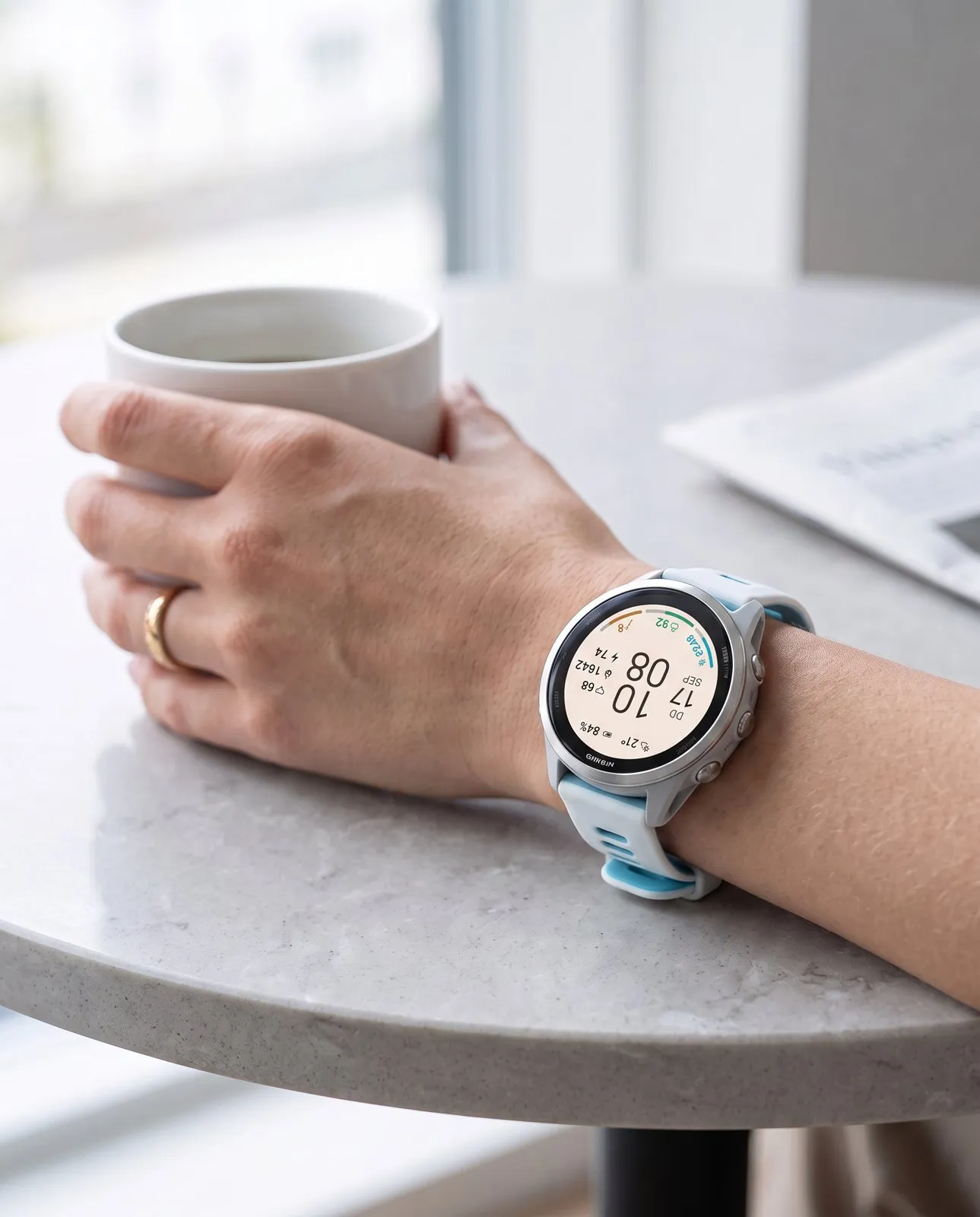
ARCLINE is made for everyday life: the first coffee of the morning, the commute to work, the drive home in the evening. The light version suits daylight and light fabrics. The dark version is easy on the eyes at night. These photos show the minimal Garmin watch face on different watches, from the Forerunner 265 and 570 to the fēnix 8.
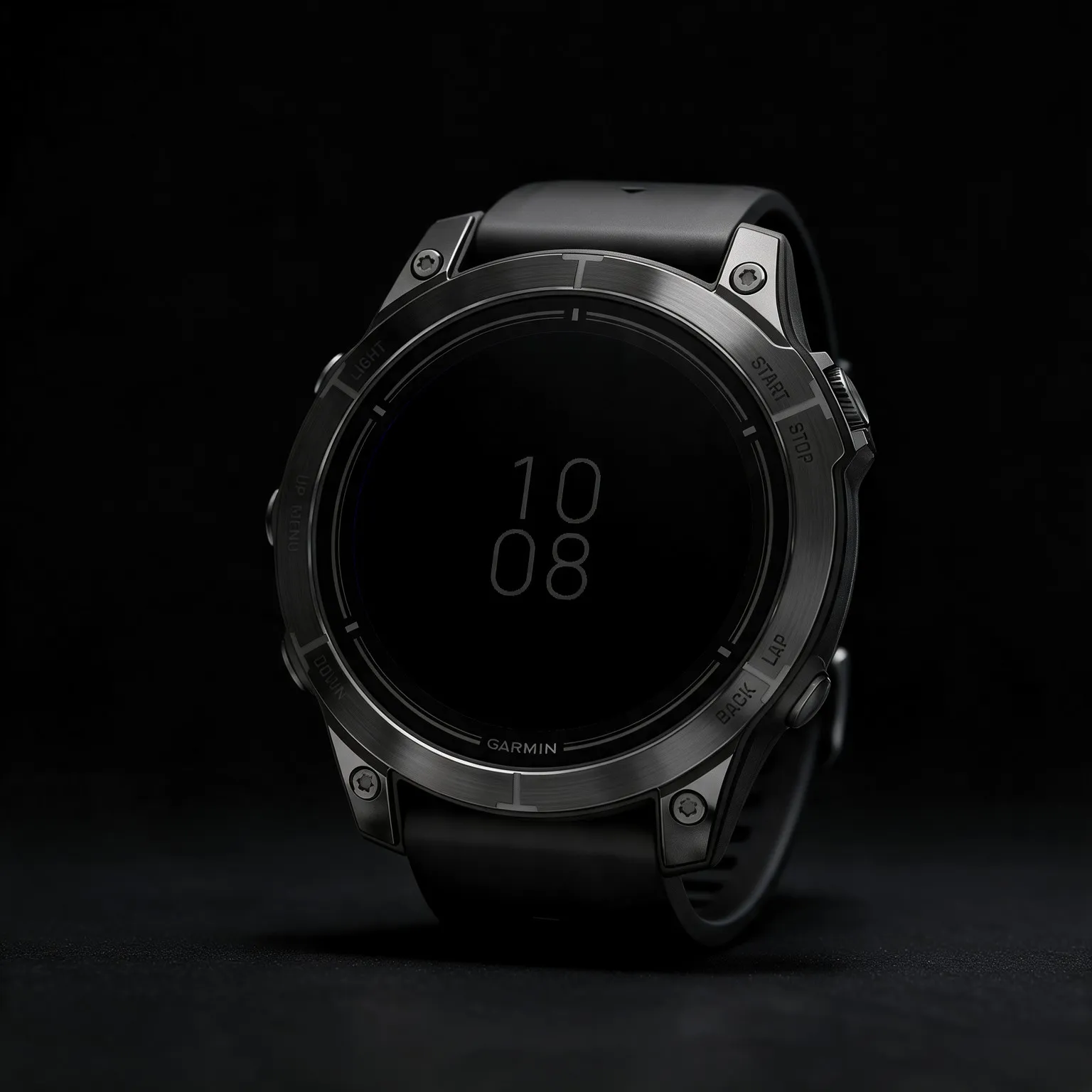
In always-on mode, ARCLINE switches to its own pared-back view: a black background with the time stacked in a dimmed gray, and nothing else.
 AI-generated
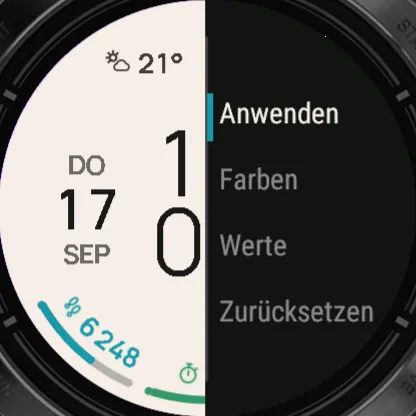
On the watch face, hold the middle left button (UP/MENU), choose “Watch Face” and then “Customize”. Every change shows up instantly in the preview. On Venu, vívoactive and other two-button watches, hold the lower right button instead.
Apply
Saves your changes and closes the menu. If you leave the menu without applying, the watch asks whether to save.
Colors
Everything to do with color. The watch face updates as you scroll.
Presets
Ready-made pairings of a background and three matching arc colors. Free: light or dark. Pro: 32.
BackgroundPro
Any of the 32 preset backgrounds, independent of the arc colors.
AccentPro
The three arc colors from any of the 32 presets, so you can put a color trio on a different background.
TextPro
Text color from 38 options. The watch adjusts it so it stays readable on the background.
ArcsPro
Color each goal arc on its own, from 38 colors or as set by the preset.
Values
Which data goes where.
Fields
You step through the fields in order: two at the top, three on the right, then the arcs. Up and Down scroll through the values, and the watch face updates as you go. In Free, the bottom row on the right and the right arc can be changed.
CountPro
One, two or three goal arcs. Fewer arcs means each one is longer, and a single arc uses the full width.
Reset
Restores colors and data fields to the defaults.
| Feature | FreeNo time limit | Pro$1.99 one-time |
|---|---|---|
| Design | ||
| Large time with date | Included | Included |
| Three colored goal arcs | Included | Included |
| Dedicated always-on display | Included | Included |
| Colors | ||
| Color combinations | Light or dark | 32 |
| Choose the background separately | Not included | 32 backgrounds |
| Choose arc colors separately | Not included | Included |
| Choose the text color | Not included | 38 colors |
| Color each arc individually | Not included | 38 colors |
| Data | ||
| Ready-made layout with weather, battery, heart rate, distance, calories | Included | Included |
| Customizable fields | 2 of 8 | All 8 |
| Data options per field | Up to 16 | Up to 16 |
| Number of goal arcs | 3 | 1, 2 or 3 |
| Settings | ||
| On-watch settings with live preview | Included | Included |
| 12/24 hours and units follow your watch | Included | Included |
| Menu in six languages | Included | Included |
The watch face runs on these Garmin watches:
Open the Connect IQ Store app on your phone. If you don’t have it yet, get it free from the App Store or Google Play and sign in with your Garmin account.
Tap the search bar at the very top and type ARCLINE. Open “Minimal – ARCLINE Free” (free) or “Minimal – ARCLINE Pro” ($1.99 one-time).
Free: tap the big blue “Install” button. Pro: buy it first and pay with your Garmin account, then tap “Install”. Your watch gets the watch face the next time it syncs with Garmin Connect.
On your Garmin watch, hold the middle left button (UP/MENU) while the watch face is showing. Select “Watch Face”. Scroll to ARCLINE: with the left up and down buttons or by swiping the screen. Confirm with the top right button (START) or a tap. On Venu, vívoactive and other two-button watches, hold the lower right button, select “Watch Face”, swipe to ARCLINE and tap it.
ARCLINE runs on more than 60 Garmin watches with a round AMOLED or MicroLED display, from these series: fēnix, epix, Forerunner, Venu, vívoactive, Instinct (3 AMOLED), quatix, tactix, D2, MARQ (Gen 2), Descent and Approach. You will find every model under “Does it fit your Garmin?” above, with a filter by series. Watches with a MIP display are not supported.
Free costs nothing and has no time limit: two looks (light and dark), a fixed layout with weather, battery, heart rate, distance and calories, and two fields of your choice, the bottom-right value and the right arc. Pro adds 32 color combinations, text and every arc in 38 colors, all eight fields customizable and one to three arcs.
Open the Connect IQ Store app on your phone, tap the search bar at the very top and type ARCLINE. Open “Minimal – ARCLINE Free” and tap “Install”; for “Minimal – ARCLINE Pro” you buy first, then install. After your watch syncs with Garmin Connect, hold the middle left button (UP/MENU), select “Watch Face” and pick ARCLINE. The detailed steps are further up this page.
Yes. On the watch face, hold the middle left button (UP/MENU), select “Watch Face” and then “Customize”. Every change shows up right away in the preview, no phone needed. In Free you change two fields, in Pro all colors and all eight fields.
No. ARCLINE Pro is a one-time purchase of $1.99 and installs as a separate watch face. Buying it does not change an existing Free installation.
Big Digital
Big, high-contrast time in the center, a gauge on each side and your step count below.
Retro Digital
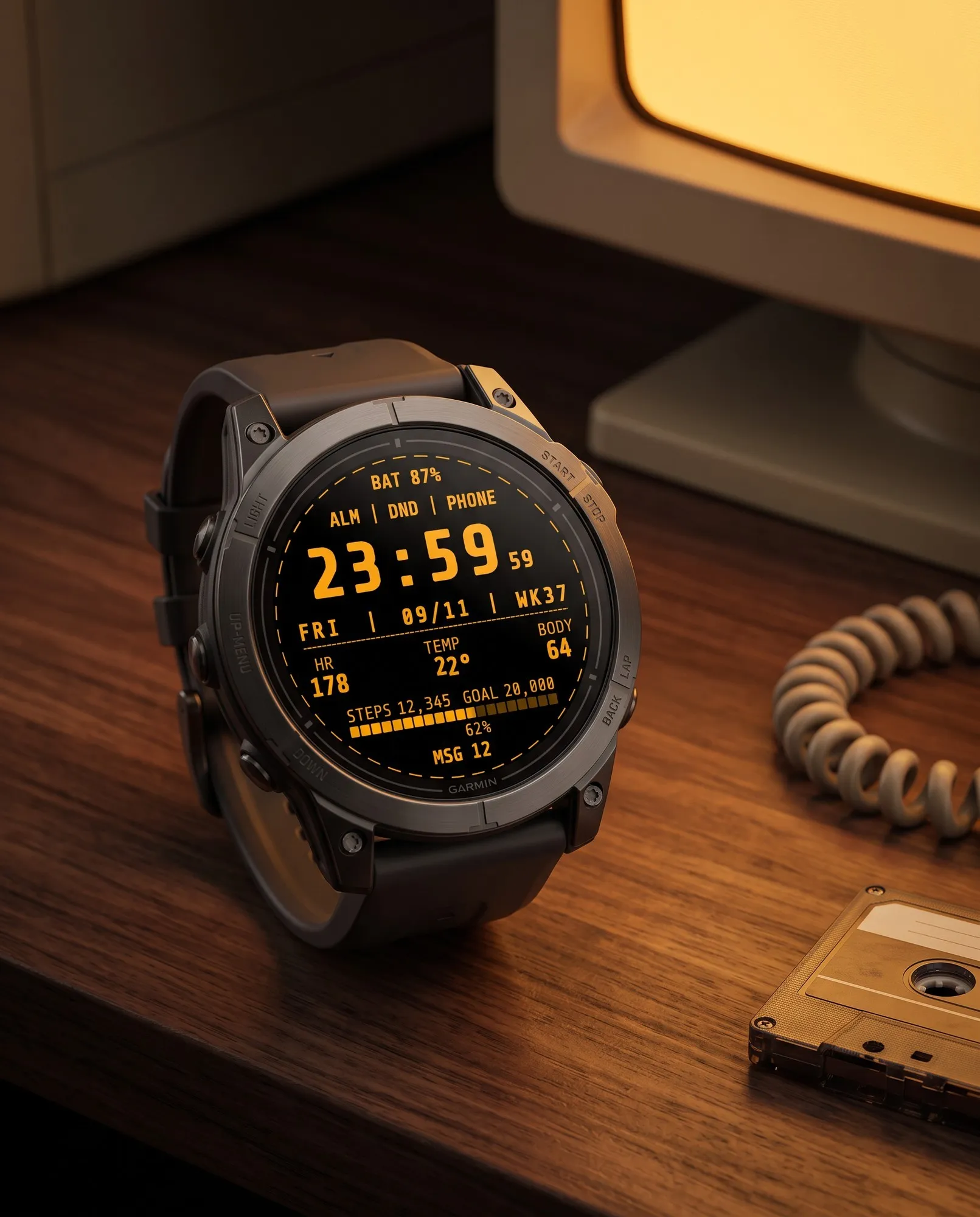
Styled like a computer terminal: bold monospace digits and seconds that blink like a cursor.
Analog
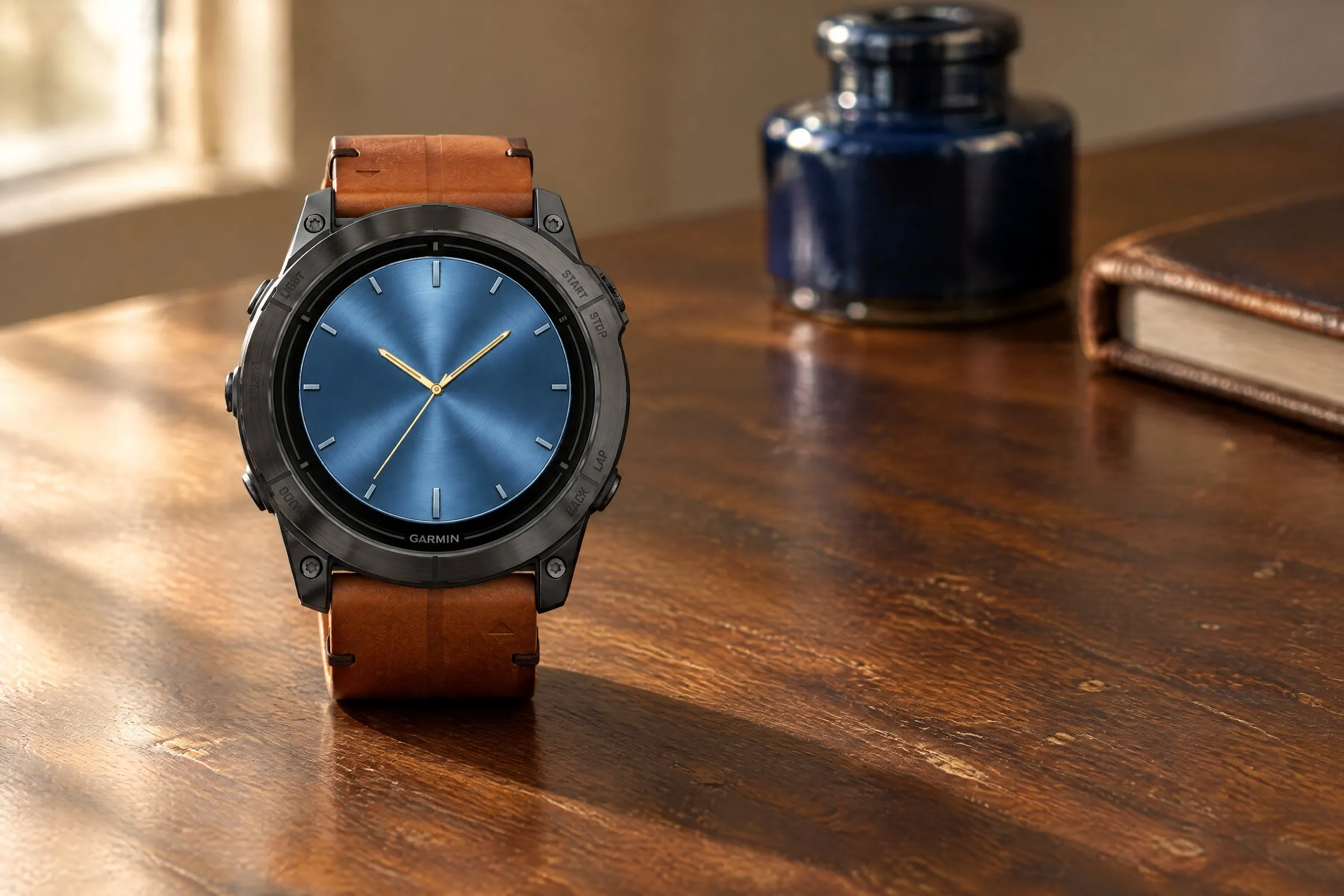
Brushed-metal finish in five colors, bold hands and two small subdials.
GMT Analog
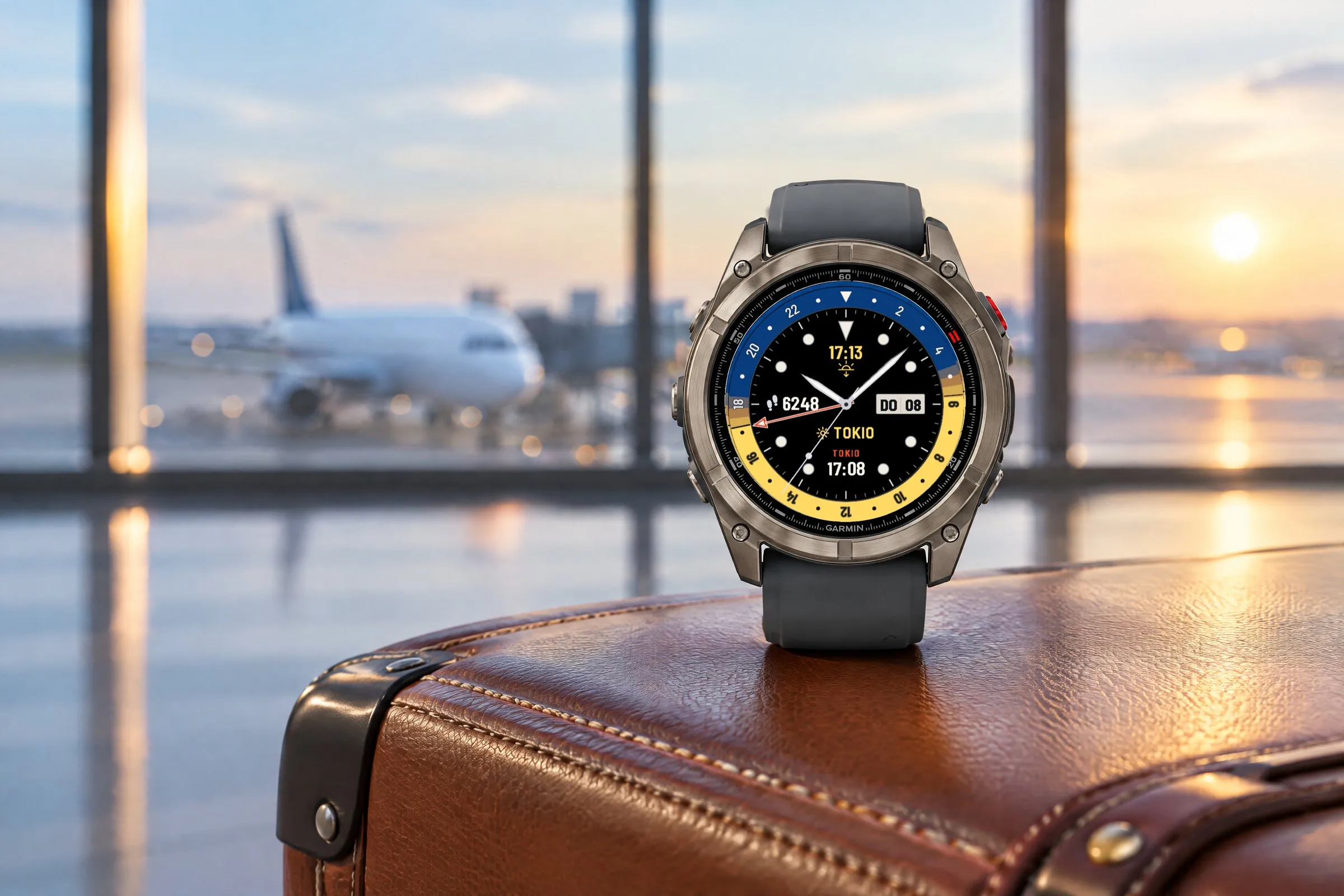
Two time zones at a glance: a GMT hand on a 24-hour scale, the second time with its place name and a daylight ring for day and night.