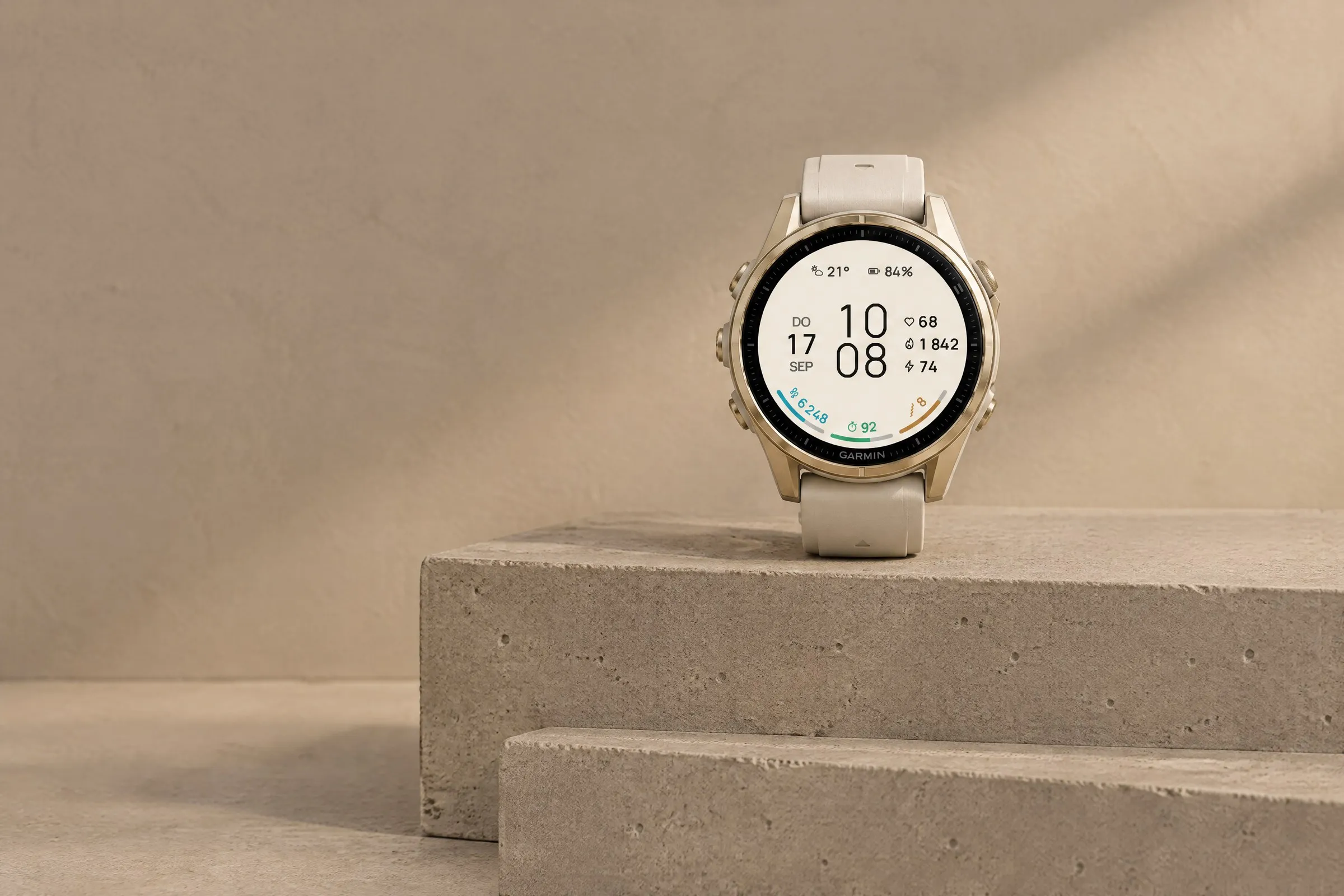
ARCLINE
Minimal
Large digital time with three colorful goal arcs for steps, intensity minutes and Body Battery. Light or dark.
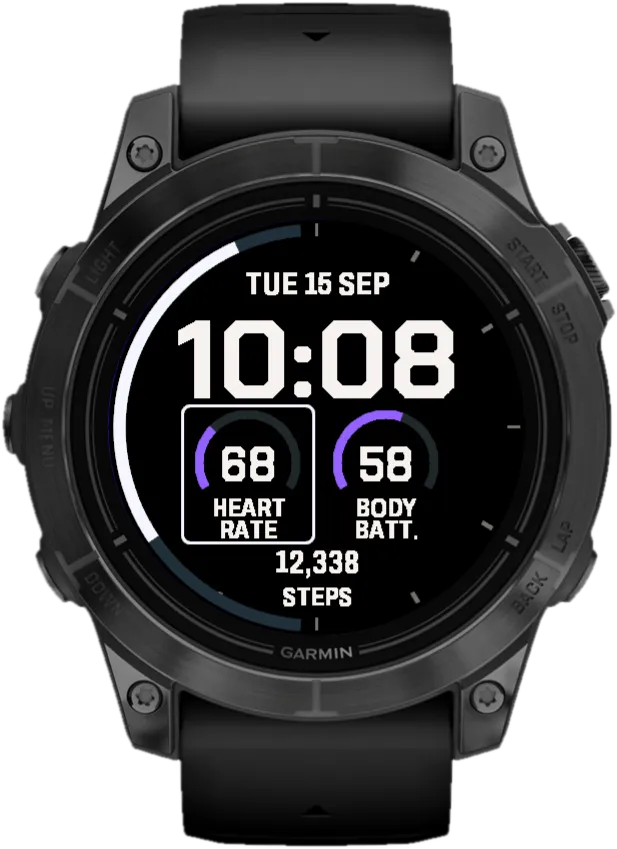
A large, high-contrast time in the center, a gauge on each side and your step count below. A digital Garmin watch face you can read at a glance, even mid-run.
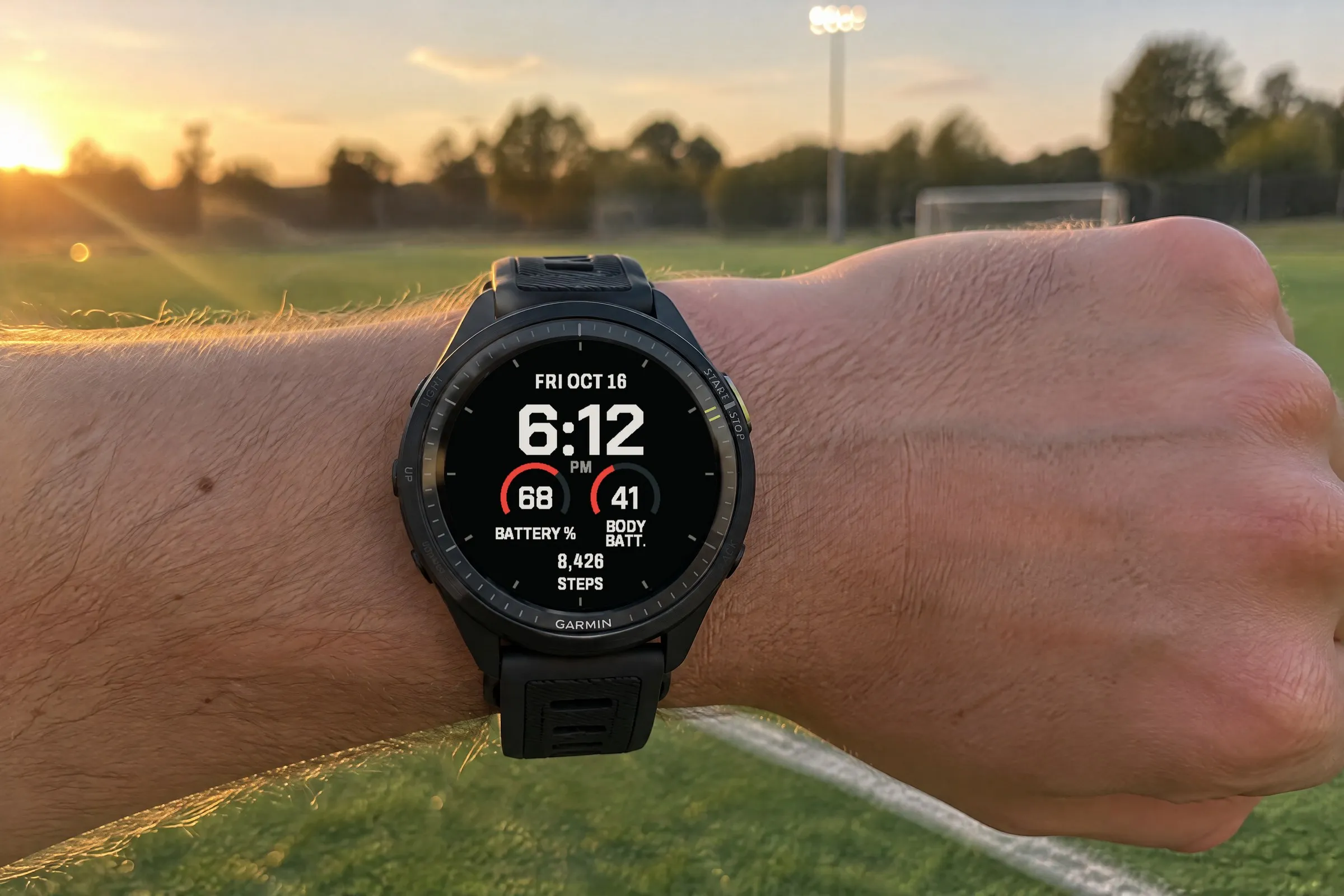 AI-generated
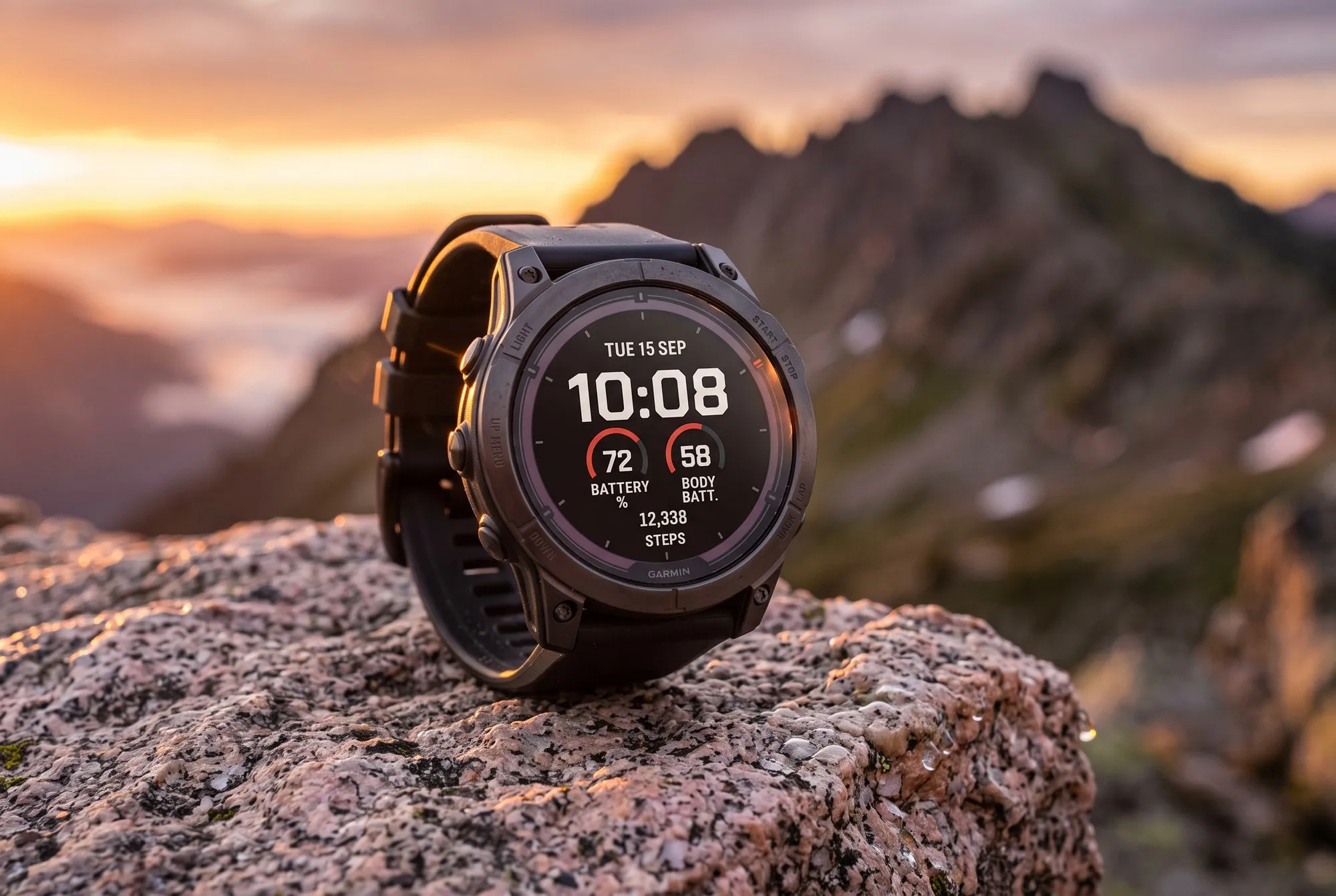
Fieldline is a big digital Garmin watch face for people who mostly check their watch on the move: on a run, on the bike, with their hands full. The time sits large and bold in the center, with just four other details around it: the date at the top, a round gauge on each side and a value like your steps at the bottom. That’s all a quick look at your wrist needs.
Contrast is what makes the difference: strong, bright digits on a dark background and a single accent color for the gauges. That keeps the display easy to read in motion, in bright sun or in low light. If you want more color, you can set it up in Pro.
What you see on the display and what each element shows.
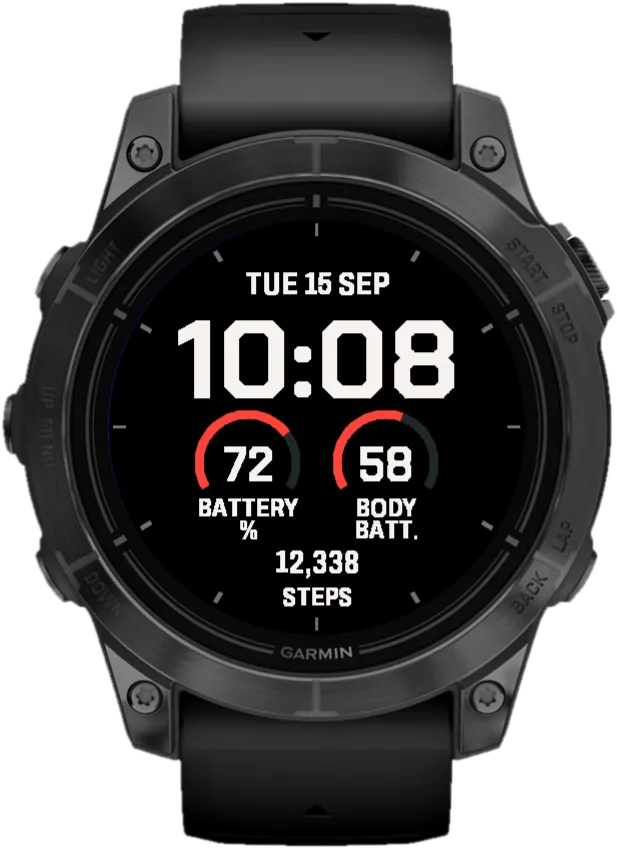
Date
Nine formats in Pro, e.g. “TUE 15 SEP”.
Time
Big bold digits, 12 or 24 hours.
Left gauge
A round gauge, e.g. battery. Twelve options in Pro.
Right gauge
E.g. Body Battery or heart rate.
Bottom field
Steps, calories, distance and more.
You decide what goes into four positions: the date at the top in one of nine formats, a round gauge on the left and on the right, and one value at the bottom. The gauges offer twelve values, from battery and Body Battery to heart rate, stress and VO2 max. At the bottom you can show steps, calories, distance, intensity minutes or your weekly running and cycling distance, for example. Some values only appear if your watch measures them. In Free you choose between two fixed layouts: “Everyday” shows the date, battery, Body Battery and steps, and “Active” swaps Body Battery for your heart rate. In Pro you set all four positions yourself.
In Free, you pick red, green or blue as the accent, and the text stays warm white. Pro offers 32 ready-made color combinations, such as off-white with red or ice gray with blue. You can also set the text and the accent separately from 38 colors each, to match your band, your outfit or your mood. Below: four Pro combinations on four different watches.
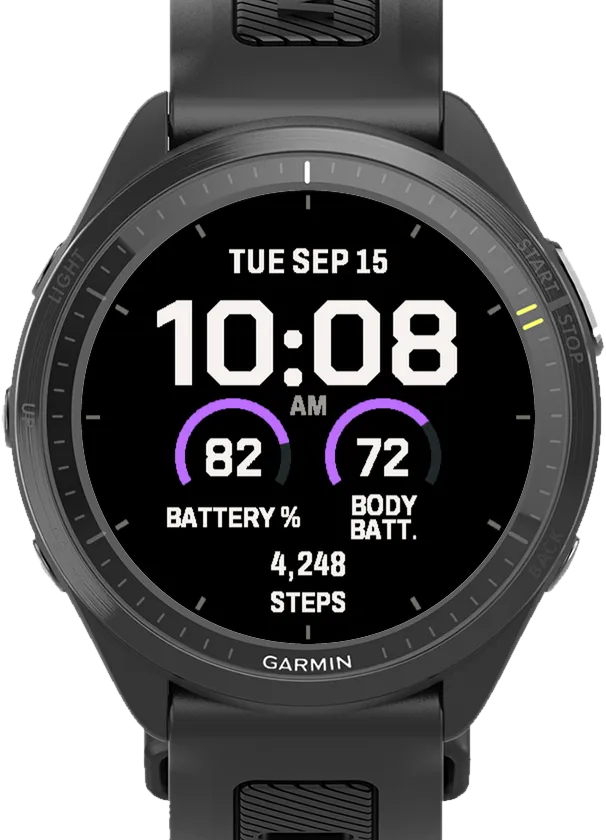
Off-white / Violet
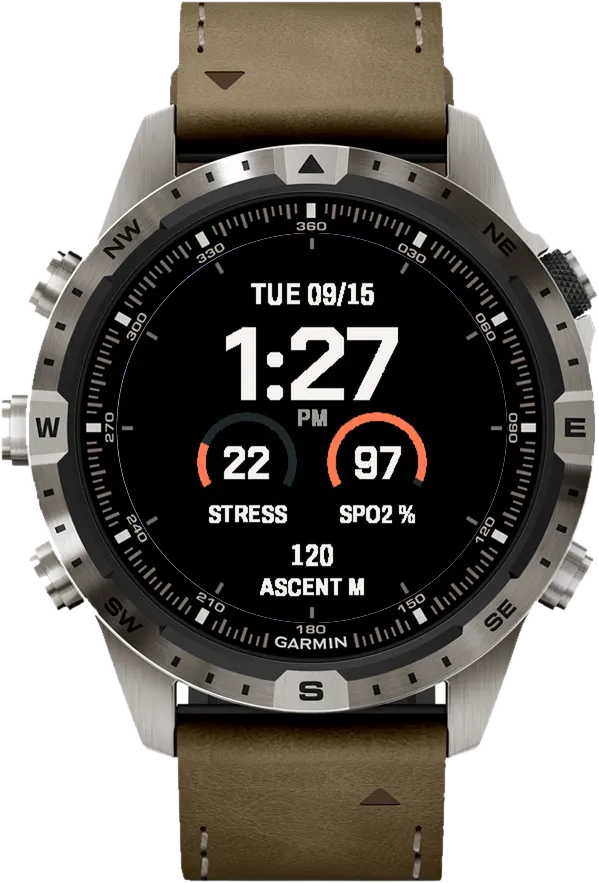
Off-white / Copper
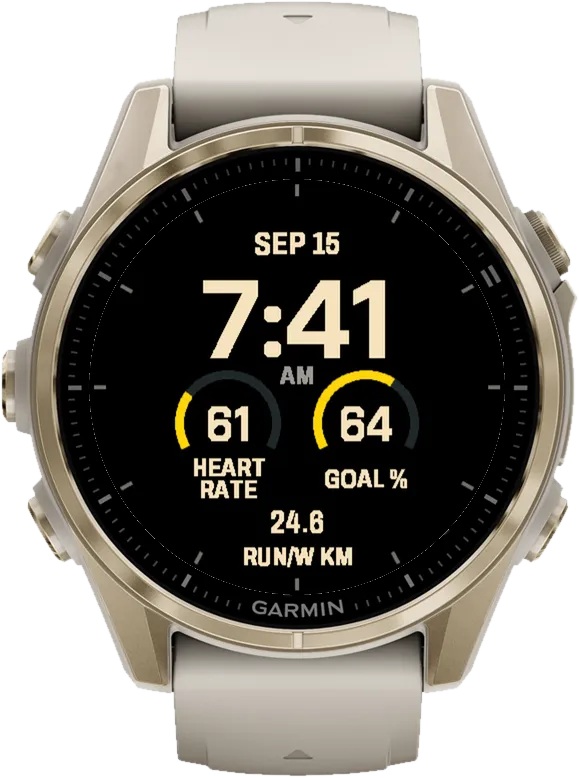
Cream / Yellow
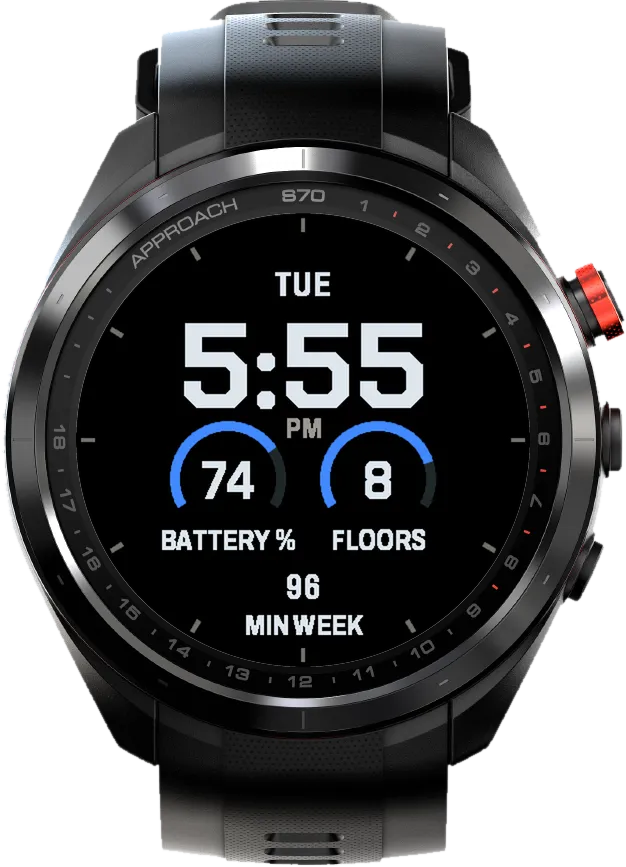
Ice gray / Blue
 AI-generated
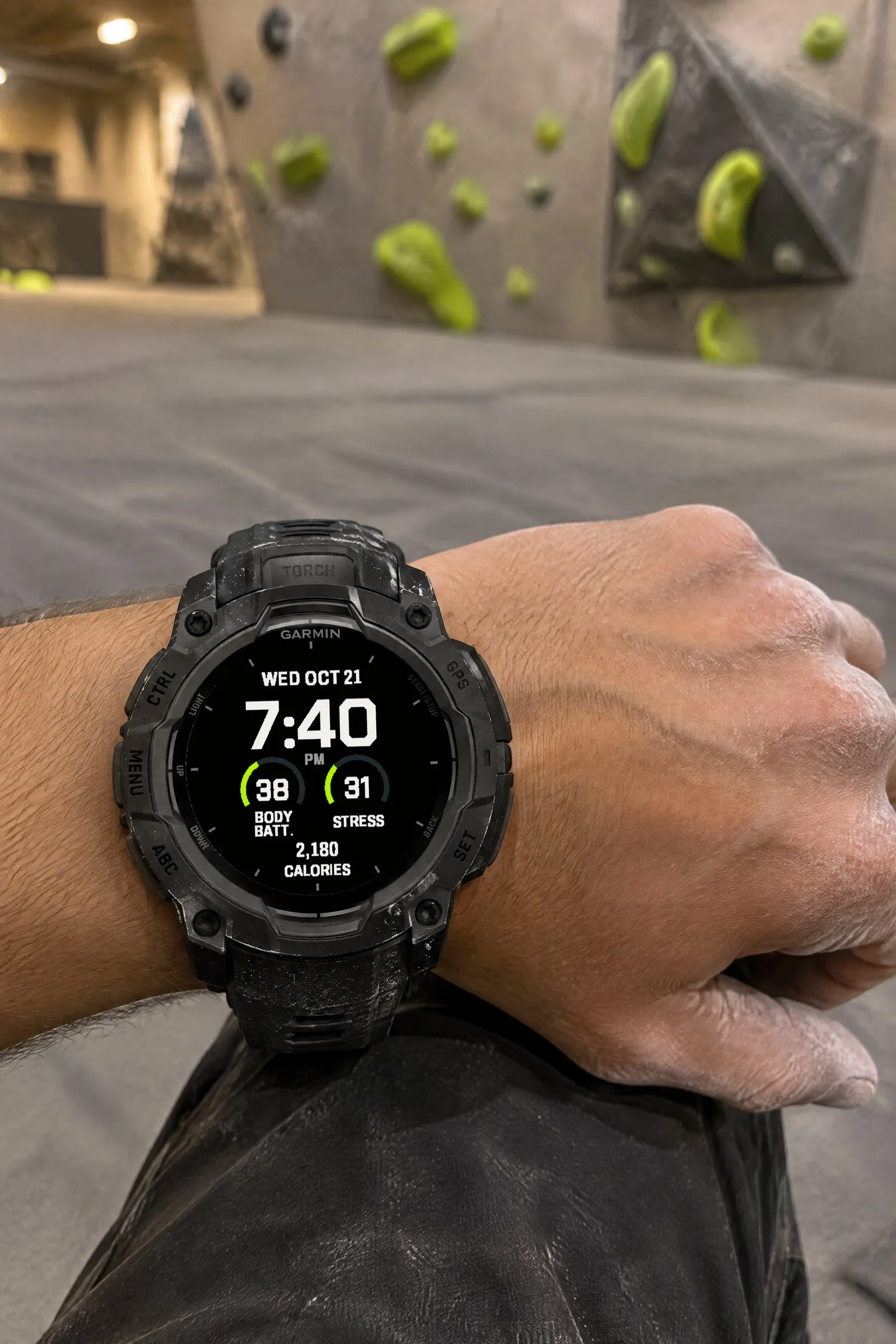 AI-generated
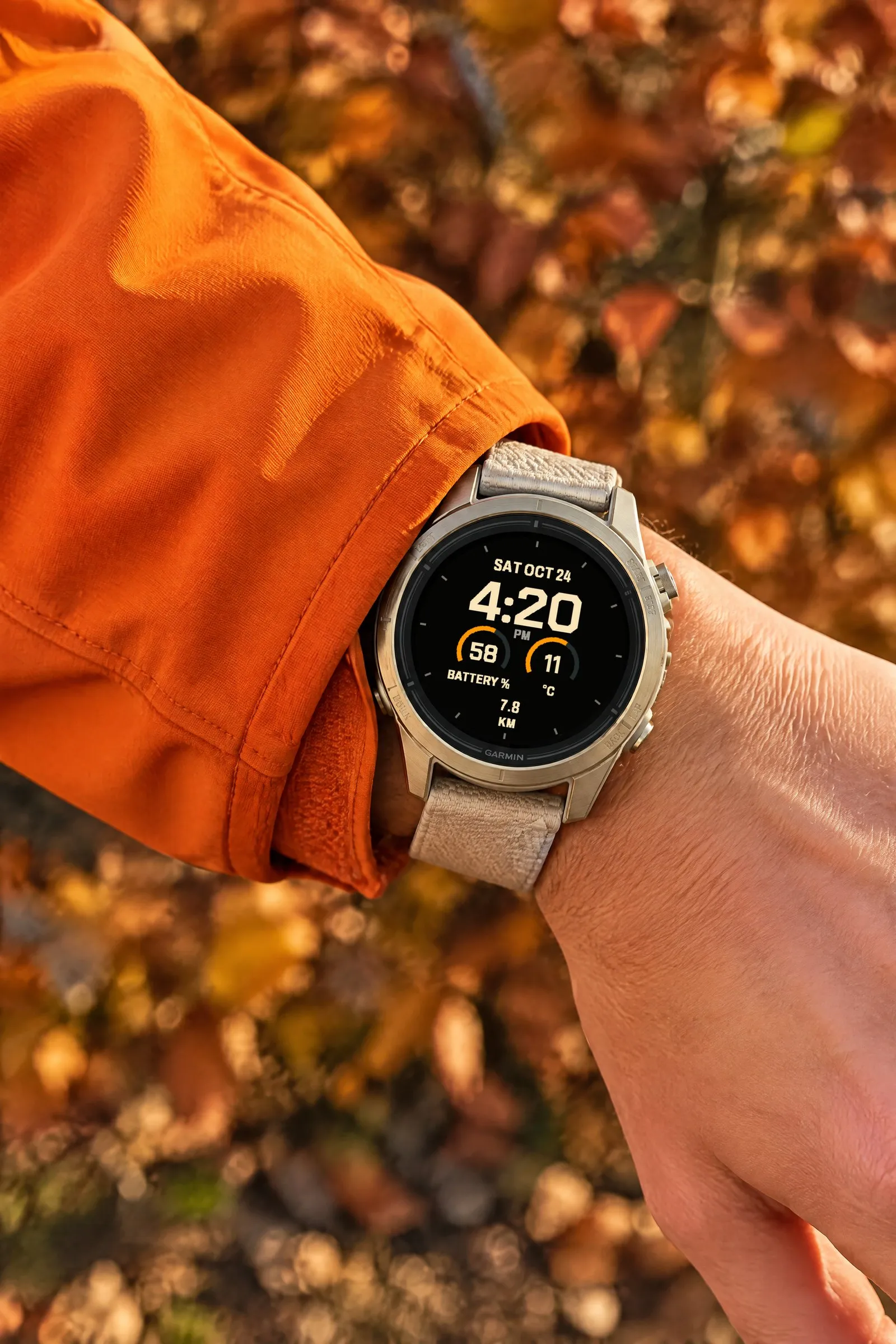 AI-generated
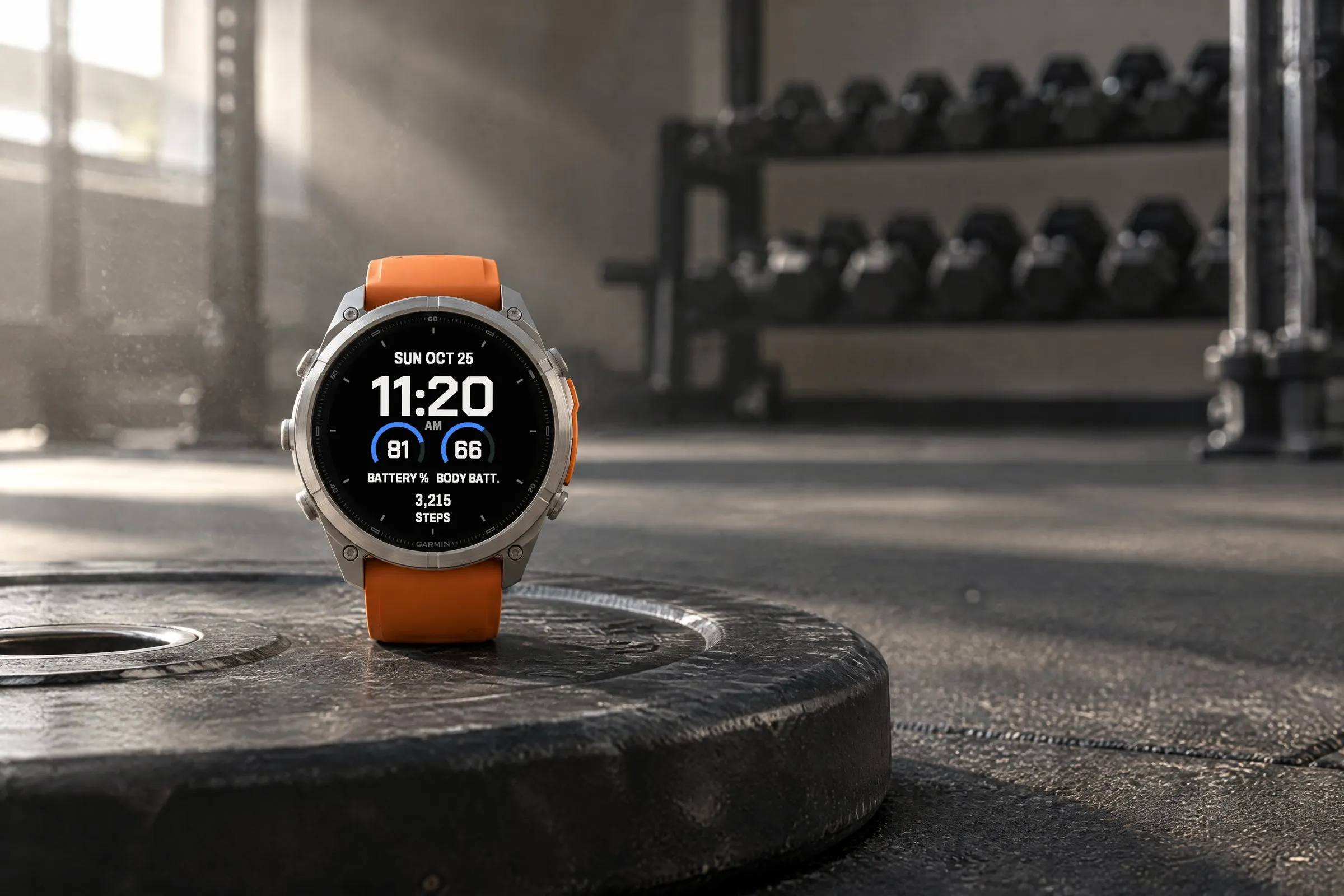 AI-generated
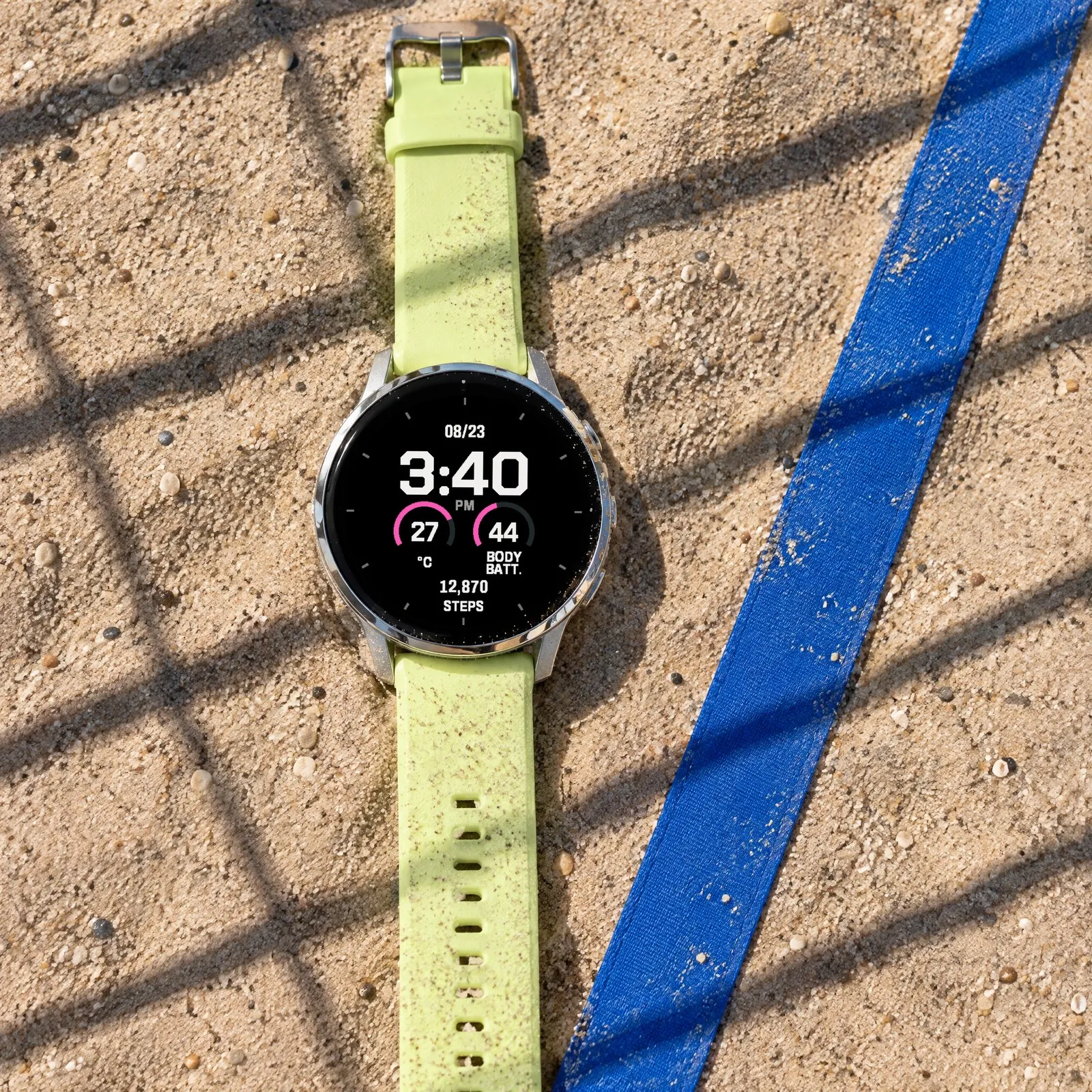 AI-generated
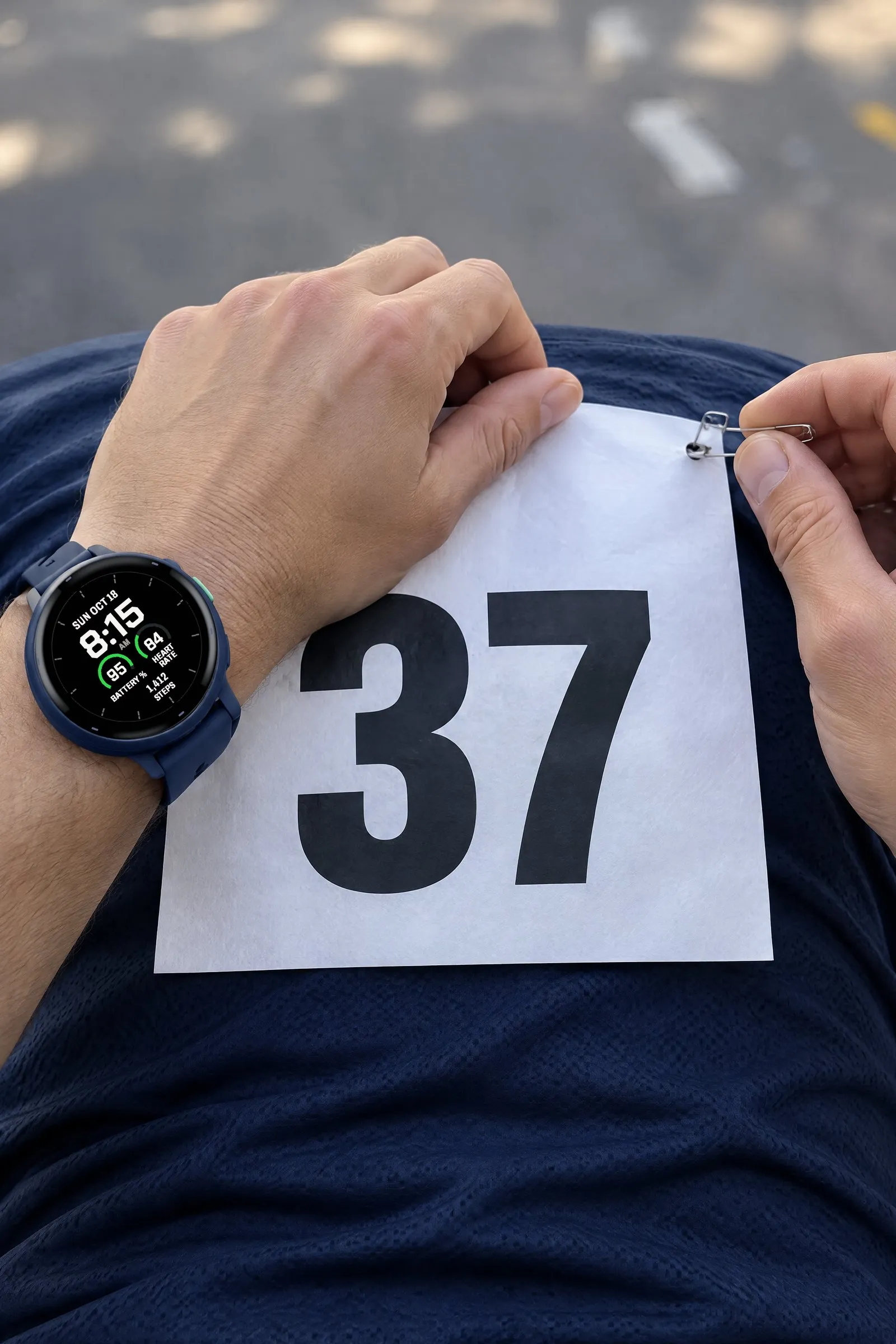 AI-generated
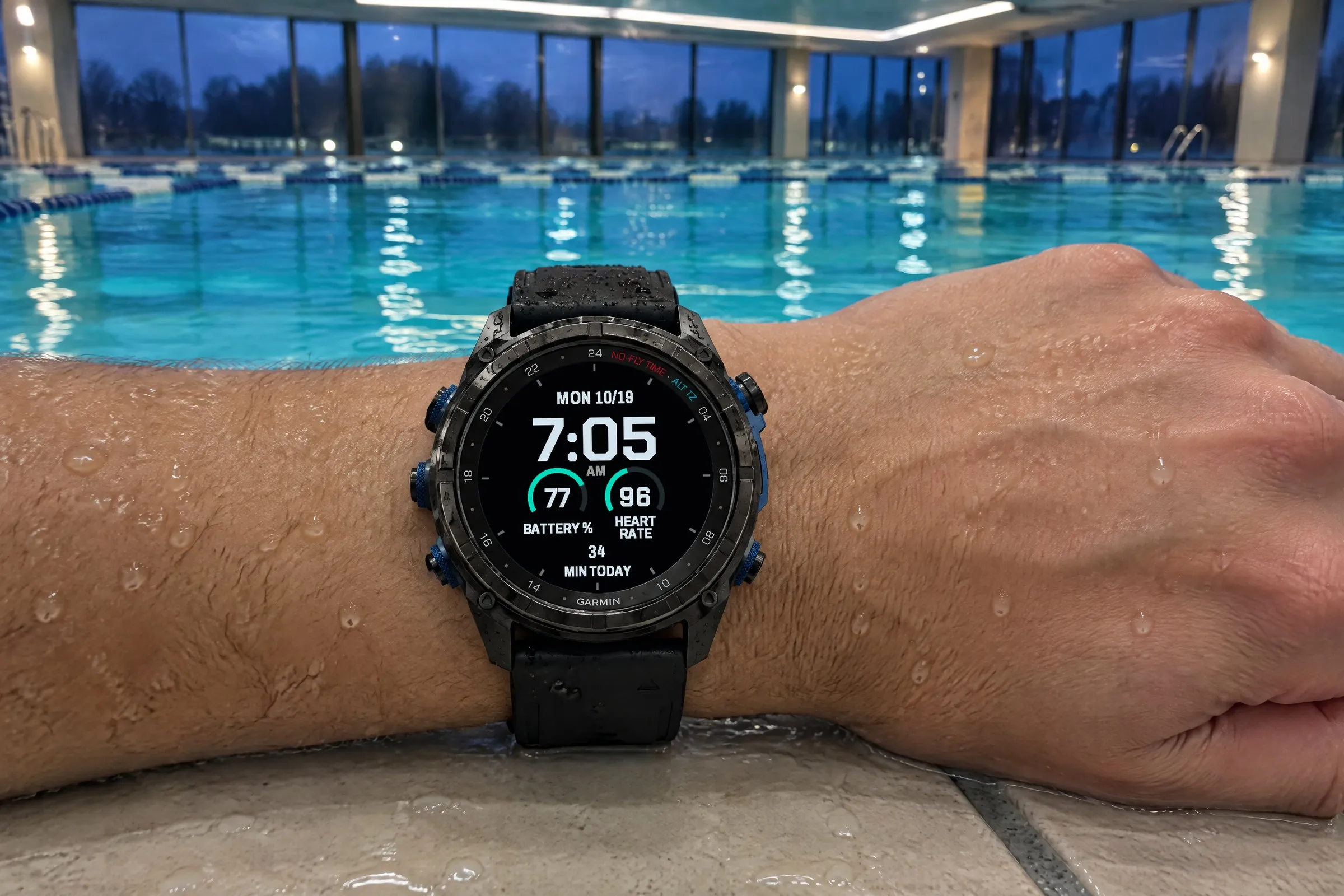
Fieldline goes with you to the pool, the bouldering gym, the weight room and the start of a city run. These photos show the big digital Garmin watch face on six Garmin watches: Descent Mk3i, Instinct 3 AMOLED, epix Pro, fēnix 9 Pro, Venu 4 and vívoactive 6. Four wear Pro color combinations such as Ice gray / Turquoise, two the Free version in blue and green. If you want to see your heart rate while training, choose the “Active” layout in Free.
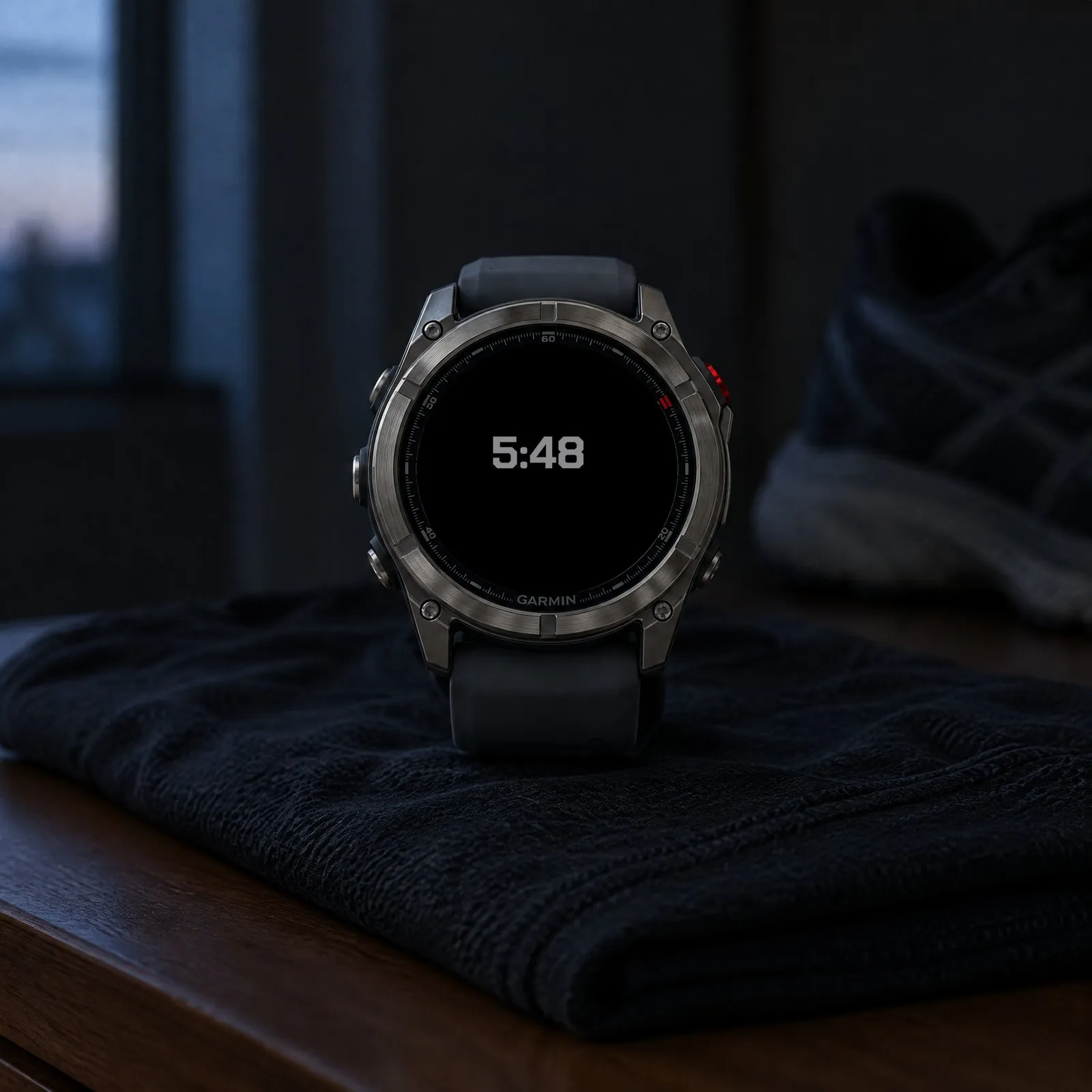
Always-on shows only the large time in a dimmed gray. It moves between four positions every minute so nothing burns into the AMOLED display.
 AI-generated
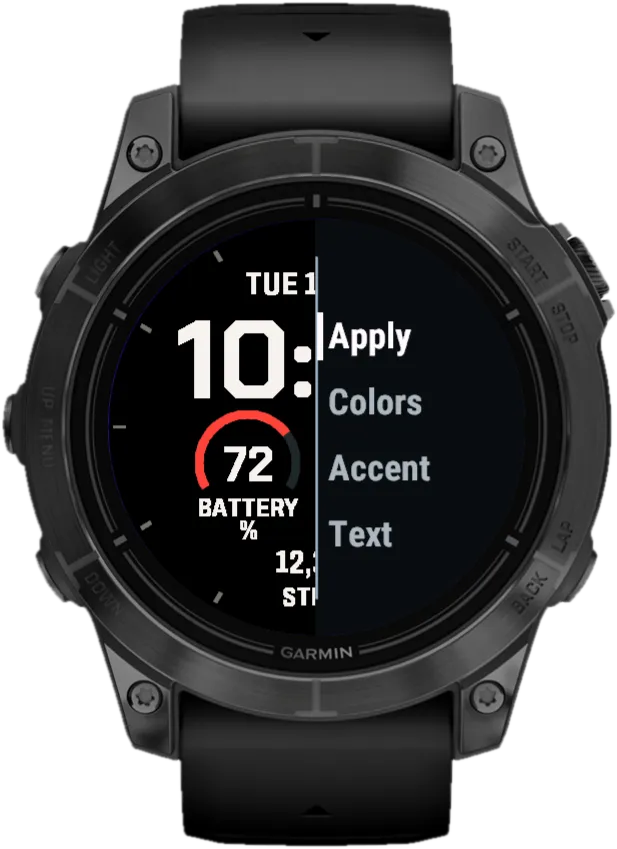
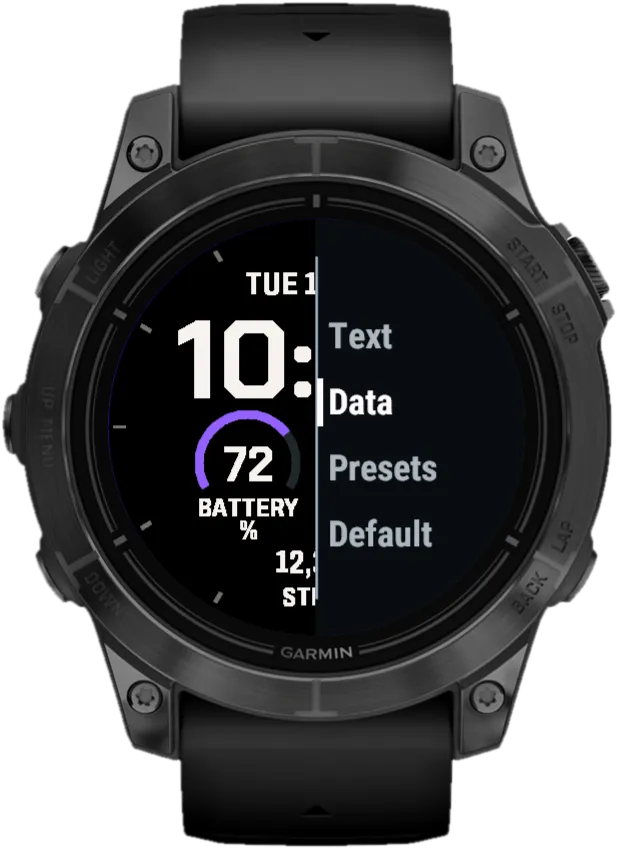
On the watch face, hold the middle left button (UP/MENU), choose “Watch Face” and then “Customize”. Every change shows up instantly in the preview. On Venu, vívoactive and other two-button watches, hold the lower right button instead.
Apply
Saves your selection.
ColorsPro
32 ready-made combinations, e.g. off-white/red or ice gray/blue.
Accent
Accent color from 38 colors. Free: red, green or blue.
TextPro
Text color separate from the accent, 38 colors.
DataPro
Select top, left, right and bottom in turn and choose what each shows.
Presets
Custom, Everyday, Energy or On the go. Free: “Everyday” or “Active”.
Default
Back to the default settings.
| Feature | FreeNo time limit | Pro$1.99 one-time |
|---|---|---|
| Design | ||
| Large digital time, 12 or 24 hours | Included | Included |
| Two gauges, date on top, value below | Included | Included |
| Dedicated always-on display | Included | Included |
| Colors | ||
| Ready-made color combinations | Not included | 32 |
| Accent color | Red, green or blue | 38 colors |
| Text color | Warm white | 38 colors, separate from the accent |
| Data | ||
| Ready-made layouts | “Everyday” or “Active” | “Everyday”, “Energy” or “On the go” |
| Left and right gauges | Set by the layout | Up to 12 data options |
| Bottom field | Steps | Up to 10 data options |
| Date format | Fixed | 9 formats |
| Settings | ||
| On-watch settings with preview | Included | Included |
| Menu in six languages | Included | Included |
The watch face runs on these Garmin watches:
Open the Connect IQ Store app on your phone. If you don’t have it yet, get it free from the App Store or Google Play and sign in with your Garmin account.
Tap the search bar at the very top and type Fieldline. Open “Big Digital Free – Fieldline” (free) or “Big Digital Custom Pro – Fieldline” ($1.99 one-time).
Free: tap the big blue “Install” button. Pro: buy it first and pay with your Garmin account, then tap “Install”. Your watch gets the watch face the next time it syncs with Garmin Connect.
On your Garmin watch, hold the middle left button (UP/MENU) while the watch face is showing. Select “Watch Face”. Scroll to Fieldline: with the left up and down buttons or by swiping the screen. Confirm with the top right button (START) or a tap. On Venu, vívoactive and other two-button watches, hold the lower right button, select “Watch Face”, swipe to Fieldline and tap it.
Fieldline runs on more than 60 Garmin watches with a round AMOLED or MicroLED display, from these series: fēnix, epix, Forerunner, Venu, vívoactive, Instinct (3 AMOLED), quatix, tactix, D2, MARQ (Gen 2), Descent and Approach. You will find every model under “Does it fit your Garmin?” above, with a filter by series. Watches with a MIP display are not supported.
Free costs nothing and has no time limit: an accent in red, green or blue with warm white text, two layouts (“Everyday” or “Active”) and a dedicated always-on view. Pro adds 32 color combinations, text and accent set separately from 38 colors each, all four positions customizable and nine date formats.
Open the Connect IQ Store app on your phone, tap the search bar at the very top and type Fieldline. Open “Big Digital Free – Fieldline” and tap “Install”; for “Big Digital Custom Pro – Fieldline” you buy first, then install. After your watch syncs with Garmin Connect, hold the middle left button (UP/MENU), select “Watch Face” and pick Fieldline. The detailed steps are further up this page.
Yes. On the watch face, hold the middle left button (UP/MENU), select “Watch Face” and then “Customize”. Select “Apply” to save your selection, no phone needed. In Free you choose the accent color and the layout. In Pro you can also set every color and all four positions individually.
No. Fieldline Pro is a one-time purchase of $1.99 and installs as a separate watch face. Buying it does not change an existing Free installation.
Minimal
Large digital time with three colorful goal arcs for steps, intensity minutes and Body Battery. Light or dark.
Retro Digital
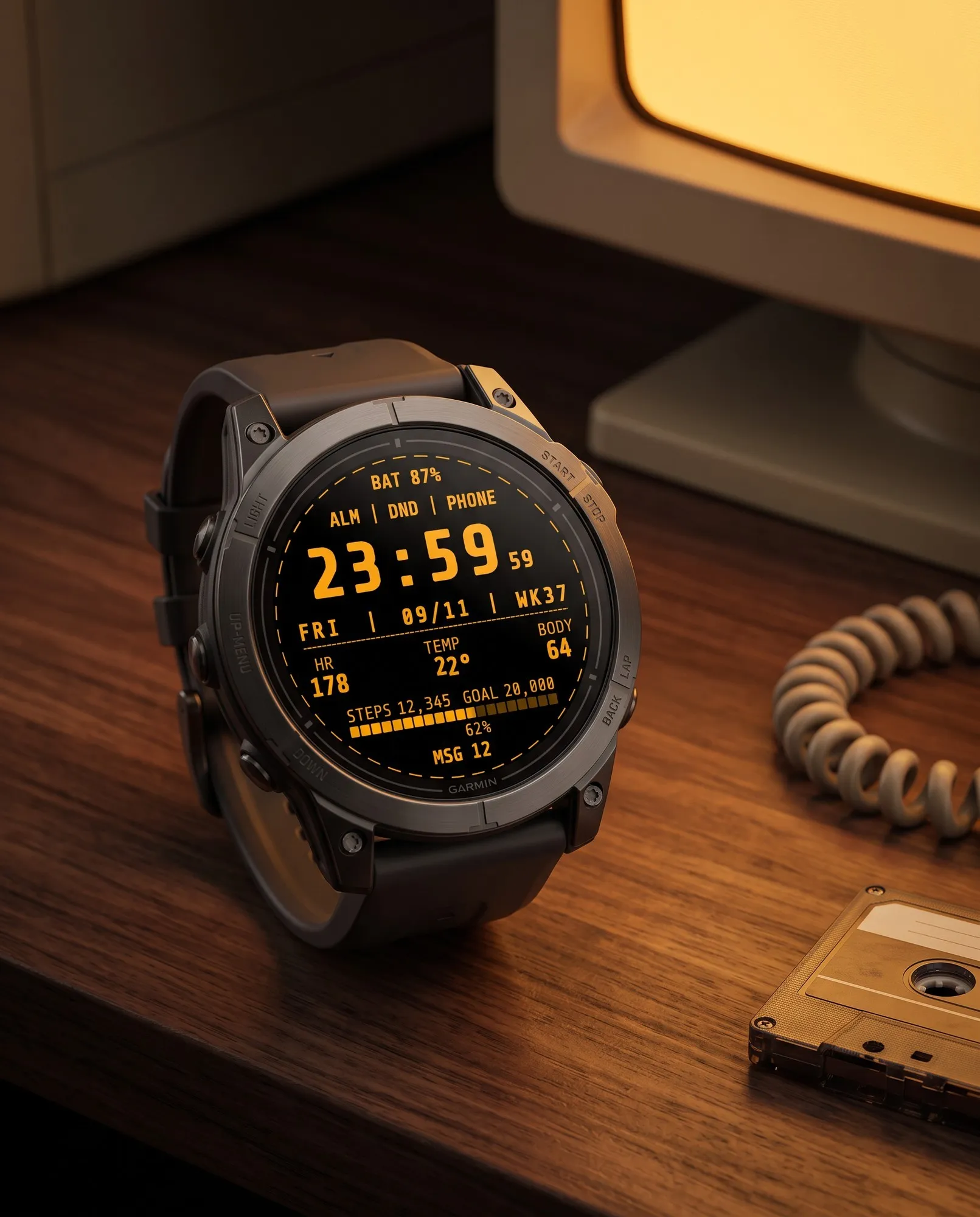
Styled like a computer terminal: bold monospace digits and seconds that blink like a cursor.
Analog
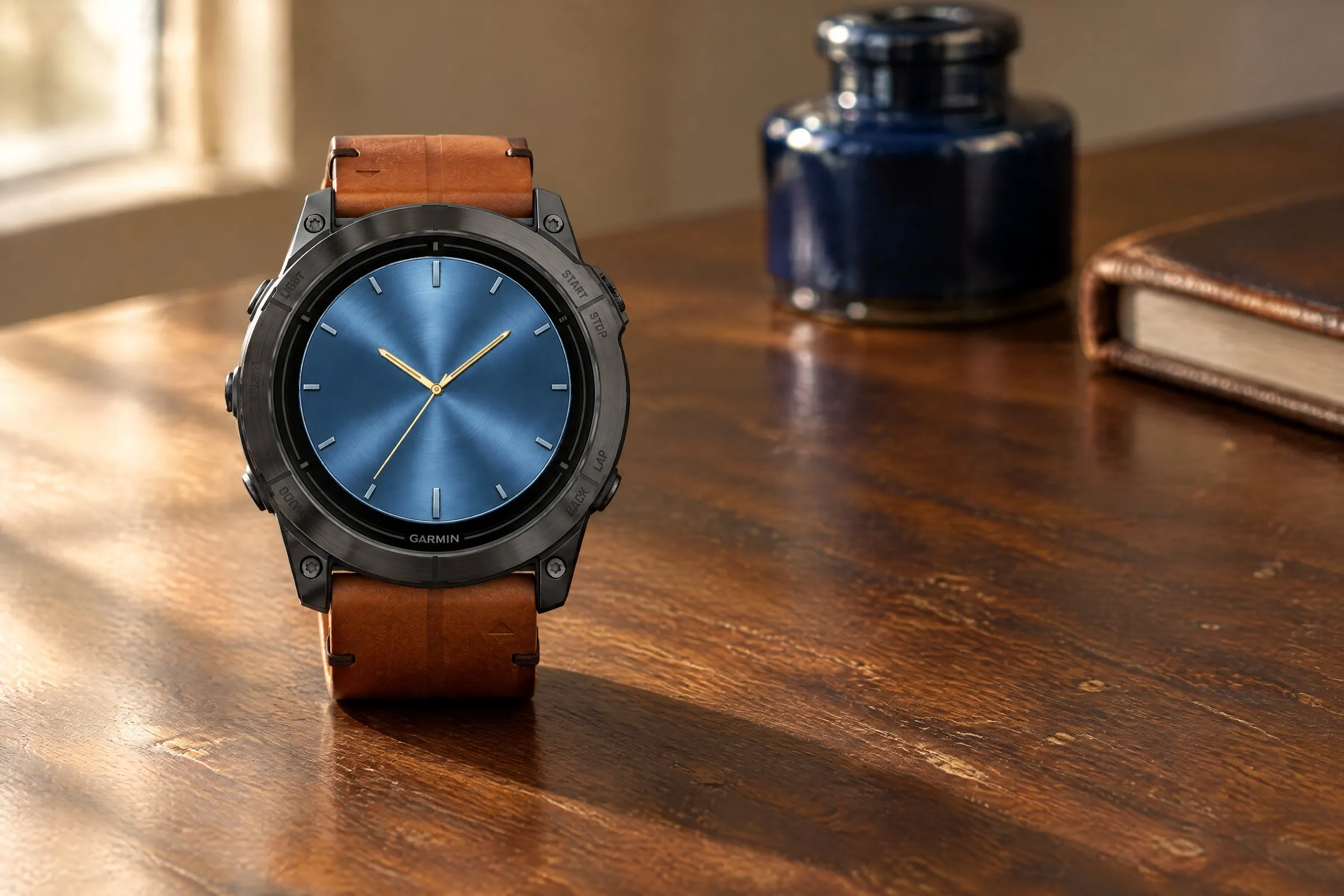
Brushed-metal finish in five colors, bold hands and two small subdials.
GMT Analog
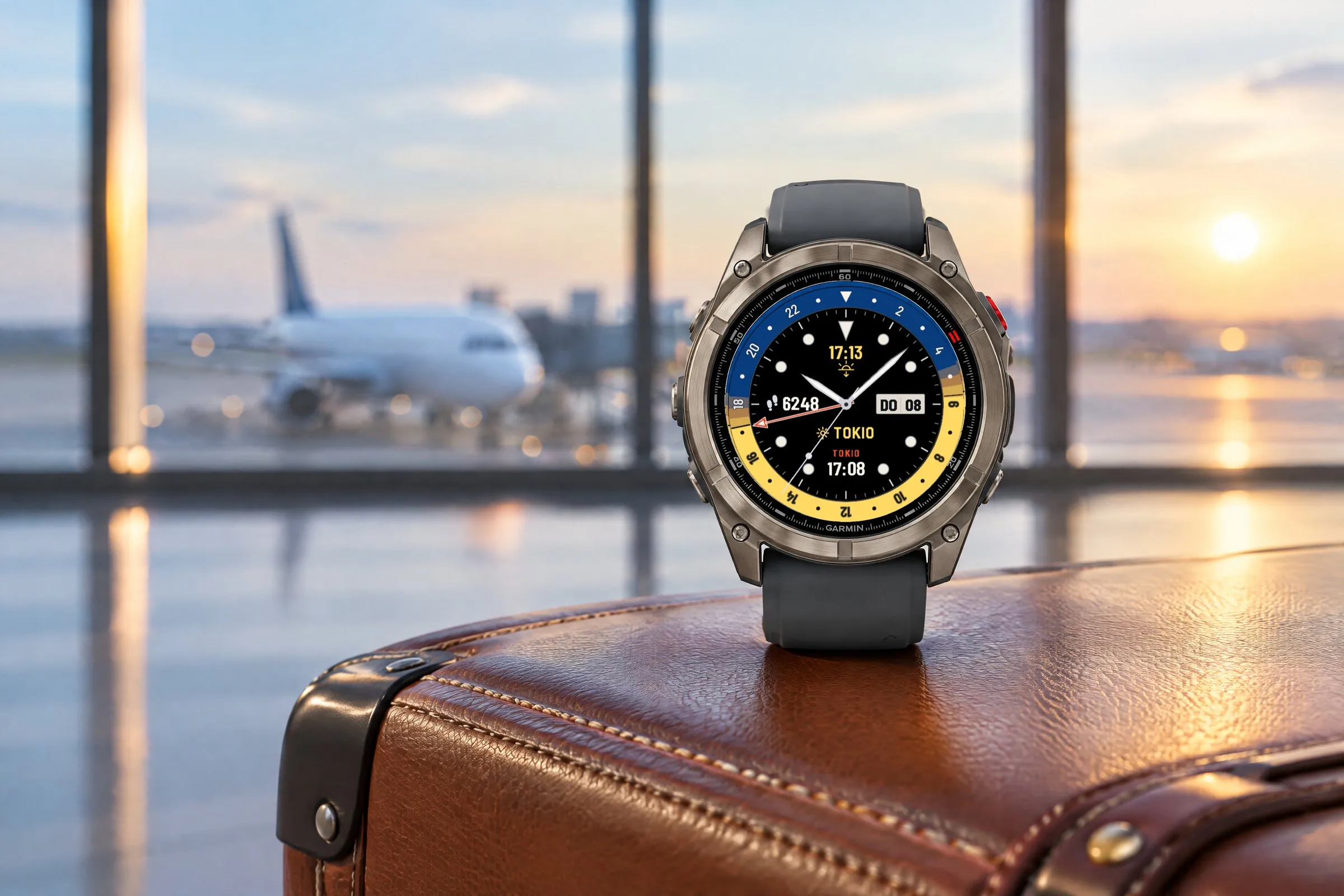
Two time zones at a glance: a GMT hand on a 24-hour scale, the second time with its place name and a daylight ring for day and night.