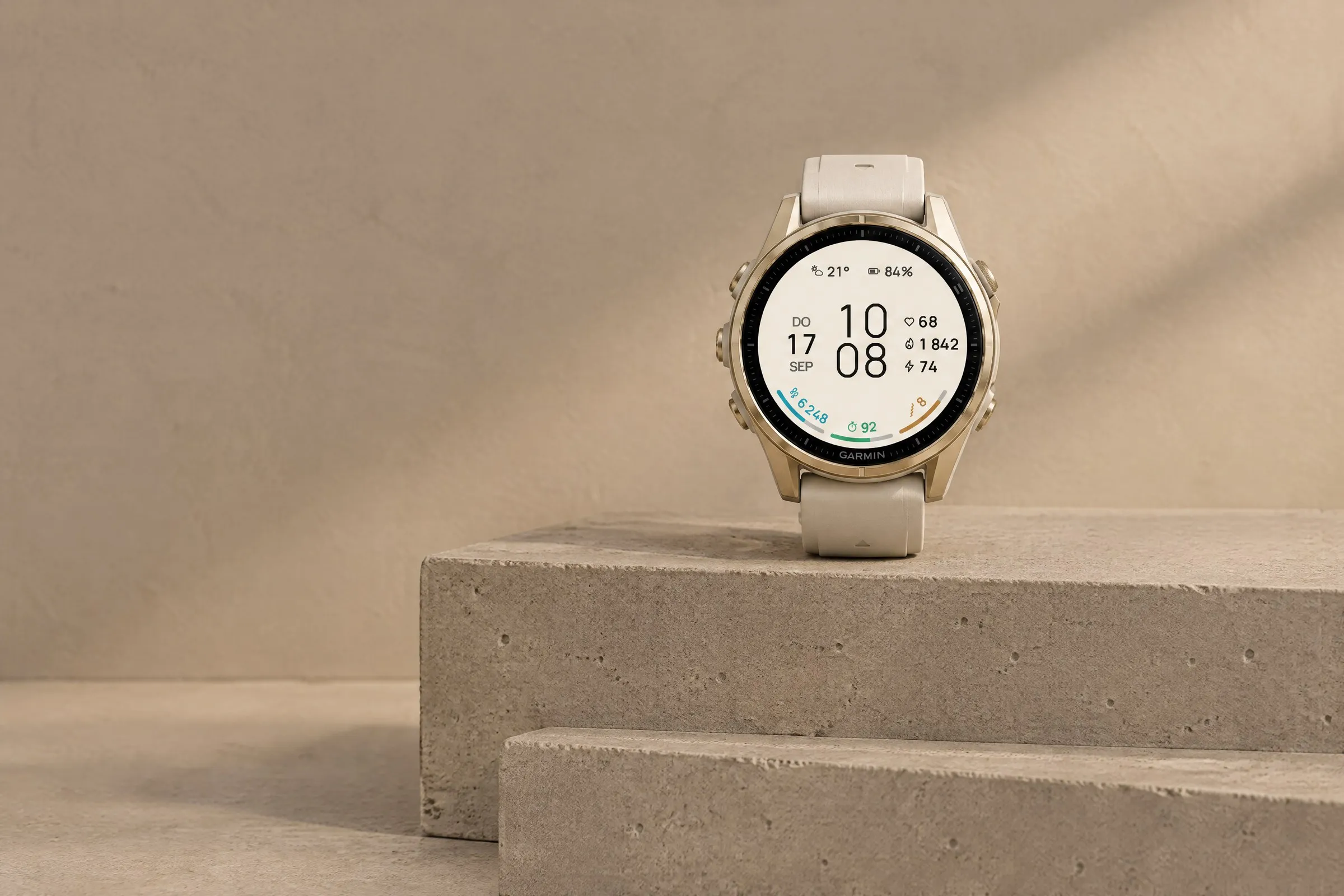
ARCLINE
Minimal
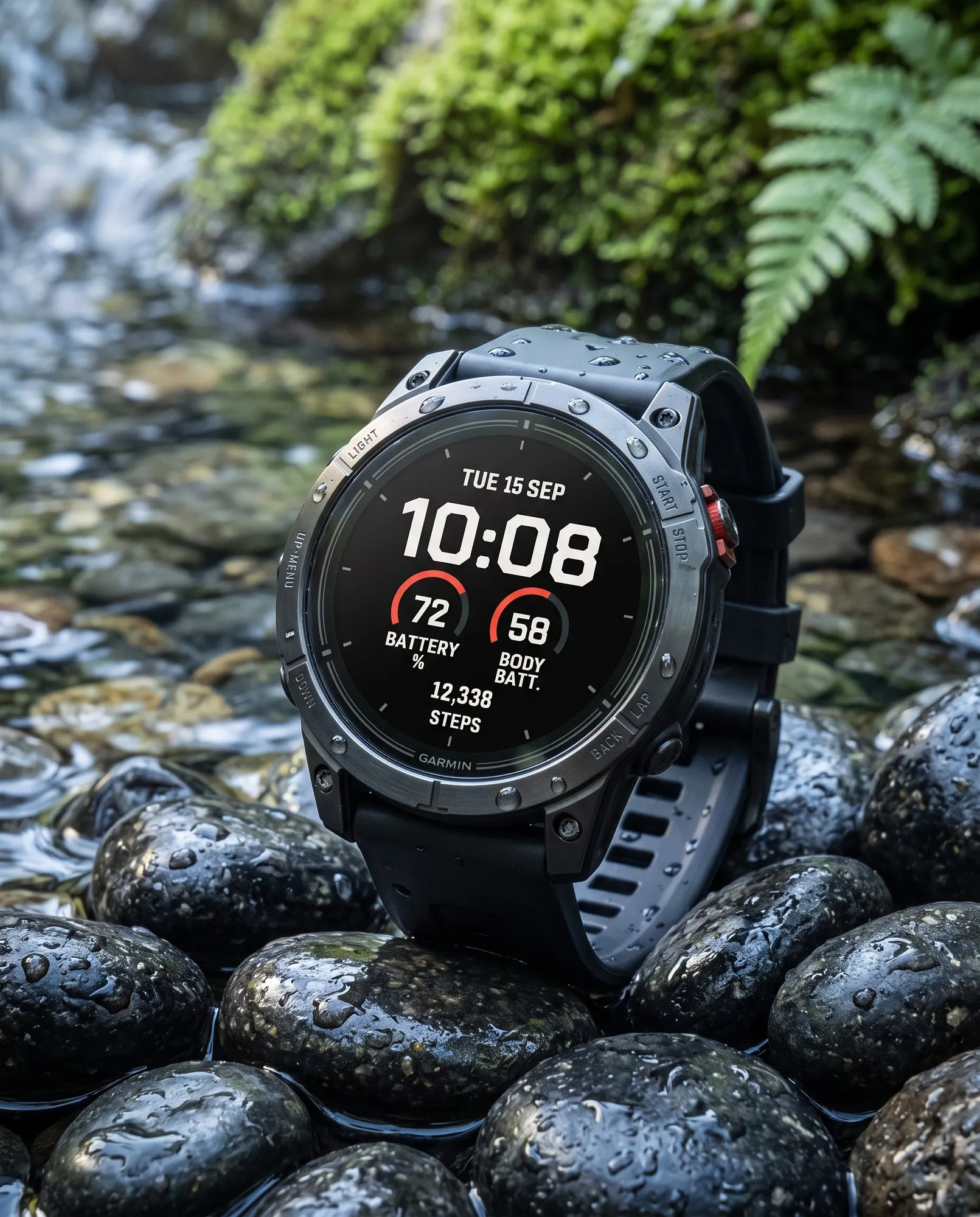
Large digital time with three colorful goal arcs for steps, intensity minutes and Body Battery. Light or dark.
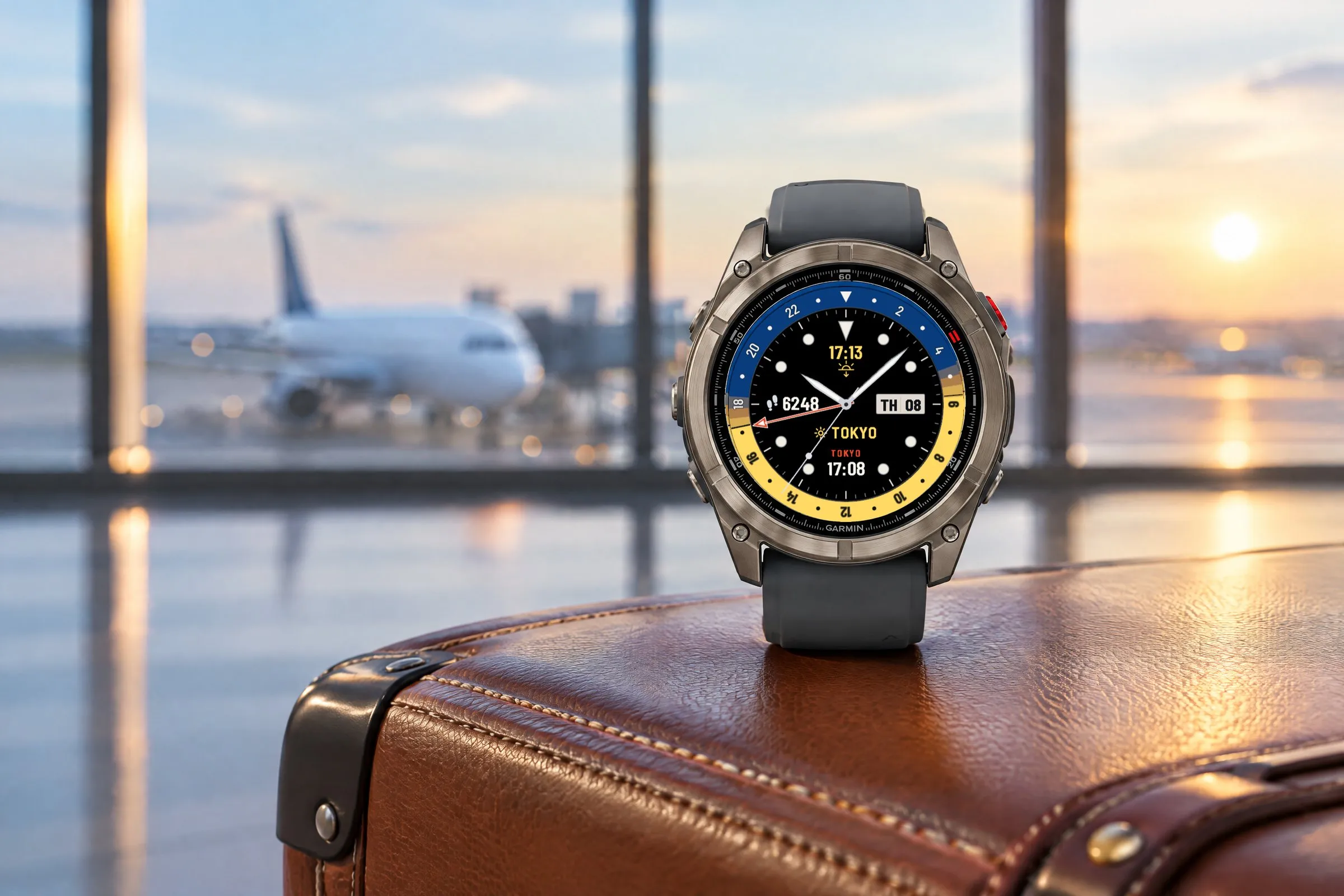
Two time zones at a glance: a GMT hand sweeps the 24-hour scale, with the second time and place name below. The daylight ring shows day, twilight and night. An analog GMT Garmin watch face for more than 60 watches.
 AI-generated
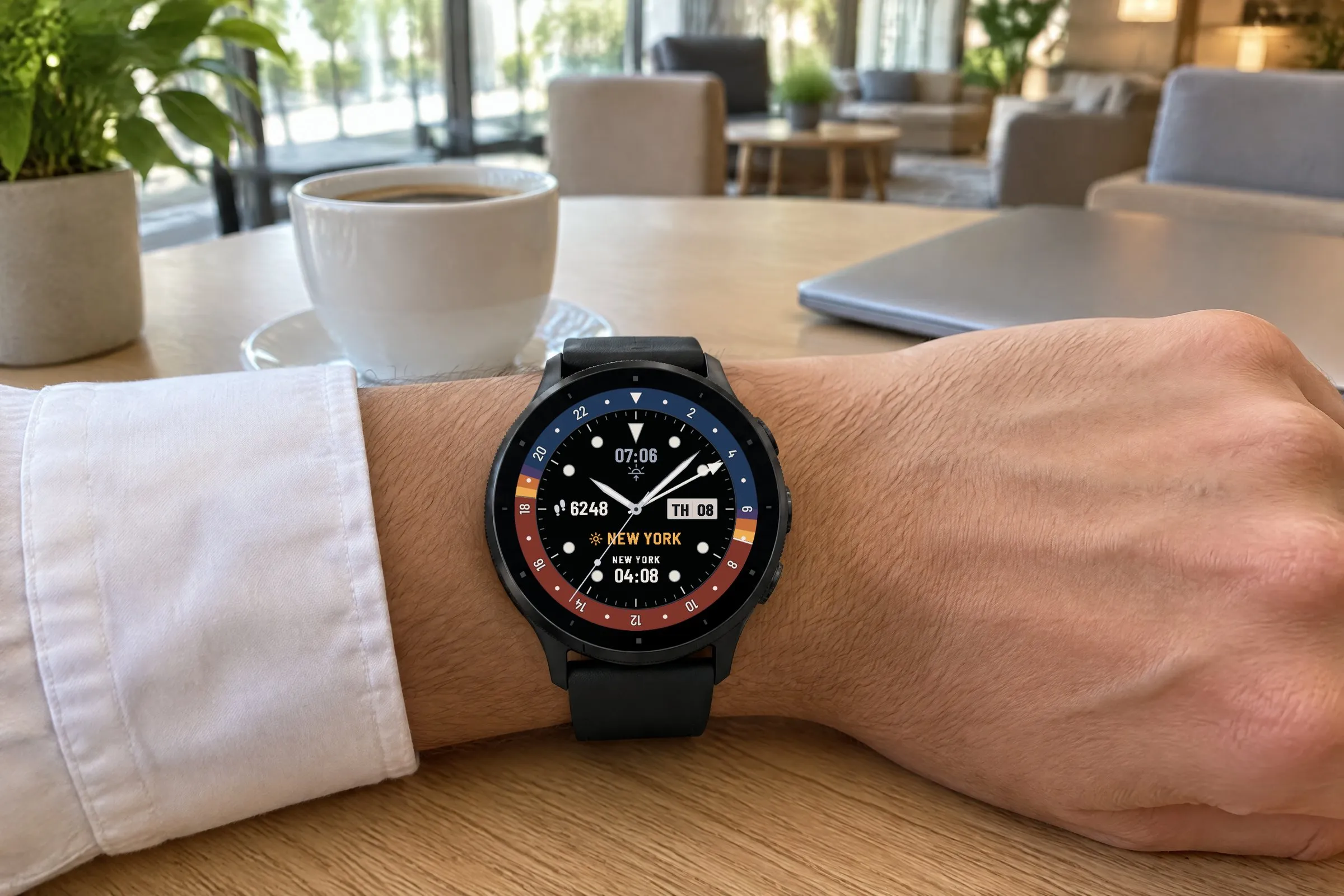
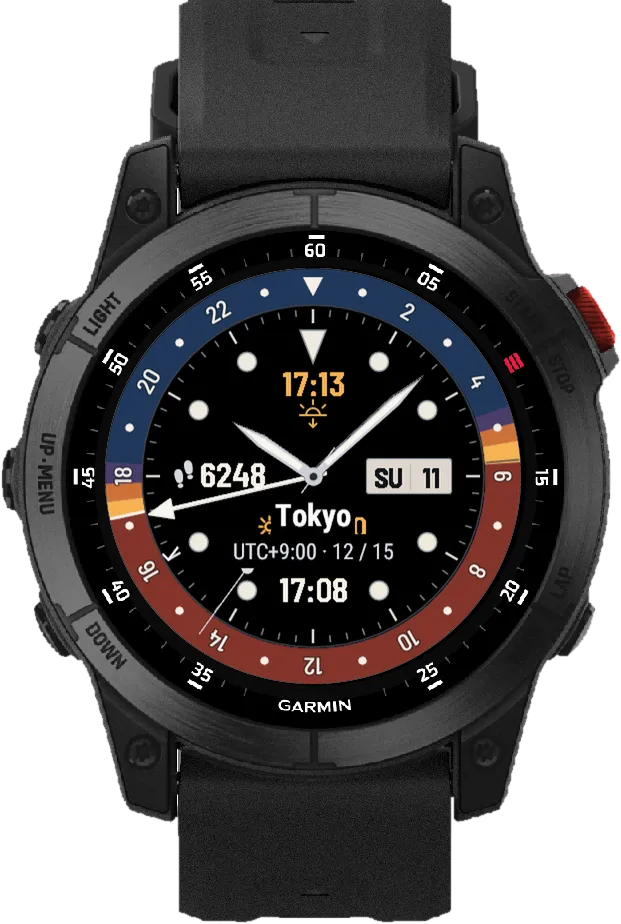
Horizon GMT is an analog Garmin watch face modeled on classic GMT watches. The hour and minute hands show your local time. The colored GMT hand makes one turn every 24 hours and points to your second time zone. Below, the same second time appears as digits with its place name, in the same color as the GMT hand, so you always know which is which.
The outer ring doubles as a daylight ring: day between sunrise and sunset in the day color, night in the night color and three steps of twilight in between. Choose from 316 places and UTC entries or set a fixed UTC offset in 15-minute steps. You decide whether the ring and sun times follow your GMT city or your current location.
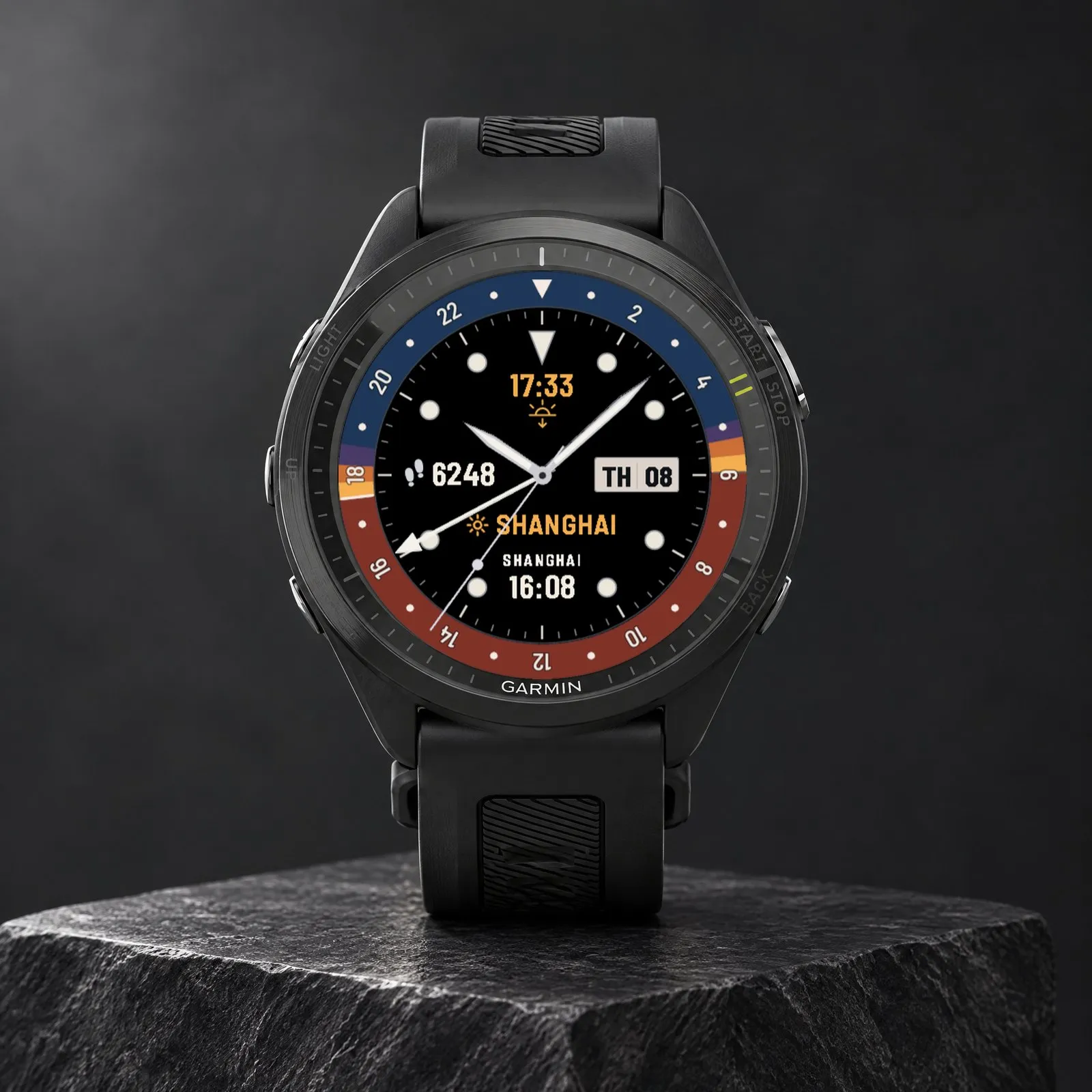
What you see on the display and what each element shows.
 AI-generated
Daylight ring
Day, twilight and night, with a 24-hour scale.
Left field
Steps; customizable in Pro.
Sun reference
City name or “LOCAL”: the place the ring refers to.
Next sun time
Next sunrise or sunset, the arrow shows which.
GMT hand
One turn in 24 hours, points to the second time zone.
Second time
Place name and time of the second time zone.
In Pro you set four fields: top, left, right and bottom. Top and bottom also take time values such as the next sunrise or sunset or the second time, the right field the date window. Any field can be hidden with “None”, even all four; the ring, scale and hands stay. Which values appear depends on your watch. Free always shows the next sun time at the top, steps on the left, GMT at the bottom and the date on the right.
 AI-generated
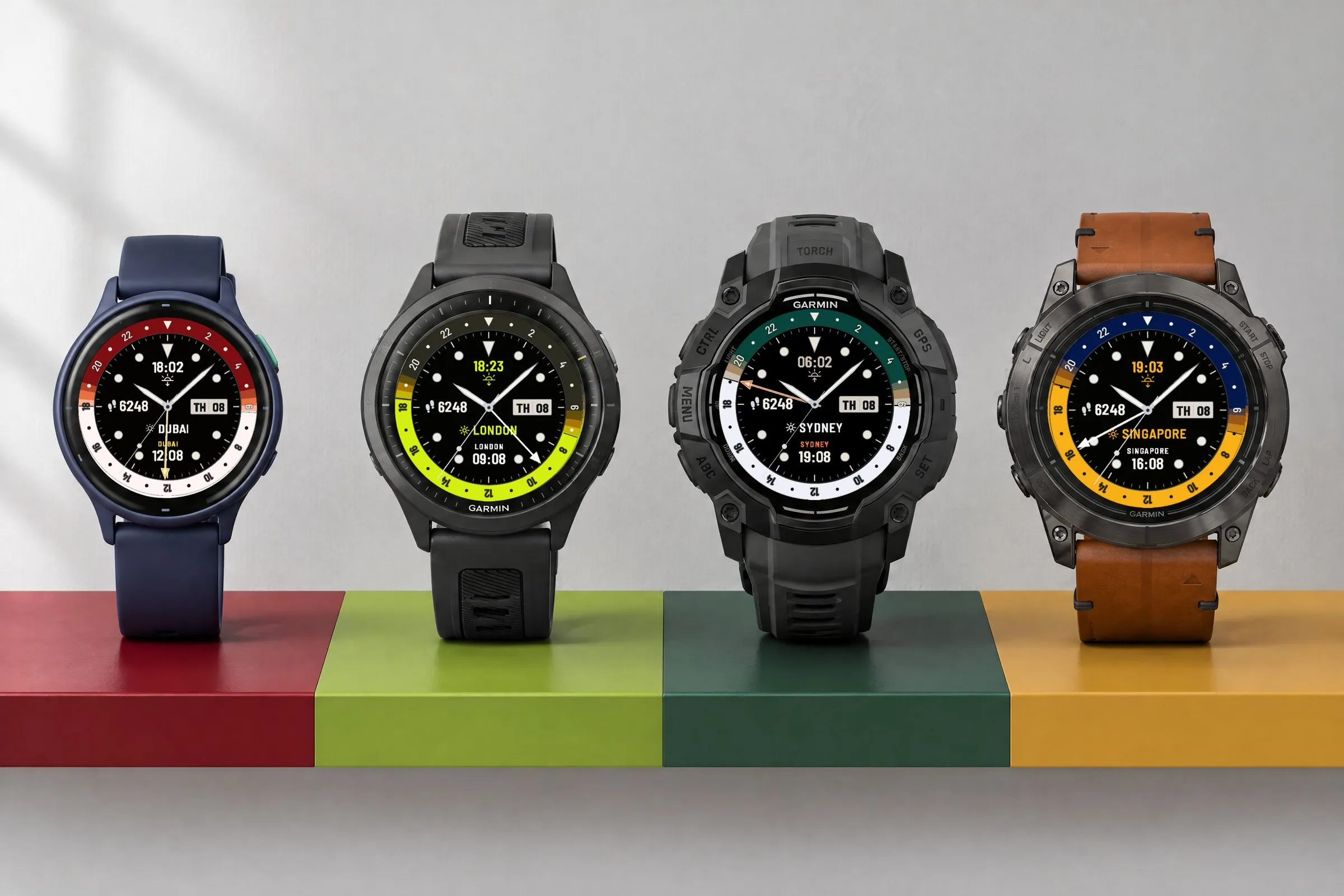
Pro comes with 32 color presets. Each one sets the night, day and accent colors at once, and you can then change any color on its own. Free keeps the Classic color scheme. The photo shows a vívoactive 6 in Cherry, a Forerunner 970 in Lime, an Instinct 3 AMOLED in Pine and an epix Pro in Mustard. Below are five more presets on other Garmin watches.
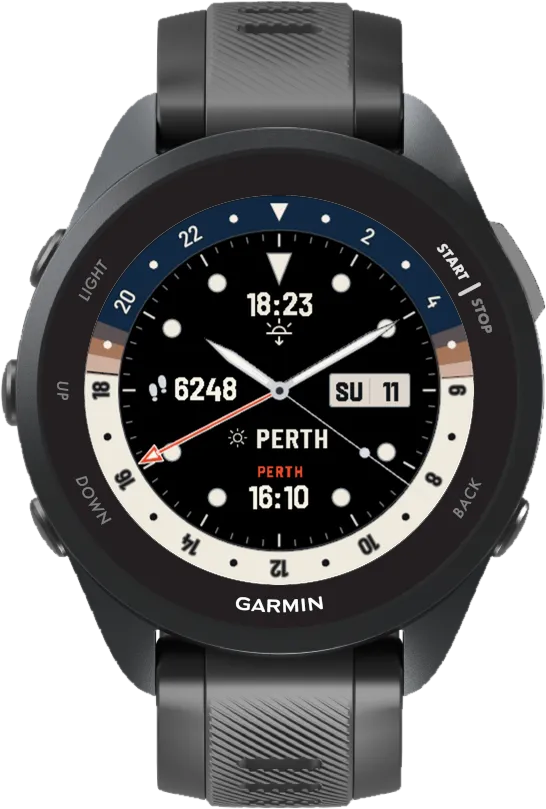
Arctic
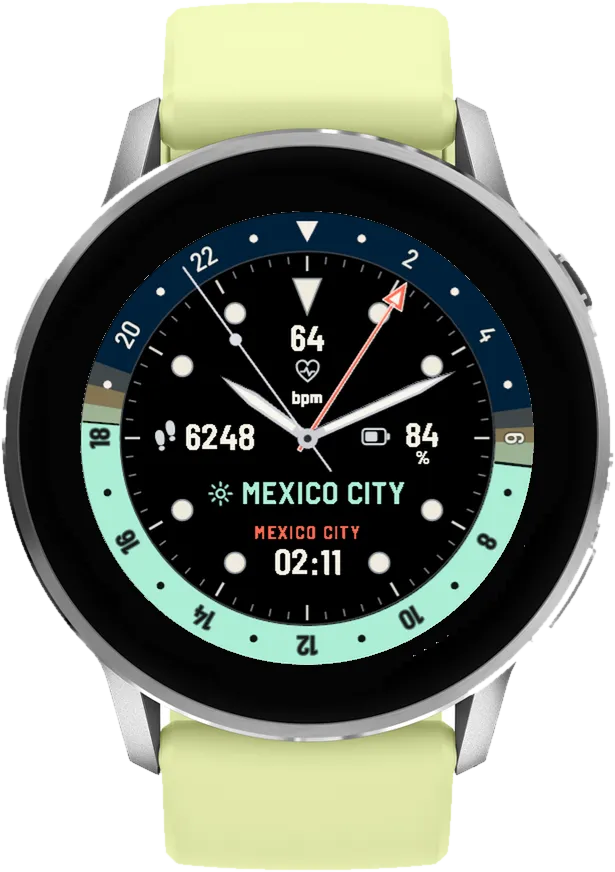
Sailor
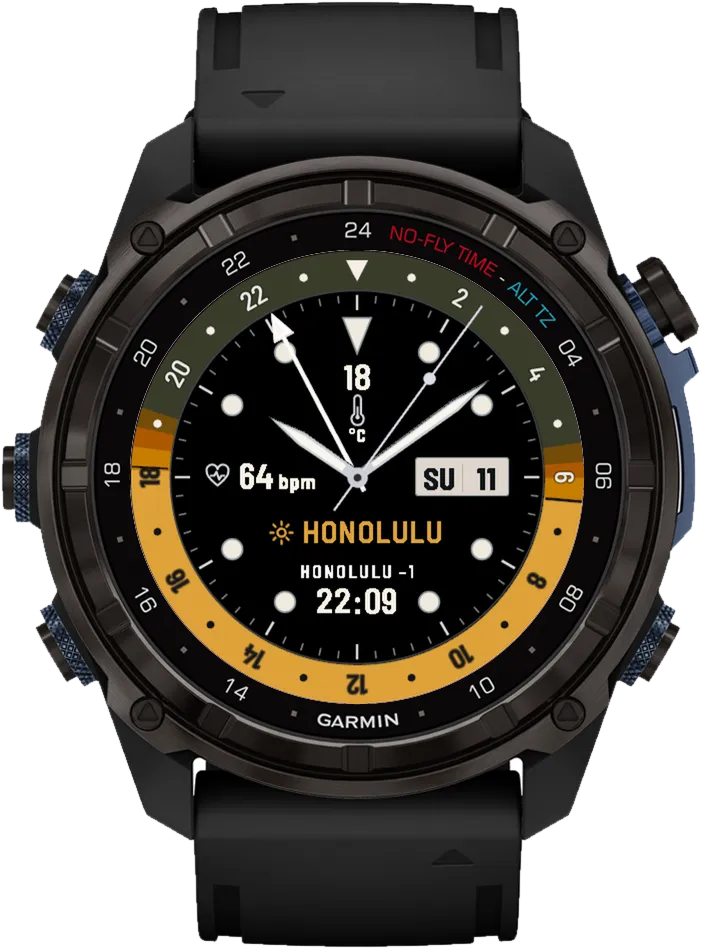
Mango
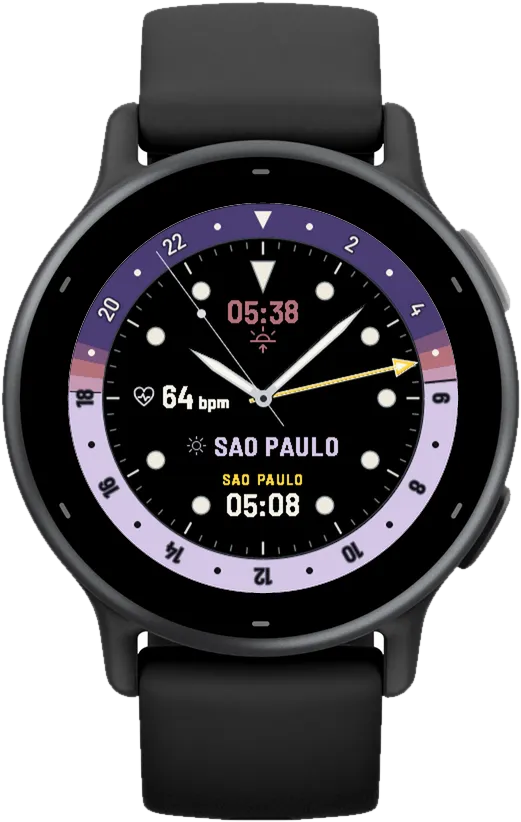
Lilac
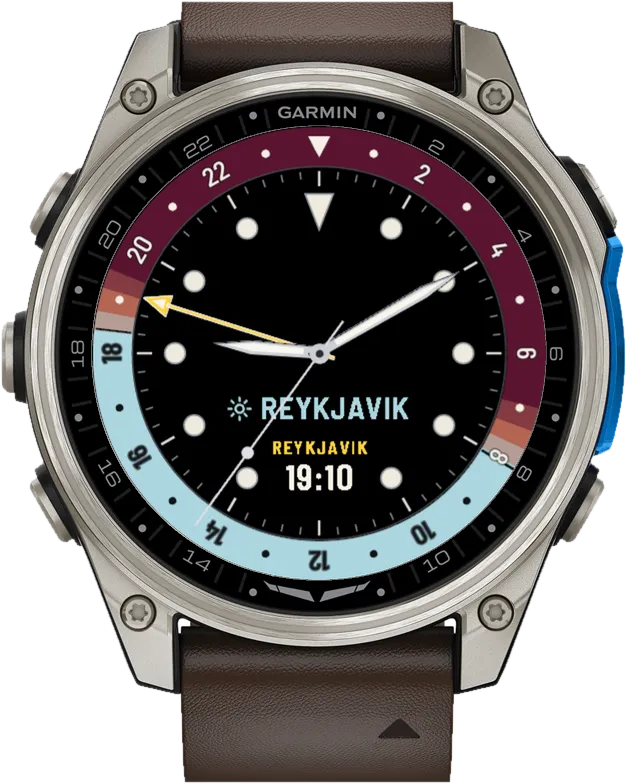
Burgundy
 AI-generated
 AI-generated
 AI-generated
 AI-generated
 AI-generated
 AI-generated
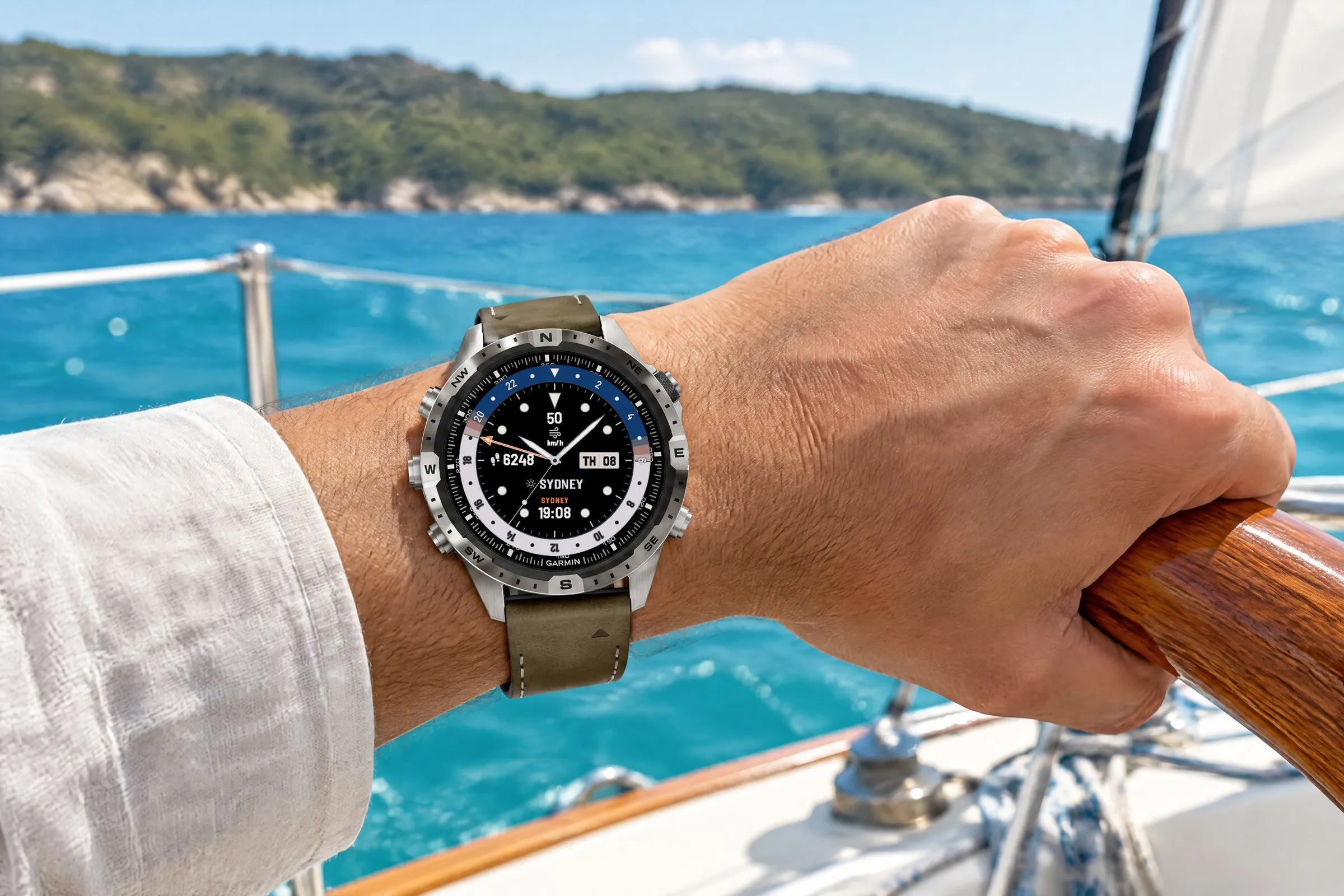
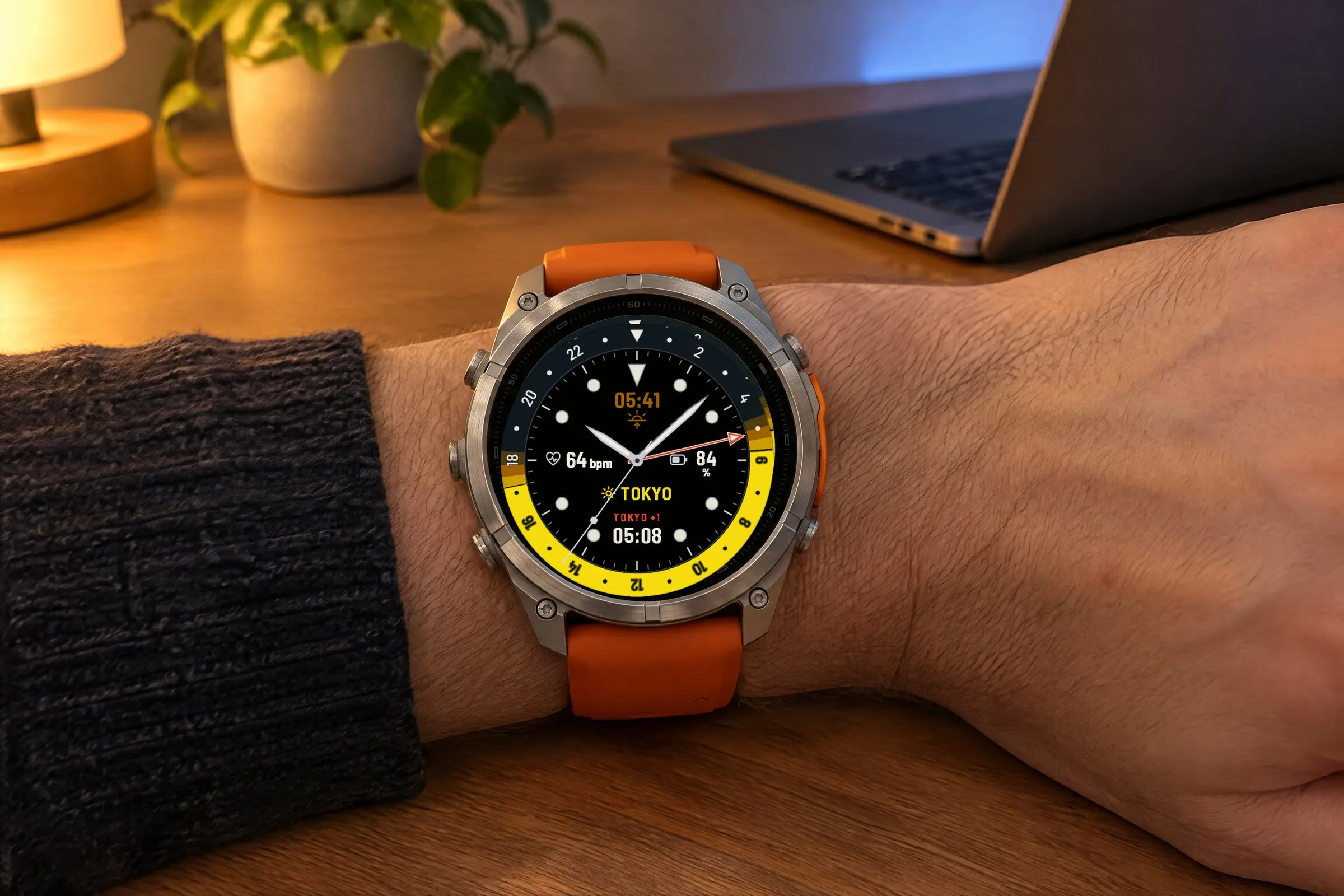
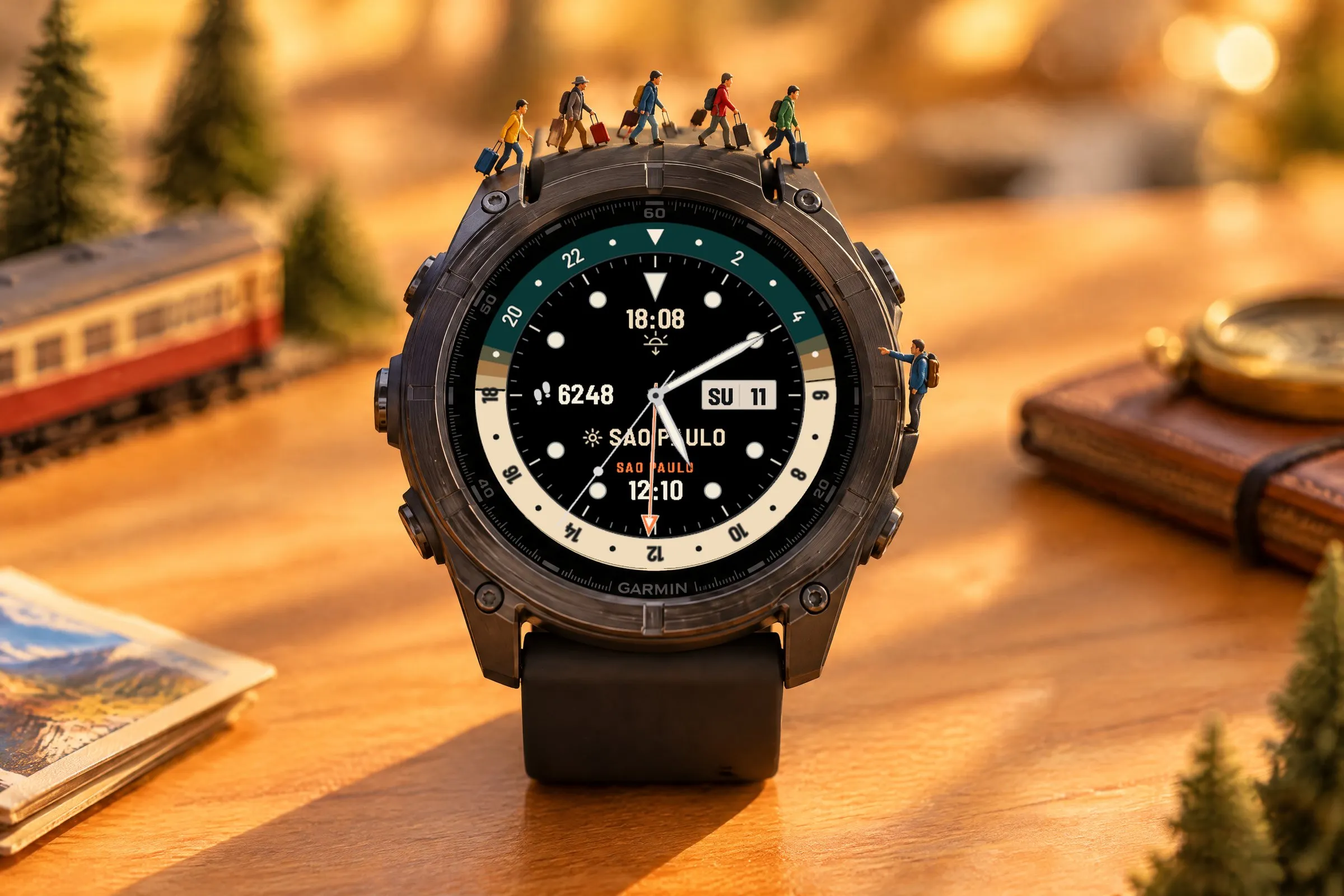
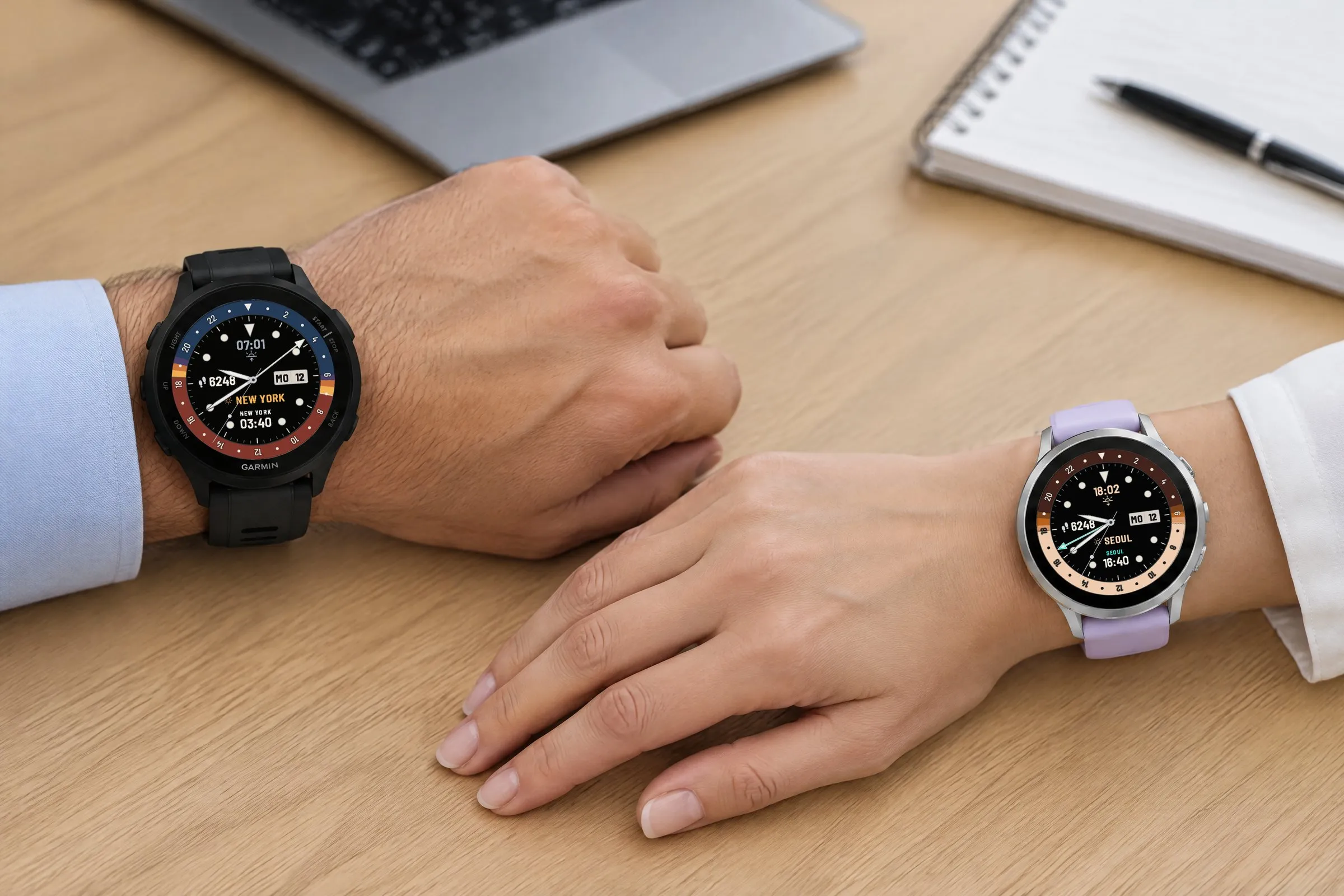
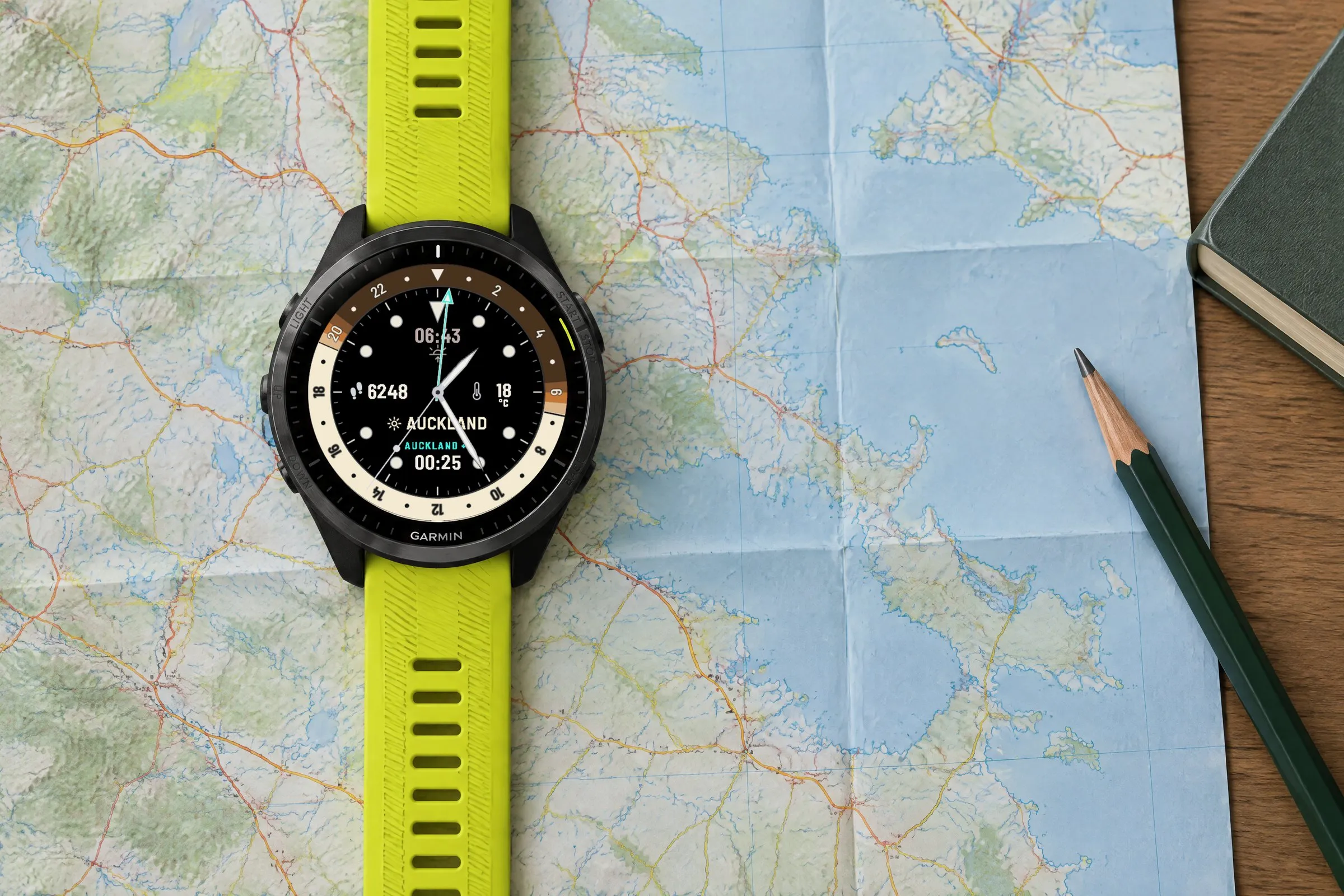
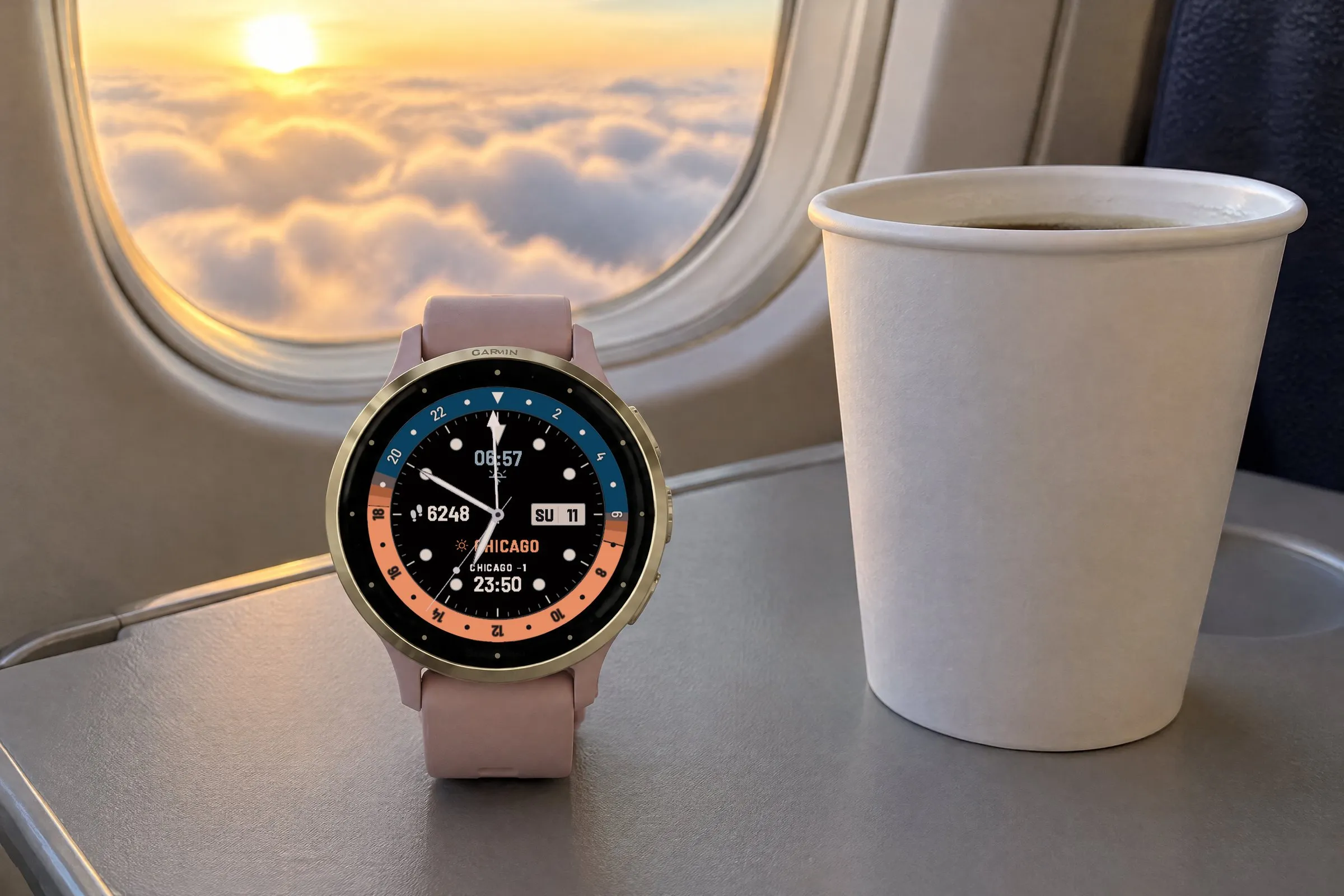
Horizon GMT comes along when you travel and at work: on a sailboat, at your desk in the evening, in a meeting, on a paper map and on a flight. These photos show the GMT Garmin watch face on seven Garmin watches: MARQ, fēnix 9 Pro, fēnix 8, Forerunner 165, Venu 4, Forerunner 965 and Venu 3S. The second time zones range from Sydney and Tokyo to Seoul and Chicago.
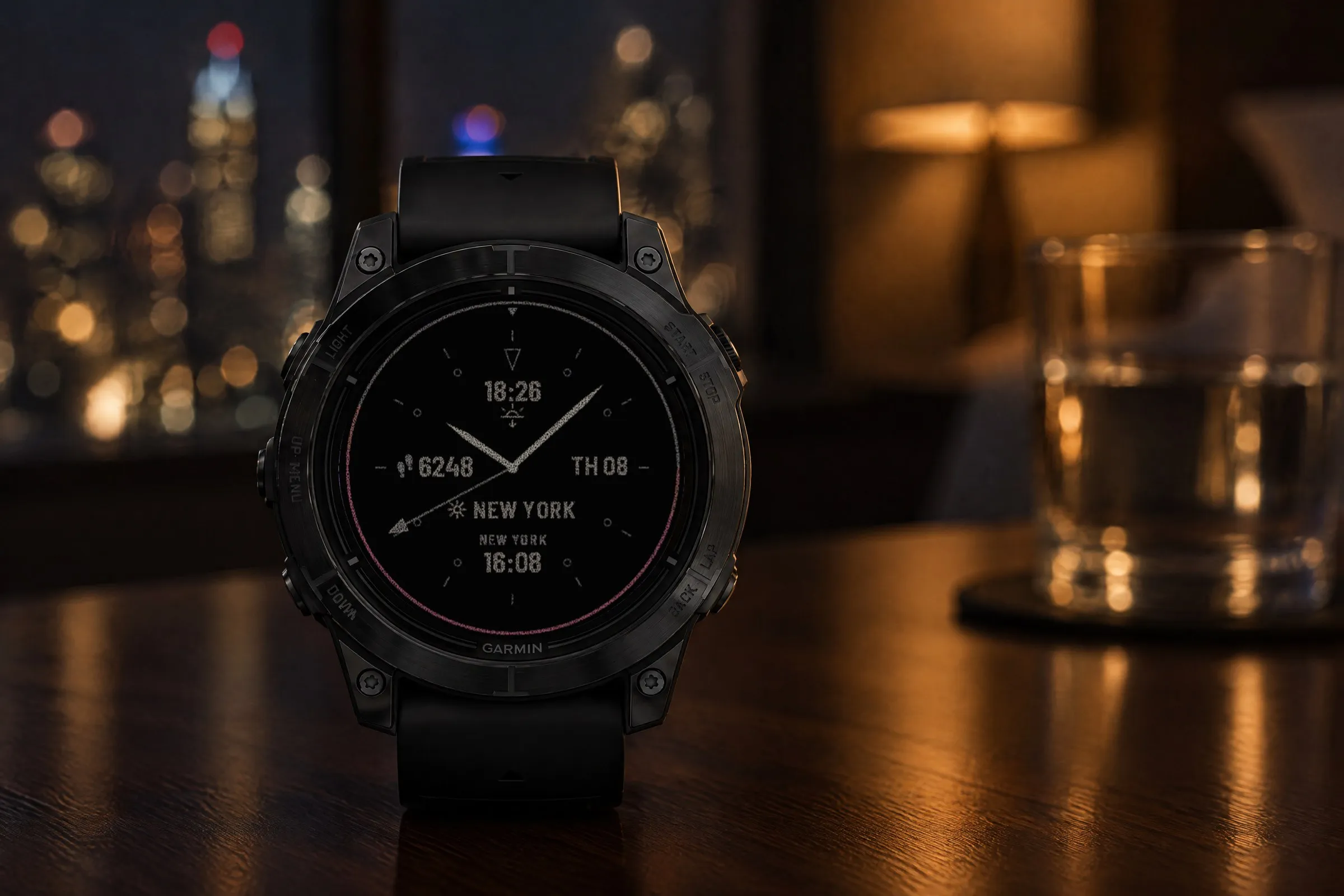
Always-on shows a reduced view: the daylight ring as a thin line, slim hands, the GMT hand in a dimmed accent color and the fields in gray. The second hand is hidden.
 AI-generated
On the watch face, hold the middle left button (UP/MENU), choose “Watch Face” and then “Customize”. Every change shows up instantly in the preview. On Venu, vívoactive and other two-button watches, hold the lower right button instead.
ColorsPro
One of 32 color presets, or night, day and accent colors set individually.
NightPro
Ring color at night, 32 dark shades.
DayPro
Ring color during the day, 32 shades.
AccentPro
Color of the GMT hand and place name, 13 shades.
Top, Left, Right, BottomPro
Set each of the four data fields or hide it with “None”.
Set GMT
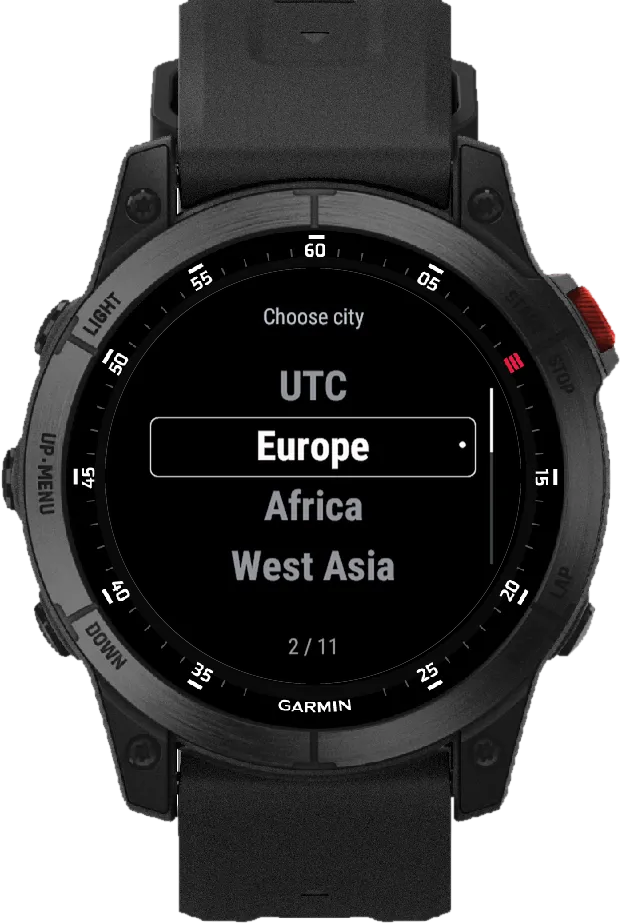
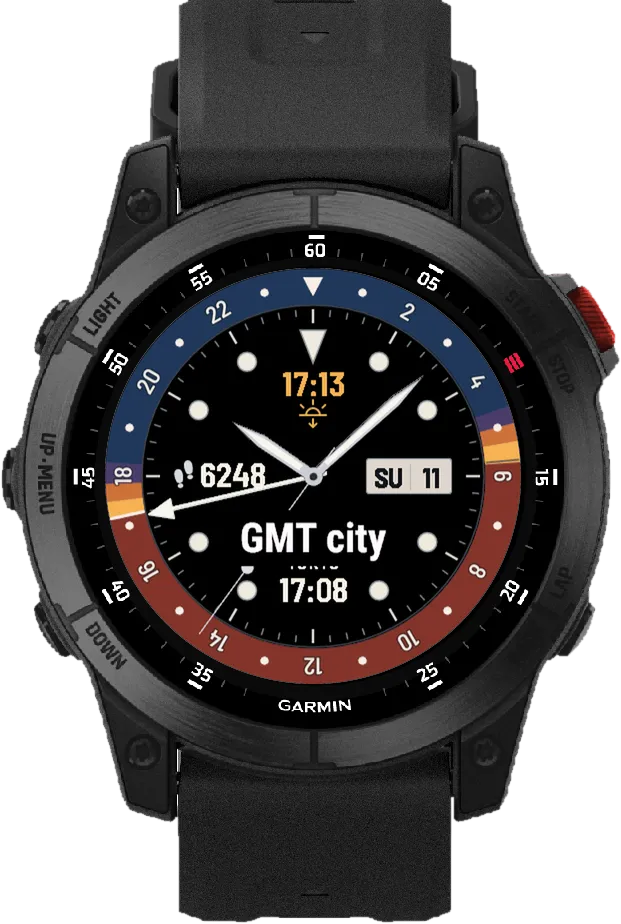
Choose your second time zone.
Choose city
316 places and UTC entries.
Manual UTC
Fixed UTC offset in 15-minute steps, no daylight saving adjustment.
Sun reference
GMT city or local sun; with UTC, local sun or sun off.
Save
Applies your changes, “Discard” keeps everything as it was.
| Feature | FreeNo time limit | Pro$2.99 one-time |
|---|---|---|
| Second time zone | ||
| GMT hand on the 24-hour scale | Included | Included |
| Second time with place name | Included | Included |
| 316 places and UTC entries | Included | Included |
| Manual UTC offset in 15-minute steps | Included | Included |
| Daylight | ||
| Daylight ring for day, twilight and night | Included | Included |
| Choose the sun reference | Included | Included |
| Colors | ||
| Color scheme | Classic | 32 presets |
| Night and day ring colors individually | Not included | 32 shades each |
| Accent color for GMT hand and place | Not included | 13 shades |
| Data | ||
| Four data fields | Fixed layout | Customizable |
| Hide fields, even all four | Not included | Included |
| Settings | ||
| Reduced always-on view | Included | Included |
| Menu in six languages | Included | Included |
Pro has been submitted and will appear in the Connect IQ Store once Garmin approves it.
Connect IQ StorePro · coming soonThe watch face runs on these Garmin watches:
Open the Connect IQ Store app on your phone. If you don’t have it yet, get it free from the App Store or Google Play and sign in with your Garmin account.
Tap the search bar at the very top and type Horizon GMT. Open “GMT Analog - Horizon Free” (free).
Tap the big blue “Install” button. Your watch gets the watch face the next time it syncs with Garmin Connect.
On your Garmin watch, hold the middle left button (UP/MENU) while the watch face is showing. Select “Watch Face”. Scroll to Horizon GMT: with the left up and down buttons or by swiping the screen. Confirm with the top right button (START) or a tap. On Venu, vívoactive and other two-button watches, hold the lower right button, select “Watch Face”, swipe to Horizon GMT and tap it.
Horizon GMT runs on more than 60 Garmin watches with a round AMOLED or MicroLED display, from these series: fēnix, epix, Forerunner, Venu, vívoactive, Instinct (3 AMOLED), quatix, tactix, D2, MARQ (Gen 2), Descent and Approach. You will find every model under “Does it fit your Garmin?” above, with a filter by series. Watches with a MIP display are not supported.
Horizon GMT Free costs nothing and has no time limit: GMT hand, second time with place name, all 316 places and UTC entries, manual UTC offset and your choice of sun reference. Colors and fields are fixed: Classic color scheme, next sun time at the top, steps on the left, GMT at the bottom, date on the right. Pro adds 32 color presets, individual night, day and accent colors and four data fields you can set or hide.
Open the Connect IQ Store app on your phone, tap the search bar at the very top and type Horizon GMT. Open “GMT Analog - Horizon Free” and tap “Install”; for “GMT Analog - Horizon Pro” you buy first, then install. After your watch syncs with Garmin Connect, hold the middle left button (UP/MENU), select “Watch Face” and pick Horizon GMT. The detailed steps are further up this page.
With a city selected, yes: the second time and the GMT hand follow the local time rules Garmin provides for that place, including daylight saving time. A manual UTC offset stays fixed and does not adjust.
You choose under “Sun reference”: your GMT city or your current location. A sun icon with the city name or “LOCAL” shows the reference right on the watch face. UTC does not specify a place, so with UTC you use local sun information or hide the sun display. Local sun times need the location from Garmin weather data.
No. “GMT Analog - Horizon Pro” is a one-time purchase of $2.99 and installs as a separate watch face. Buying it does not change an existing Free installation.
1.1.0 · Oct 7, 2026
Minimal
Large digital time with three colorful goal arcs for steps, intensity minutes and Body Battery. Light or dark.
Big Digital
Big, high-contrast time in the center, a gauge on each side and your step count below.
Retro Digital
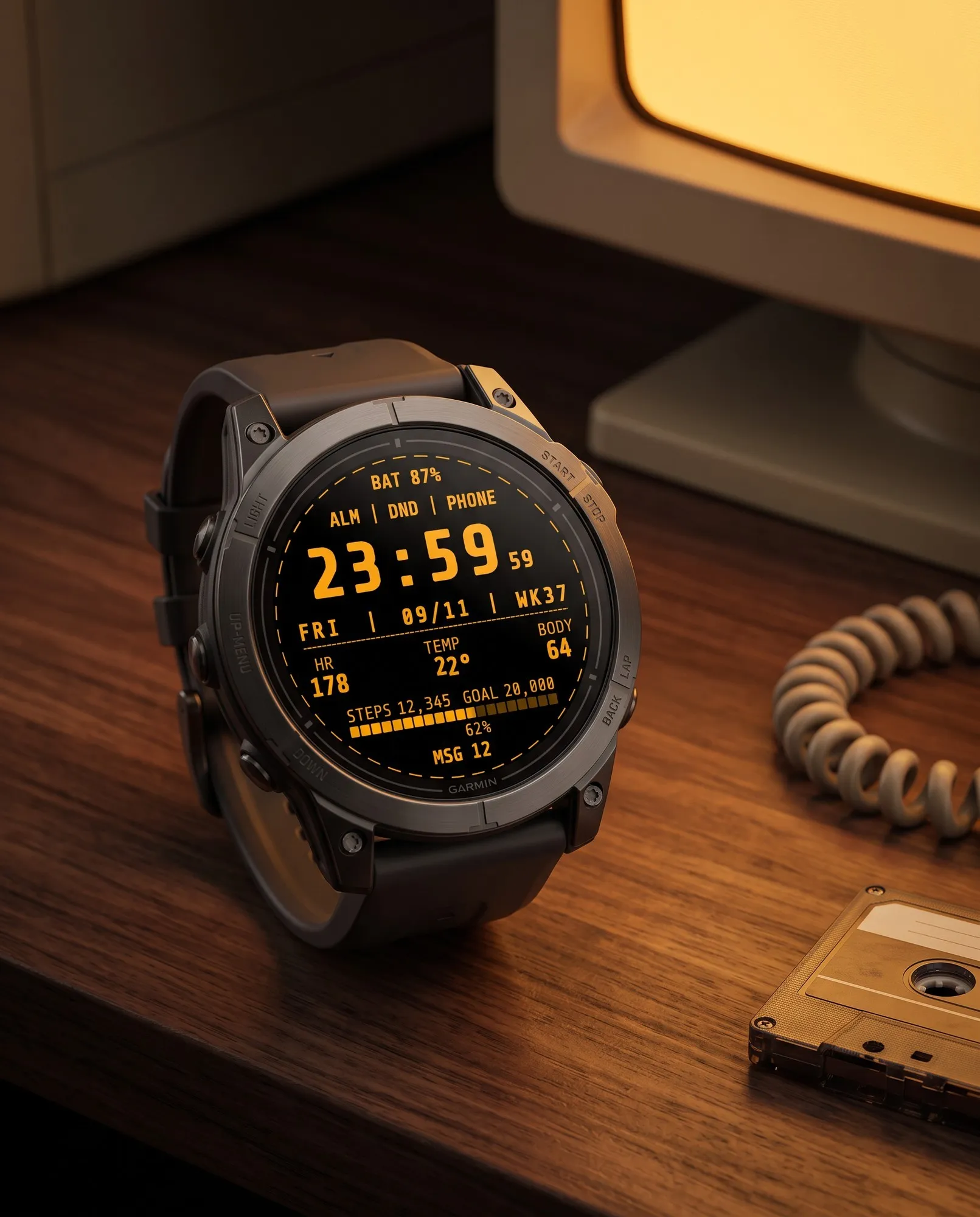
Styled like a computer terminal: bold monospace digits and seconds that blink like a cursor.
Analog
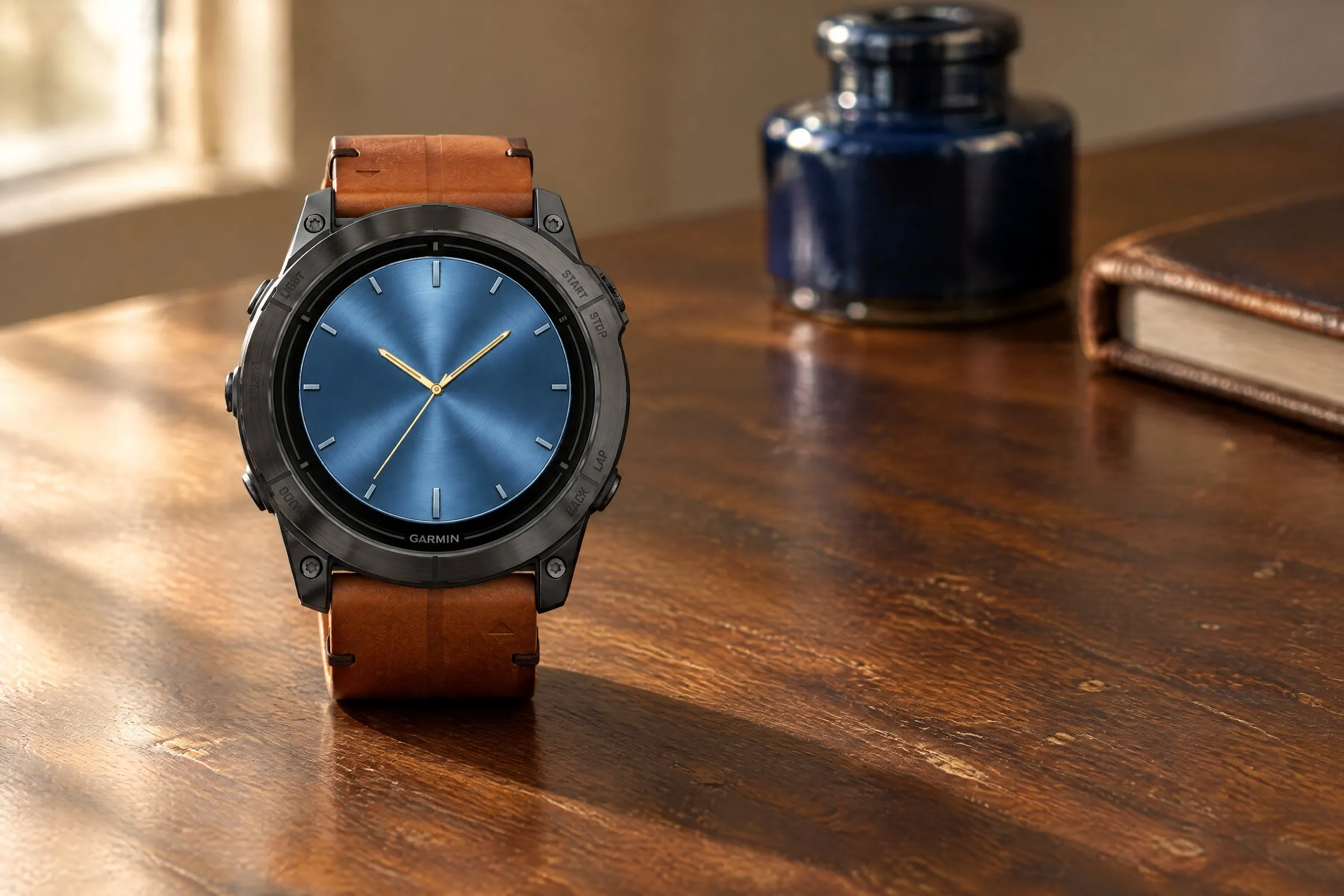
Brushed-metal finish in five colors, bold hands and two small subdials.